



 Global Finds
  Quick Commerce
  Daily Bazar
  Electronics & Appliances
  Mother, Baby & Toys
  Beauty
  Sports
  Automotive
  Stationery, Books & Music
 _20.png) Fashion Luxe
Fashion Luxe  Fashion
 _20.jpeg) Home
Home  Garden & Pet Care
  Special Weekly Offer
  Grocery
  Global Finds
  Quick Commerce
  Daily Bazar
  Electronics & Appliances
  Mother, Baby & Toys
  Beauty
  Sports
  Automotive
  Stationery, Books & Music
 _20.png) Fashion Luxe
Fashion Luxe  Fashion
 _20.jpeg) Home
Home  Garden & Pet Care
  Special Weekly Offer
  Grocery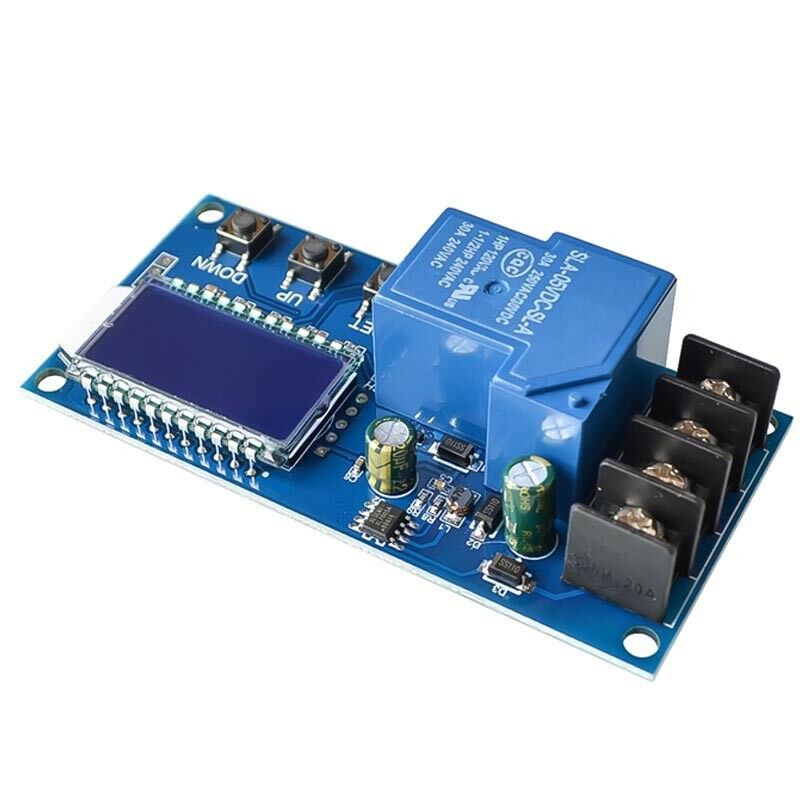
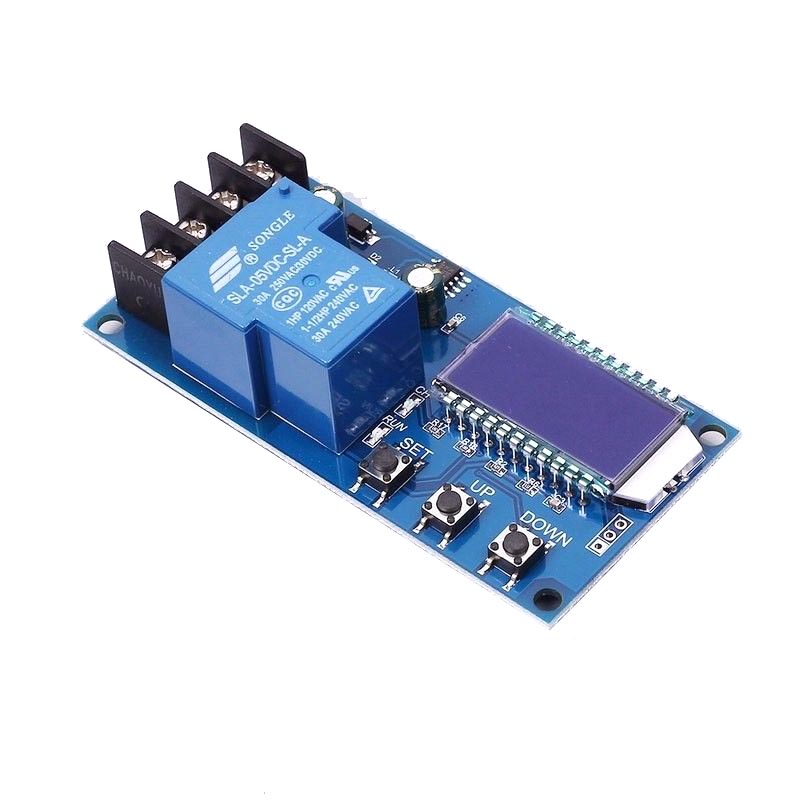
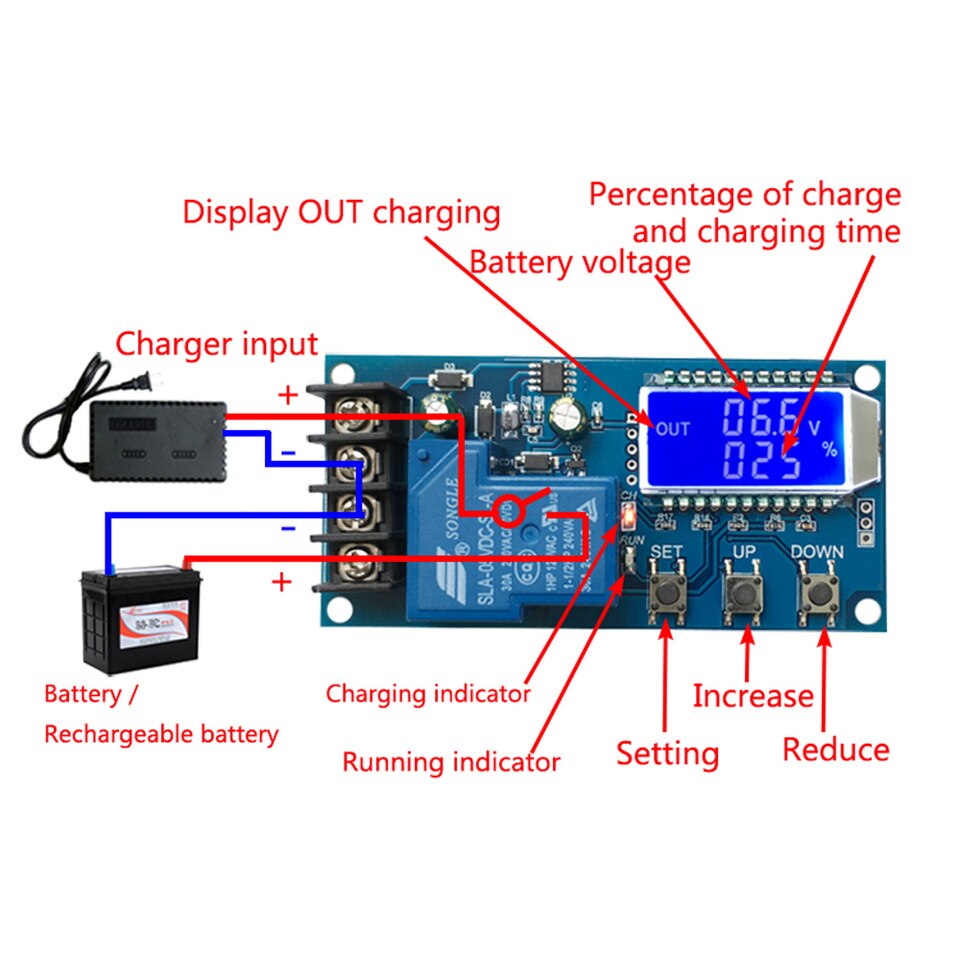
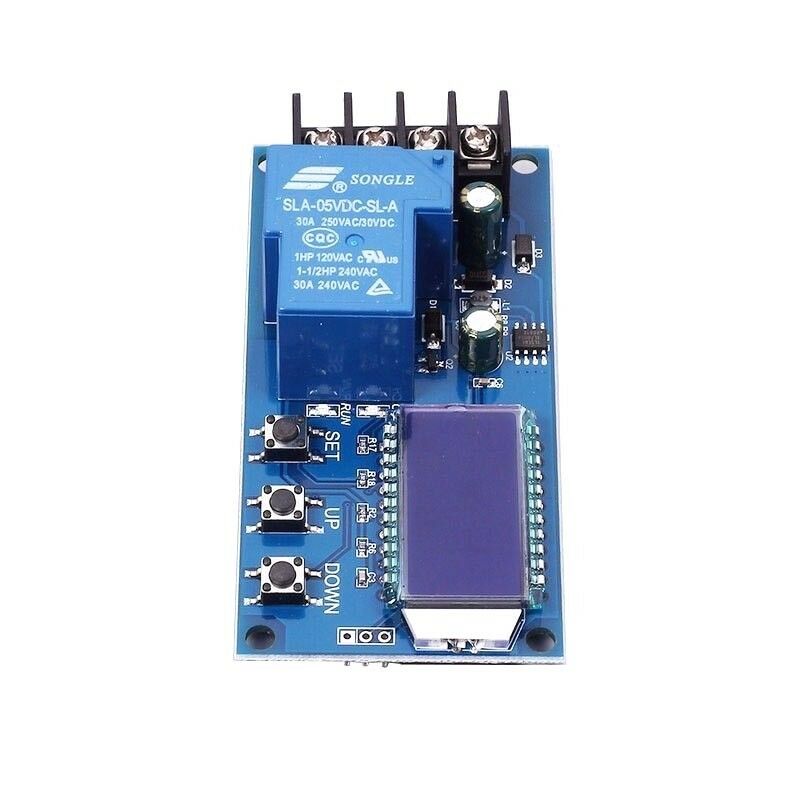
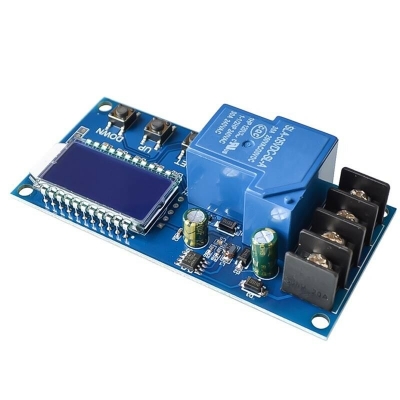
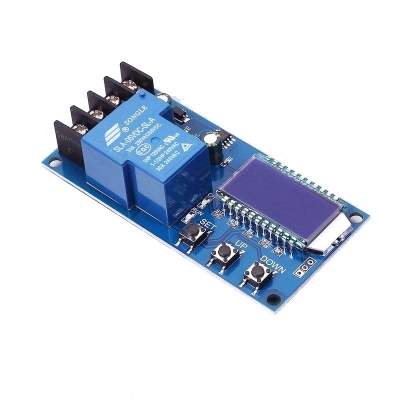
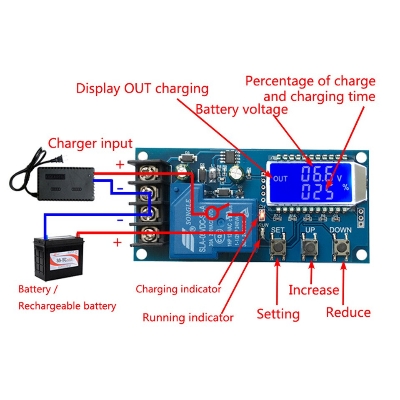
1.Automatic Charge control function:By setting the volt-HI:‘UP' volt-LI:‘dn';When the battery voltage is below
the volt-LI:'dn',the relay leads,the charger begins to charge the
battery;when the battery voltage is up to volt-HI:'UP',the relay is
diconnected and the automatic charge is completed once 2.Charge Time Control Function: How to turn on the time control function? After entering the parameter set, set the parameter op is non-zero, then turn
on the time control function, op default parameter is:--:--h, the
default does not turn on time control function; After the opening Time control function (OP is non-zero), when the battery
voltage is the lower volt-LI'dn', the charger began to charge the
battery, the system began to clock; During the timing, the battery
voltage ≥ volt-HI'UP', relay disconnect; If the OP time is up, the
battery voltage is still the lower volt-LI'dn', the relay keeps the
conduction, automatically closes the charge time control function, and
flashes the H:ER to remind the user, the time parameter setting is
unreasonable; Press any key to stop flashing; Note: Time format: 00:59 (00 for hours, 59 for minutes) The maximum time is 99:59, which is 100 hours.Parameter Setting: a)Press and hold the SET key to enter the setting interface; b)Switch the parameters you want to set by short press SET; c)After the selection of parameters, can be set by the UP/DOWN key to support
the short press, long press (fast increase or decrease); To set other
parameters, repeat step b, c); d)After all parameters are set, long press set key to exit and save; The Key Function Description: In the Run interface (main interface): Short press SET button to display the current set of parameters; Short press
UP button, toggle display charge percentage and charging time; Short Press DOWN button, select Turn on/off relay enabling, if the relay can be closed, will show ' off ' as a reminder; Long press UP button, switch low power state On:No operation in 10 minutes turn off backlight OFF: Backlight is always bright Long press SET button,enter the parameter settings. Calculation of voltage percentage: voltage percentage = battery voltage/(volt-HI - volt-LI) Additional Features: a)Charging time recording function: not open charging time control, the product
will record a full time, when the entry time display interface, flashing
display charging time, and then exit time display interface or next
charge to open (relay conduction) when empty; b)Automatic parameter detection: When the parameters are set, exit, if volt-LI dn≥
volt-HI UP, the system will flash display "ERR" as a reminder; c)Battery Access detection: This product attached to the battery, if not
connected to the battery, the system will be shown in the downlink "NbE"
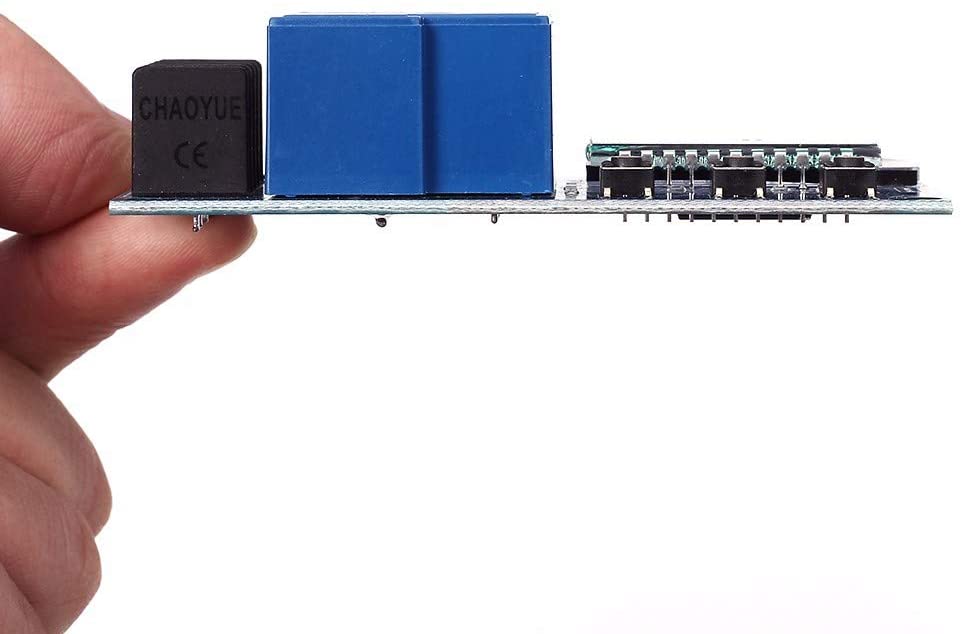
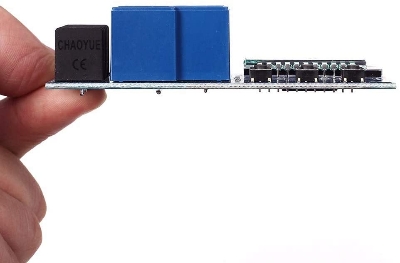
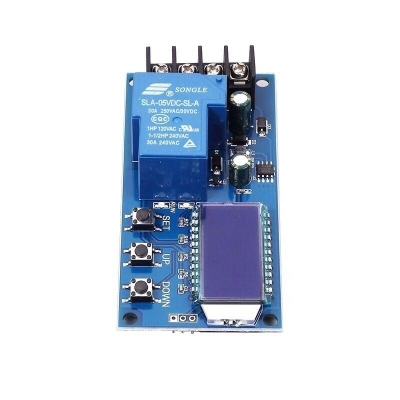
as a reminder Size:9.2x4.5cm/3.62x1.77inch The function is very powerful,realizes the automatic charge control,the
control charge time, also may set up and uploads the corresponding
parameter through the serial port
the volt-LI:'dn',the relay leads,the charger begins to charge the
battery;when the battery voltage is up to volt-HI:'UP',the relay is
diconnected and the automatic charge is completed once
on the time control function, op default parameter is:--:--h, the
default does not turn on time control function;
voltage is the lower volt-LI'dn', the charger began to charge the
battery, the system began to clock; During the timing, the battery
voltage ≥ volt-HI'UP', relay disconnect; If the OP time is up, the
battery voltage is still the lower volt-LI'dn', the relay keeps the
conduction, automatically closes the charge time control function, and
flashes the H:ER to remind the user, the time parameter setting is
unreasonable; Press any key to stop flashing;
the short press, long press (fast increase or decrease); To set other
parameters, repeat step b, c);
UP button, toggle display charge percentage and charging time;
will record a full time, when the entry time display interface, flashing
display charging time, and then exit time display interface or next
charge to open (relay conduction) when empty;
volt-HI UP, the system will flash display "ERR" as a reminder;
connected to the battery, the system will be shown in the downlink "NbE"
as a reminder
control charge time, also may set up and uploads the corresponding
parameter through the serial port

Customer Questions and answers :
Login to ask a question
