




 Global Finds
  Quick Commerce
  Daily Bazar
  Electronics
  Mother, Baby & Toys
  Beauty
  Sports
  Automotive
  Stationery, Books & Music
  Computer Table
  Mouse Pad
  Computer Table
 _20.png) Fashion Luxe
Fashion Luxe  Jersey
  Sports Shoes
  Fashion
 _20.jpeg) Home
Home  Garden & Pet Care
  Special Weekly Offer
  Grocery
  Global Finds
  Quick Commerce
  Daily Bazar
  Electronics
  Mother, Baby & Toys
  Beauty
  Sports
  Automotive
  Stationery, Books & Music
  Computer Table
  Mouse Pad
  Computer Table
 _20.png) Fashion Luxe
Fashion Luxe  Jersey
  Sports Shoes
  Fashion
 _20.jpeg) Home
Home  Garden & Pet Care
  Special Weekly Offer
  Grocery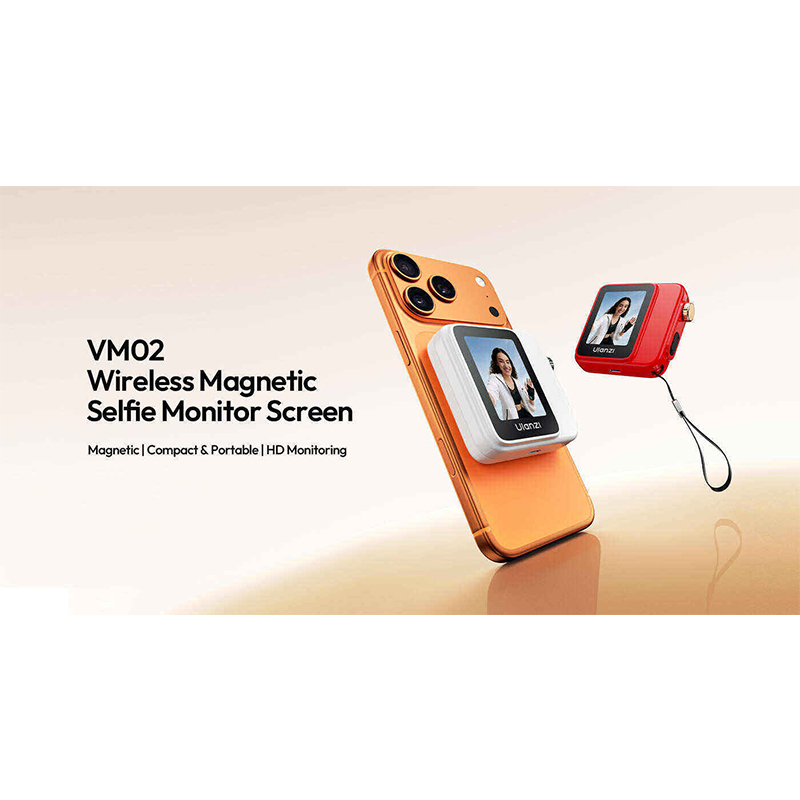
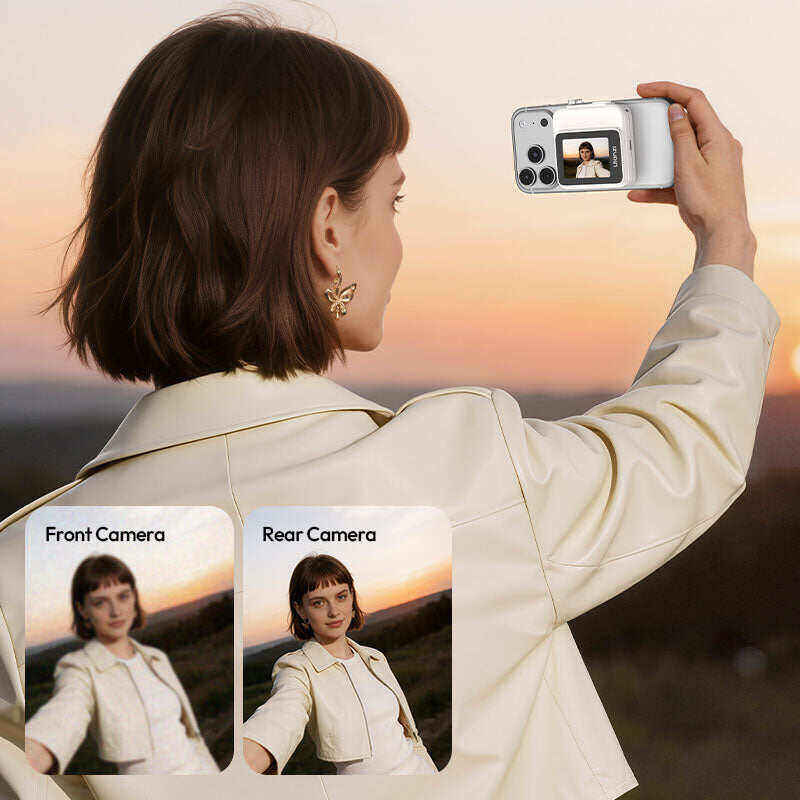
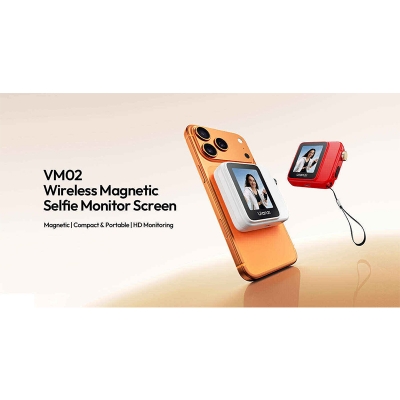
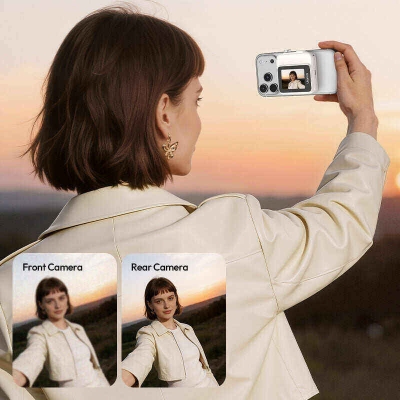
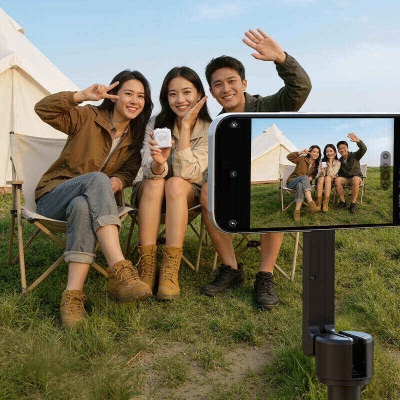
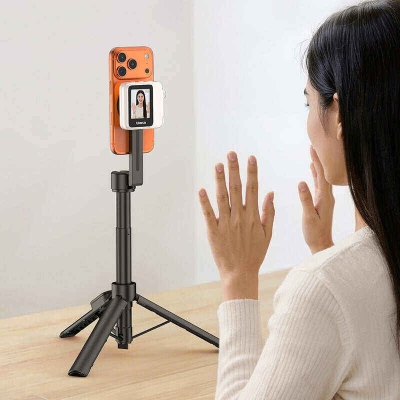
Use Your Rear Camera More Comfortably for Selfies and Vlogs
The Ulanzi VM02 Wireless Magnetic Selfie Monitor Screen helps you frame shots from the back of your phone, so you can see what the rear camera sees while recording, streaming, or shooting solo content. For Bangladeshi buyers who vlog on the move, film product clips, or want better selfie framing, it is a practical add-on rather than another bulky camera accessory.
What makes the VM02 worth considering
- Wireless screen mirroring lets you preview the rear camera view in real time.
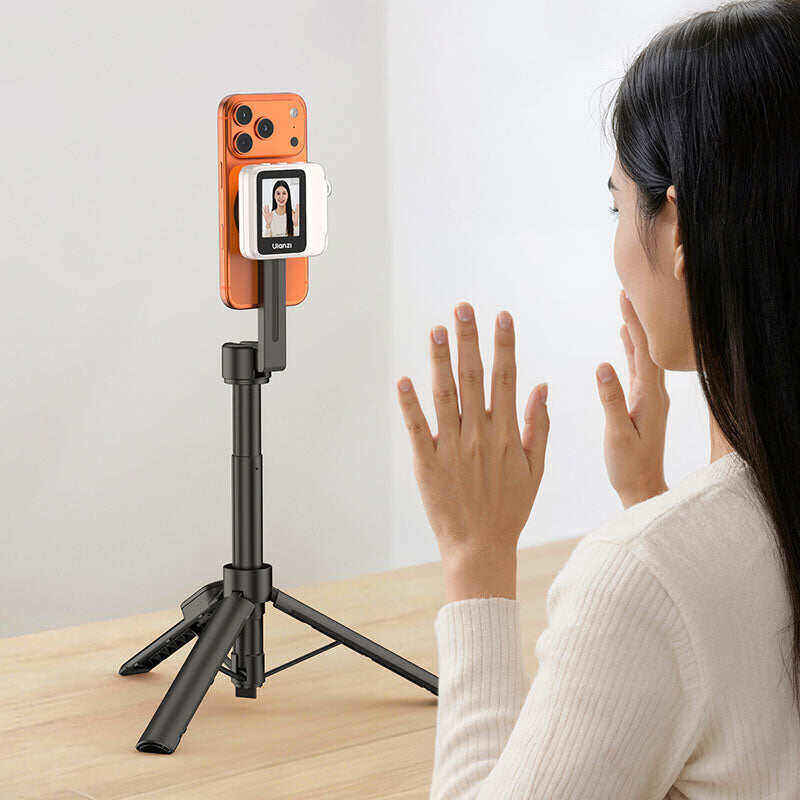
- Magnetic snap-on design makes setup quicker when you are switching between locations.
- 2.0-inch TFT display gives a compact viewing screen for framing and composition.
- Built-in 1000mAh battery supports roughly 2.5 hours of continuous mirroring.
- USB Type-C charging keeps everyday top-ups simple.
- BLE 5.2 and 5G wireless support are listed on the official specs for pairing and transmission.
Who should buy this monitor
This is a good fit if you create phone videos, talk to camera, do short-form content, or often use the rear lens for better image quality. It can also suit buyers who want a portable monitor for travel shoots, campus content, office demos, or day-to-day social media filming. If you mainly need a phone case or a tripod, this is not that kind of accessory.


See Clearly, Capture Your Best
See your shot in HD monitoring—unleash rear‑camera quality and frame every self‑portrait with confidence.

Remote Focus Control, Frame It Perfectly
Turn the knob to fine‑tune focus from a distance—craft your perfect frame with total control.
Note: For focus adjustment on iOS, enable the Zoom function by going to Settings > Accessibility > Zoom. If the screen zooms in, double tap the screen to reset.

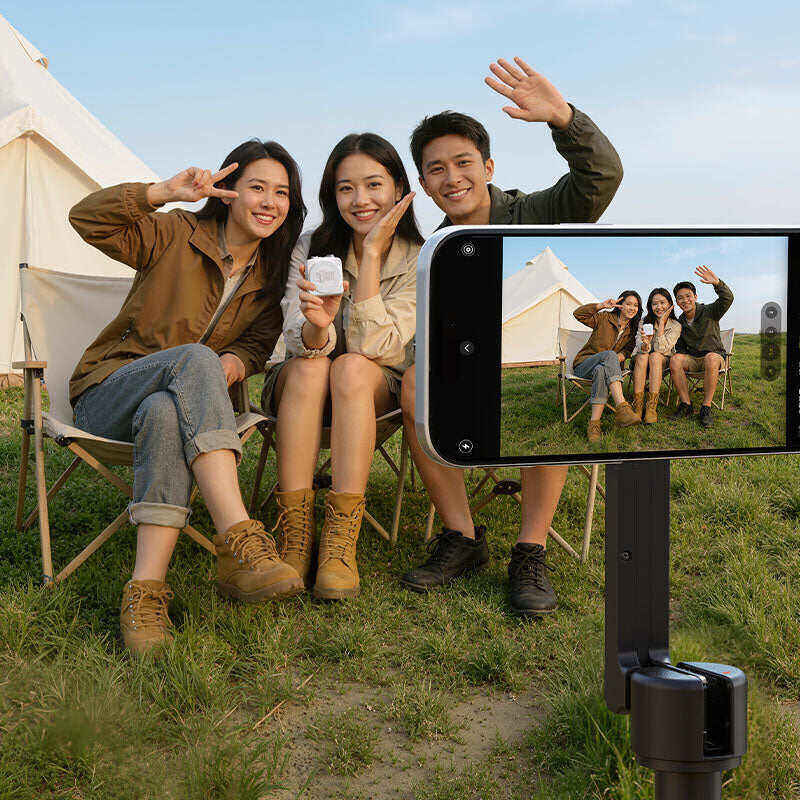
0.5x rear ultra
wide angle: capture both people and scenery in one better-looking shot

High-Speed Transfer, Zero-Lag Display
Control your shot wirelessly, frame effortlessly, and capture perfect selfies.
*For optimal performance, use within 10m. In open areas, range extends up to 20m.


Snap On, Shoot Instantly
Strong MagSafe compatibility ensures a one-second setup, ready to capture moments anywhere, anytime.

Brightness, Mirror, Ratio: Total Creative Control
Fine-tune brightness, mirror, and ratio with a single tap.

Lasts Longer, Shoots More
A 1000mAh polymer battery delivers up to 2.5 hours of continuous power, so your creativity never runs out.

Scratch‑Resistant Protection
A sleek, compact build with a UV‑coated finish — stylish and worry‑free.


More ways to shoot, everywhere you go
VM02 Compatibility List
iOS
Fully compatible with iPhone 12–17 series (including mini / Plus / Pro / Pro Max / Air)
Android
Xiaomi
Xiaomi 14 / 14 Pro / 17
Redmi
K50 / K60 / K70, Note 11 Pro, Turbo 12
Samsung
S Series: S10+ / S20 / S24
Note Series: Note 9 / Note 20
HUAWEI
nova Series: 4 / 5 / 6 / 7 / 12
Mate Series: Mate 30 Pro / Mate 60 Pro
P Series: P40 Pro+ / P50
OPPO
OPPO K7x / OPPO X5 Pro
Other Brands
OnePlus Ace 2, vivo X100s


Specifications
Brand: Ulanzi
Model: VM02
Material: Plastic (ABS+PC), Aluminum Alloy, Silicone, Magnets
Dimensions: 72*68*12mm / 2.83*2.68*0.47in
Weight: Approx. 88g / 3.1oz
Screen Display: 2.0" TFT; Resolution: 480*640 RGB
Battery Type/Capacity: 3.7V/1000mAh Polymer Lithium Battery (3.7Wh)
Charging Port: Type-C, 5V 2A
Runtime: Approx. 2.5 hours (Continuous Screen Mirroring)
Toal Power Consumption 1.3A (Charging); 0.5A (Not Charging)
Standby Power: 180uA
WiFi Transmission Range: ≥40m; Frequency: Supports 5G
Bluetooth Transmission Range: ≥10m (Up to 20m in Open Areas); Protocol: BLE 5.2
Screen Mirroring Method
iOS
1. Connect to Wi‑Fi
SSID: Ulanzi SelfiePod; Password: 12345678
2. Pair via Bluetooth
Pairing Name: Ulanzi SelfiePod
3. Enable Screen Mirroring
Select "Ulanzi SelfiePod" from the available devices list.
Android / HarmonyOS
1. Connect to Wi‑Fi
SSID: Ulanzi SelfiePod
2. Pair via Bluetooth
Pairing Name: Ulanzi SelfiePod
3. Enable Screen Casting
Select "Ulanzi SelfiePod" from the available devices list.
Packing List
SelfiePod *1
Lanyard *1
Storage Pouch *1
Magnetic Adapter Ring *1
Charging Cable *1
User Manual *1

Login to ask a question
