




 Daily Bazar
  Electronics
  Mother, Baby & Toys
  Beauty
  Sports
  Automotive
  Stationery, Books & Music
  Fashion
 _20.jpeg) Home
Home  Garden & Pet Care
  Grocery
  Daily Bazar
  Electronics
  Mother, Baby & Toys
  Beauty
  Sports
  Automotive
  Stationery, Books & Music
  Fashion
 _20.jpeg) Home
Home  Garden & Pet Care
  Grocery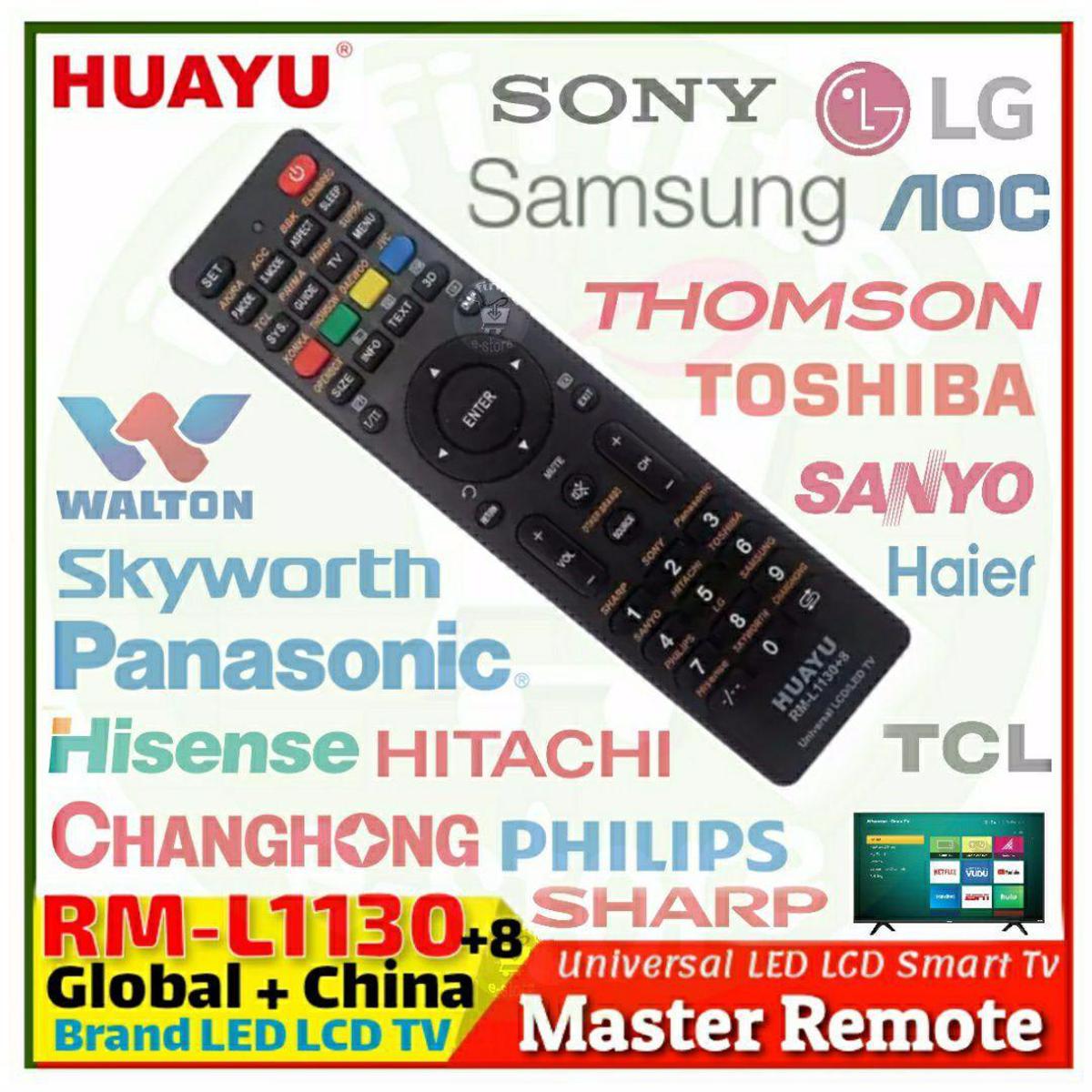
Huayu / StarRM-L1130+8 Universal TV Remote ControlExpress Brand Set Up: 1.0:1. Manually Turn on the TV. Point the remote to the TV.2. For Sharp TV, keep Pressing "1" Button. Release button immediately when "Volume' Symbol Appears3. For Sony TV, keep Pressing "2" Button. Release button immediately when "Volume' Symbol Appears4. For Panasonic TV, keep Pressing "3" Button. Release button immediately when "Volume' Symbol Appears5. For Sanyo TV, keep Pressing "4" Button. Release button immediately when "Volume' Symbol Appears6. For Hitachi TV, keep Pressing "5" Button. Release button immediately when "Volume' Symbol Appears7. For Toshiba TV, keep Pressing "6" Button. Release button immediately when "Volume' Symbol Appears8. For Philips TV, keep Pressing "7" Button. Release button immediately when "Volume' Symbol Appears9. For LG TV, keep Pressing "8" Button. Release button immediately when "Volume' Symbol Appears10. For Samsung TV, keep Pressing "9" Button. Release button immediately when "Volume' Symbol Appears11. For Hisense TV, keep Pressing "-/--" Button. Release button immediately when "Volume' Symbol Appears12. For Skyworth TV, keep Pressing "0" Button. Release button immediately when "Volume' Symbol Appears13. For Changhong TV, keep Pressing "Back Symbol" Button. Release button immediately when "Volume' Symbol Appears14. For TCL TV, keep Pressing "SYS" Button. Release button immediately when "Volume' Symbol Appears15. For Haier TV, keep Pressing "TV" Button. Release button immediately when "Volume' Symbol Appears16. For Konka TV, keep Pressing "RED" Button. Release button immediately when "Volume' Symbol Appears17. For JVC TV, keep Pressing "BLUE" Button. Release button immediately when "Volume' Symbol Appears2.0:For other TV brands, set up is by Auto searching.2.1: Manually Turn on TV. Point the remote to the TV.2.2: Keep pressing the "SOURCE" button. Release button when the "Volume Symbol" appears on TV.Compatible Brand: SHARP SONY PANASONIC SANYO HITACHI TOSHIBA PHILIPS LG SAMSUNG HISENSE SKYWORTH CHANGHONG SUPRA PRIMA HAIER TCL OPENBOX KONKA THOMSON DAEWOO JVC AKIRA AOC BBK ELENBREG other brandsFeature:
| Name | RM-L1130+8 | ||
| Brand | HUAYU | ||
| Function | Universal LCD/LED/HD TV Remote Control | ||
| Material | New ABS | ||
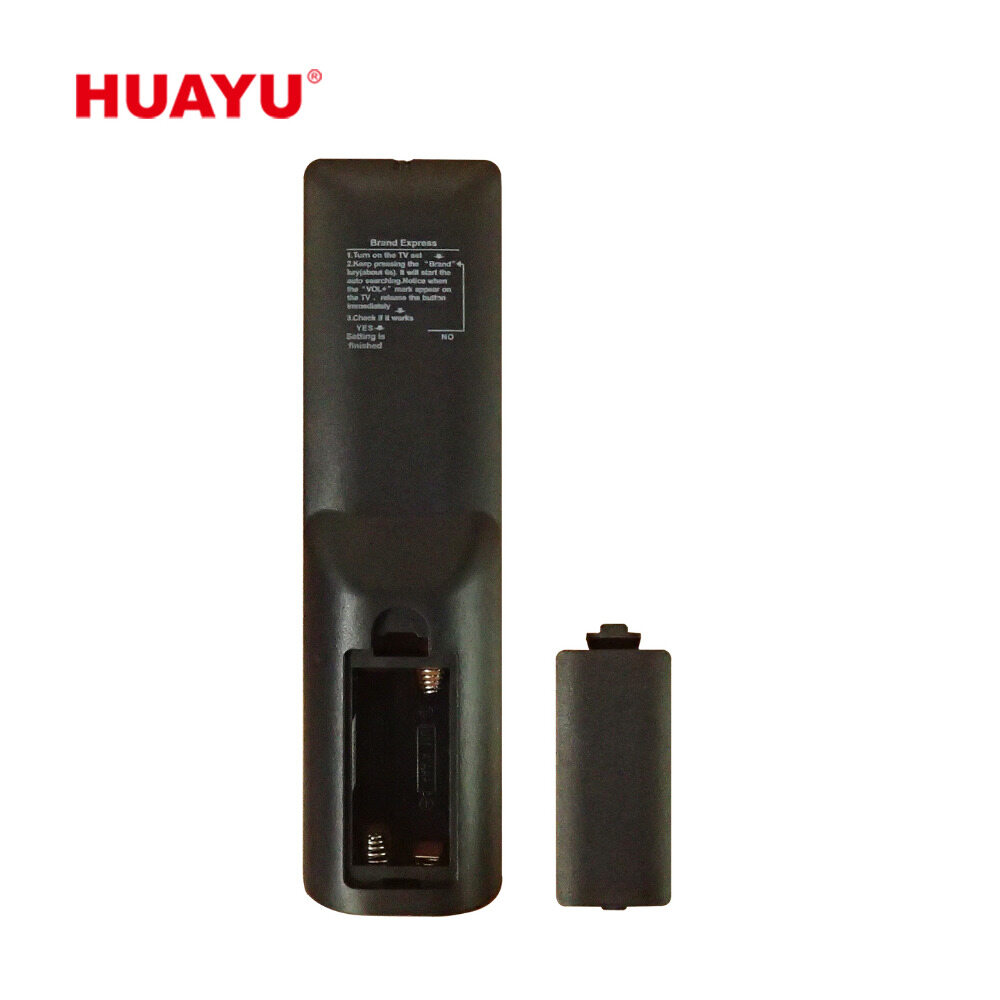
| Battery | 2*AAA | ||
| Certifications | FCC CE ROHS | ||
| Voltage | DC 3V | ||
| Remote Dimension | LMM*W44.80MM*D20.50MM | ||
| Remote Weight | ApproX80g(without batteries) | ||
| Remote Distance | At about 10 metes long distance remote | ||
| Package | Inner | Plastic Box for Single Remote | |
| Outer | Carton Box for per CTN | ||
| Gross Weihgt | |||
| Quantity(Carton) | 50pcs/ctn |
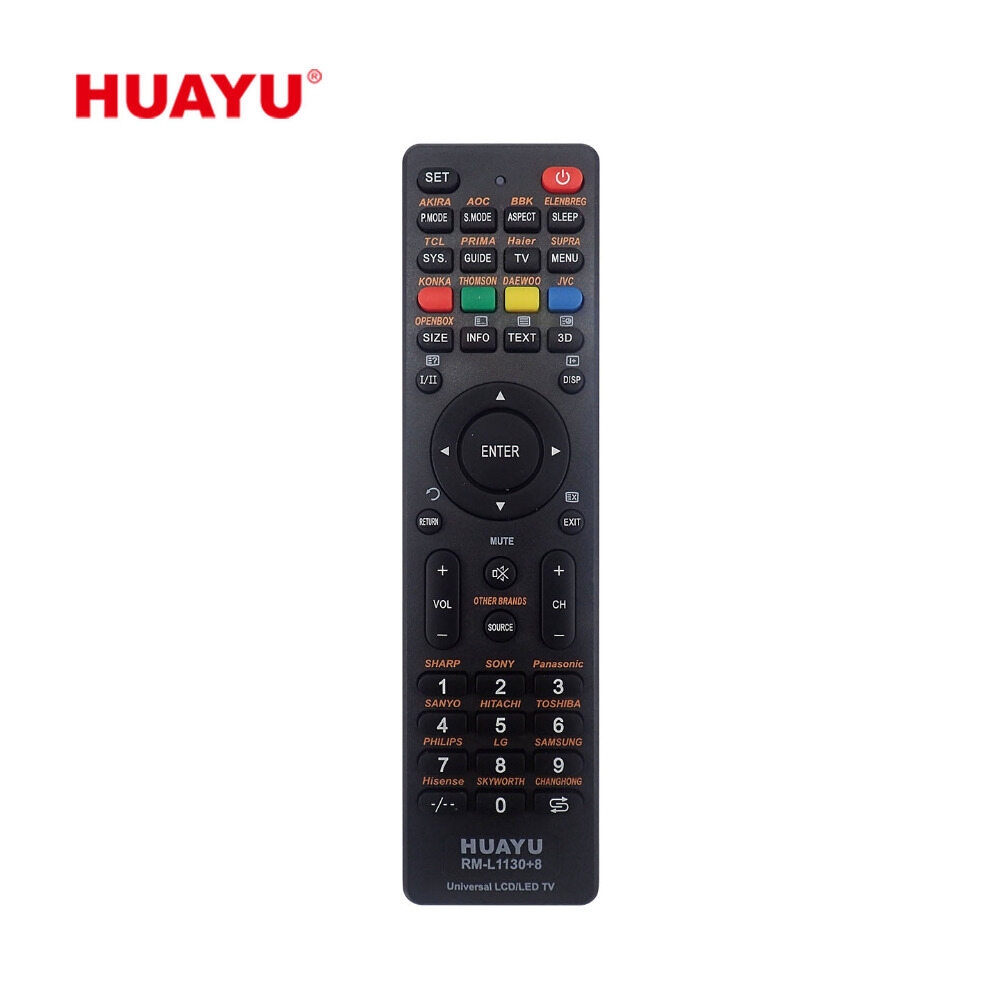
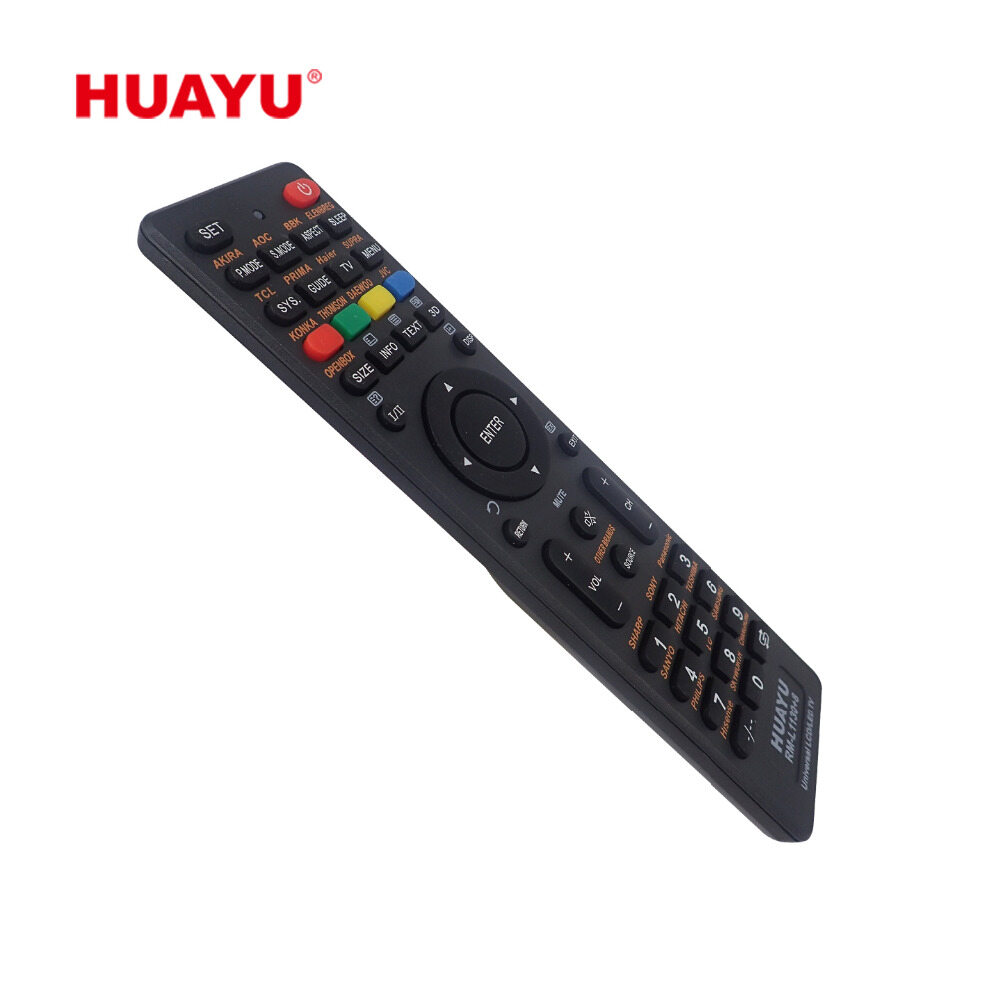
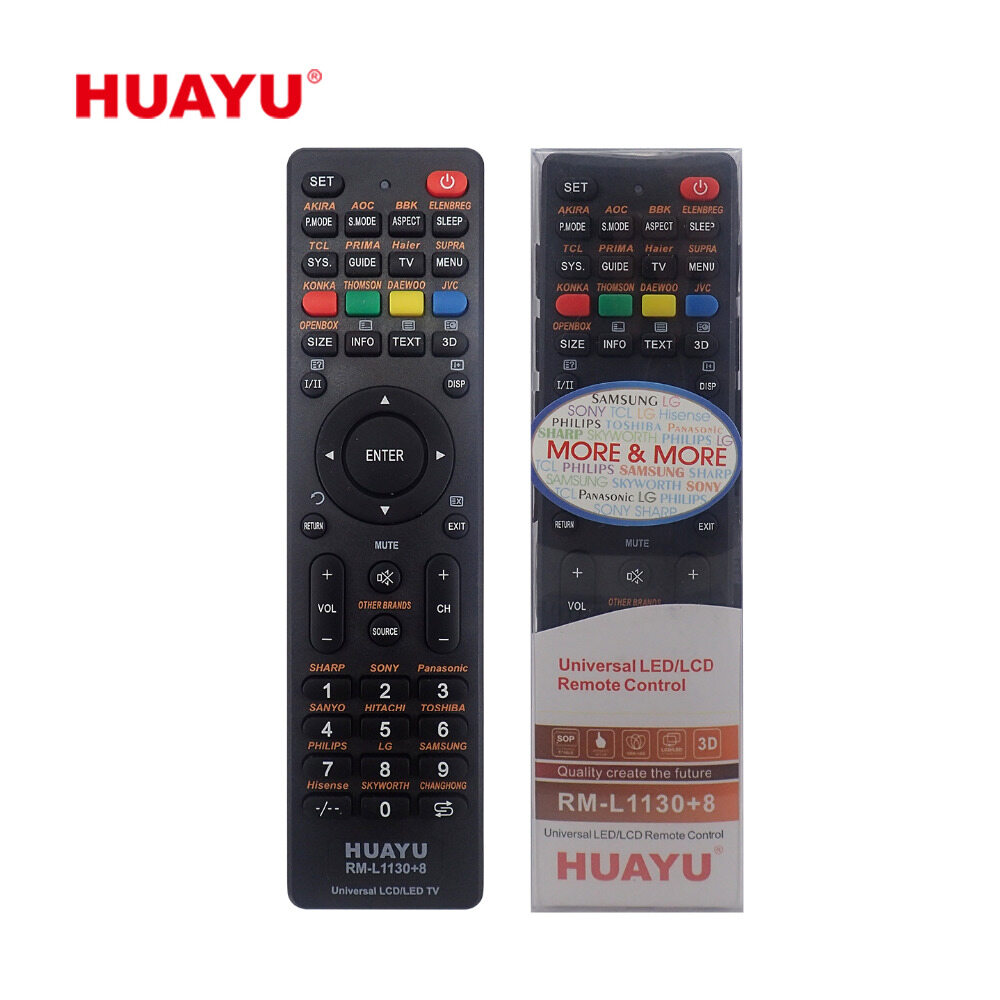
- Compatible Brand: SHARP SONY PANASONIC SANYO HITACHI TOSHIBA PHILIPS LG SAMSUNG HISENSE SKYWORTH CHANGHONG SUPRA PRIMA HAIER TCL OPENBOX THOMSON DAEWOO JVC AKIRA AOC BBK ELENBREG other brands
- প্রথমত Huayu RM-L1130+8 ই সরবরাহ করা হবে তবে মার্কেটে স্টক Available না থাকলে STAR RM-L1130+8 সরবরাহ করা হতে পারে সেক্ষেত্রে TV Brand List, Remote Button, Dimension, Blister Box, Power Comsumption, Color, Signal Strength রেঞ্জ সেম থাকবে
- Application All Smart, Non Smart LED LCD TV's
- Model : HUAYU / STAR RM-L1130+8
- Setup: Please See Desctiptions
- Characteristics: Easy Setup,Convenient Use
- Product Size: 175.5X45X20.5mm
- Battery : 2 x AAA ( Not Include )
- Packaging : Style Blister Box

Login to ask a question
