




 Global Finds
  Quick Commerce
  Daily Bazar
  Electronics & Appliances
  Mother, Baby & Toys
  Beauty
  Sports
  Automotive
  Stationery, Books & Music
 _20.png) Fashion Luxe
Fashion Luxe  Jersey
  Sports Shoes
  Fashion
 _20.jpeg) Home
Home  Garden & Pet Care
  Special Weekly Offer
  Grocery
  Global Finds
  Quick Commerce
  Daily Bazar
  Electronics & Appliances
  Mother, Baby & Toys
  Beauty
  Sports
  Automotive
  Stationery, Books & Music
 _20.png) Fashion Luxe
Fashion Luxe  Jersey
  Sports Shoes
  Fashion
 _20.jpeg) Home
Home  Garden & Pet Care
  Special Weekly Offer
  Grocery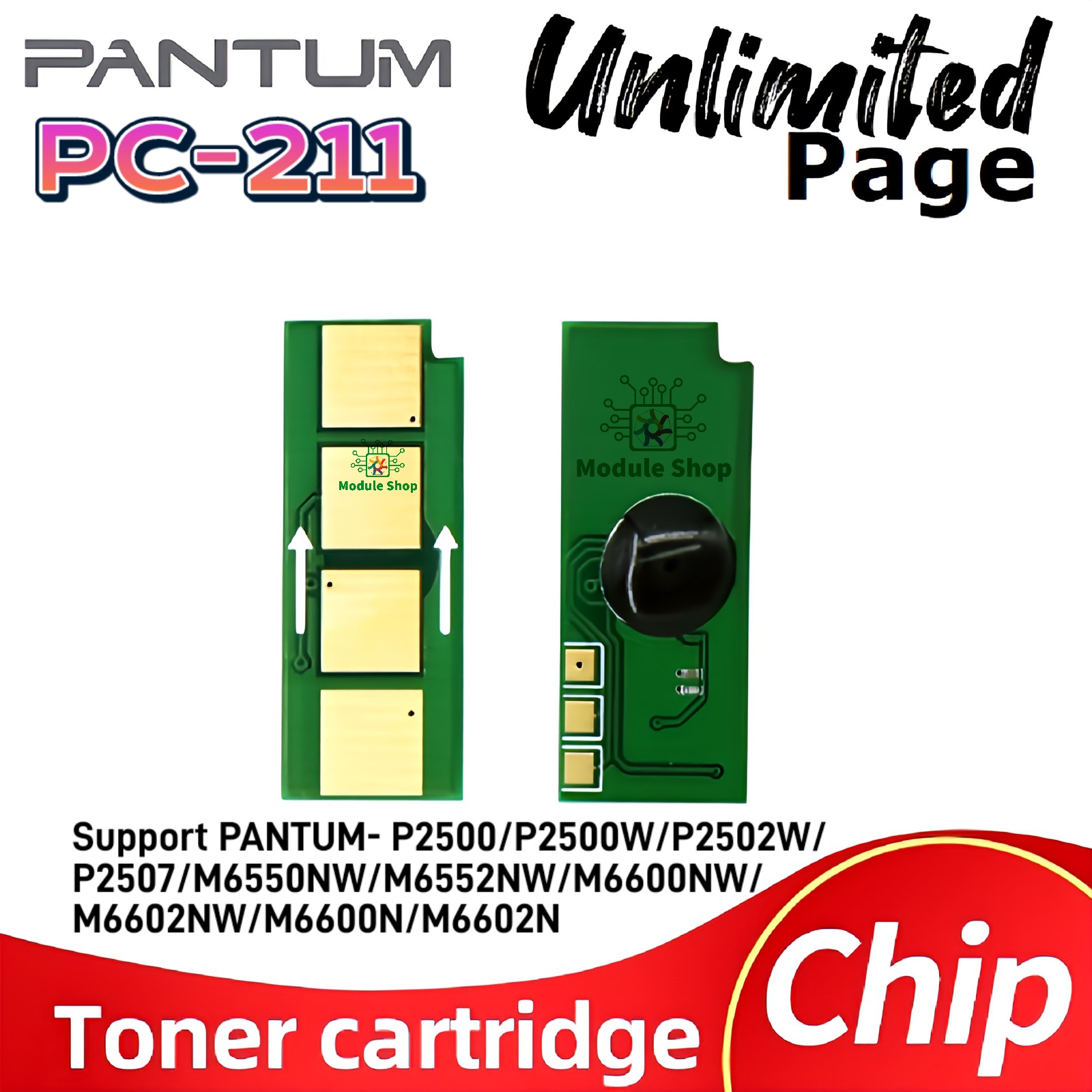
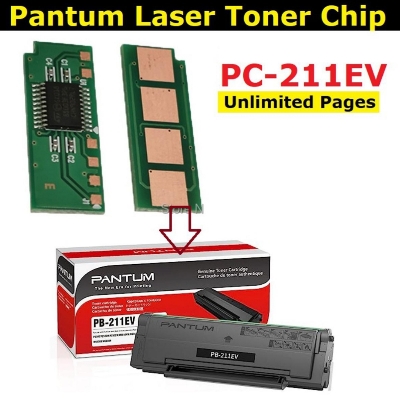
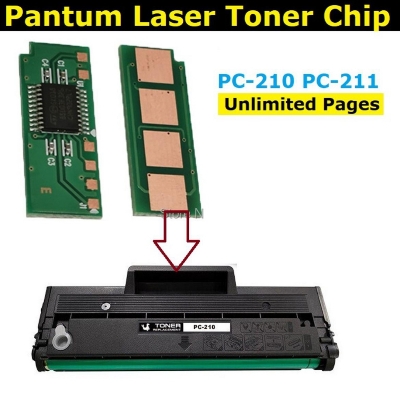
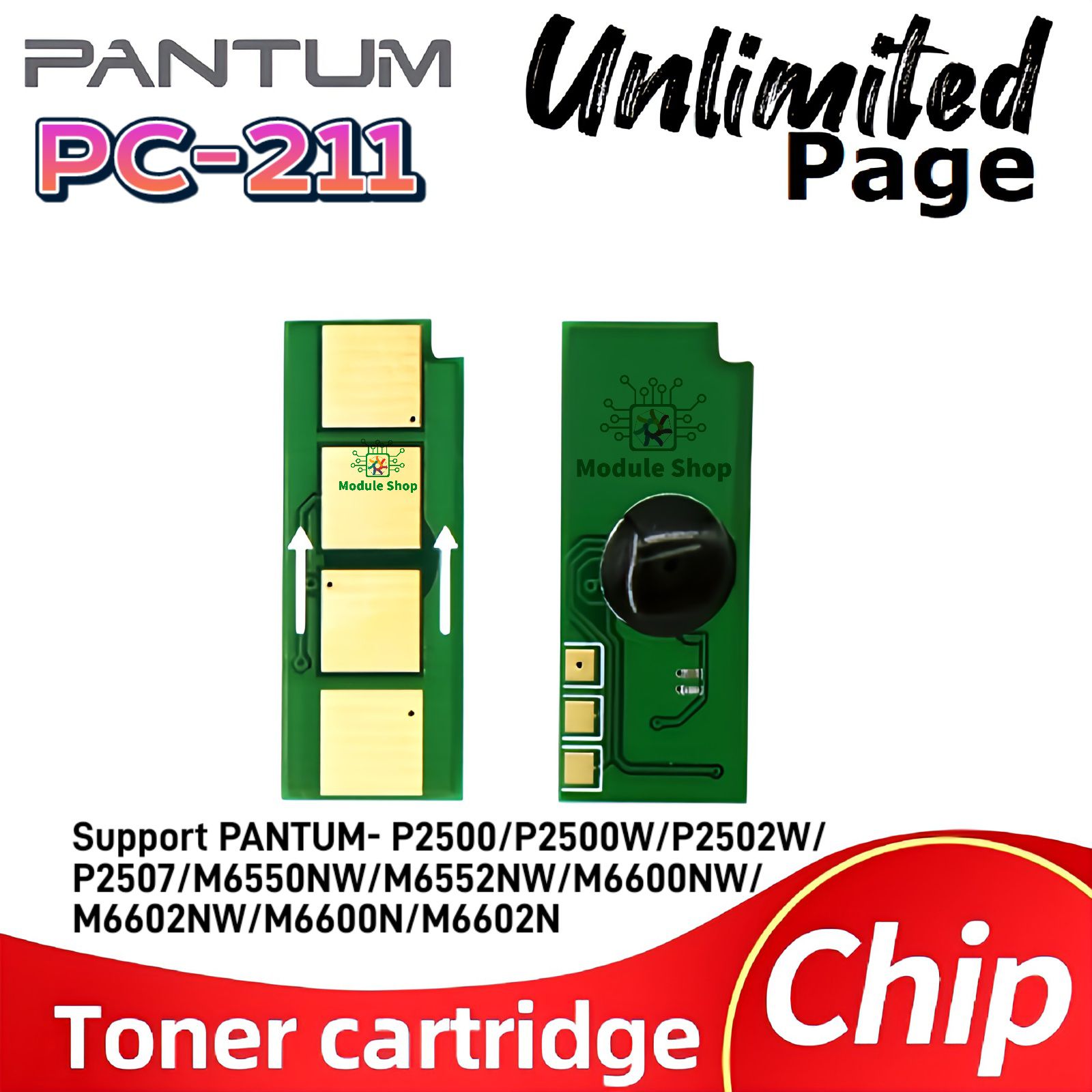
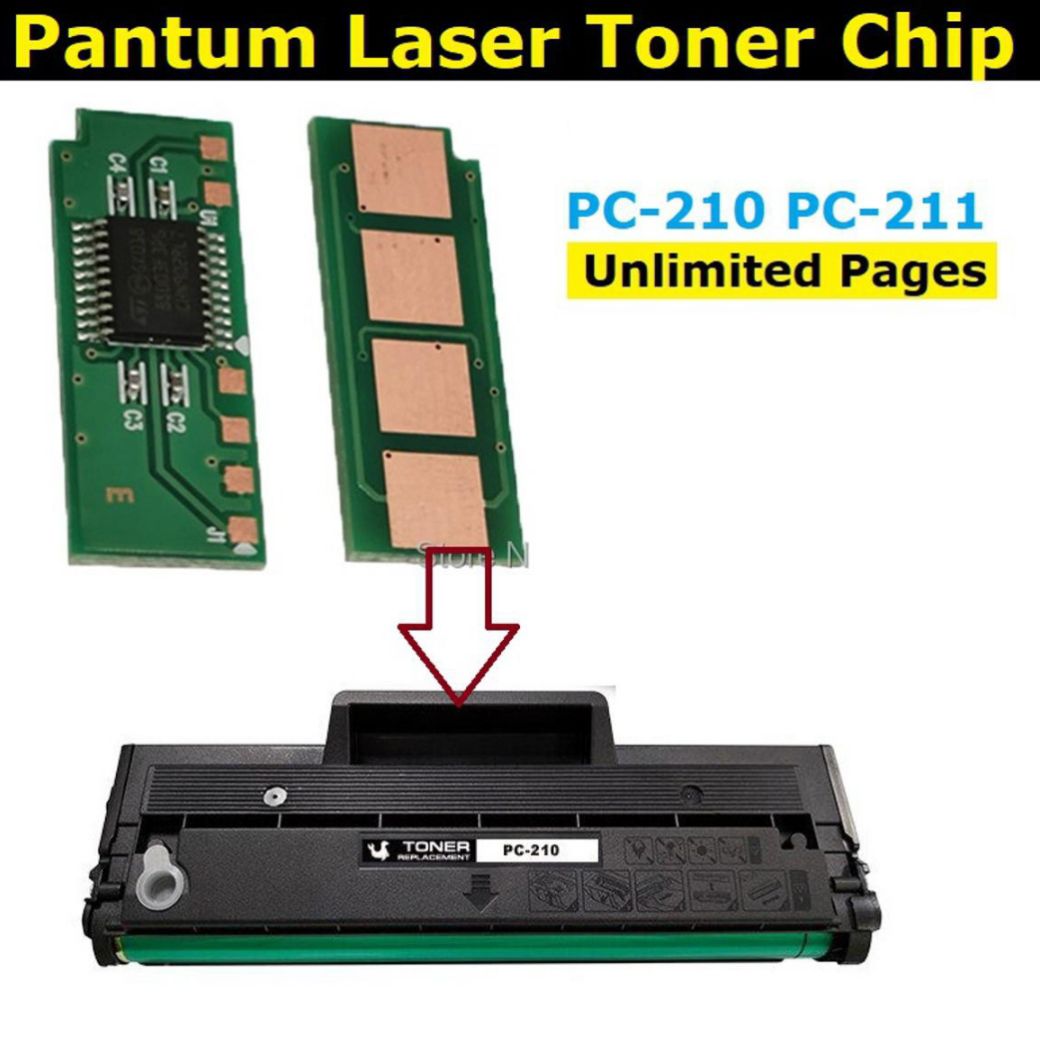
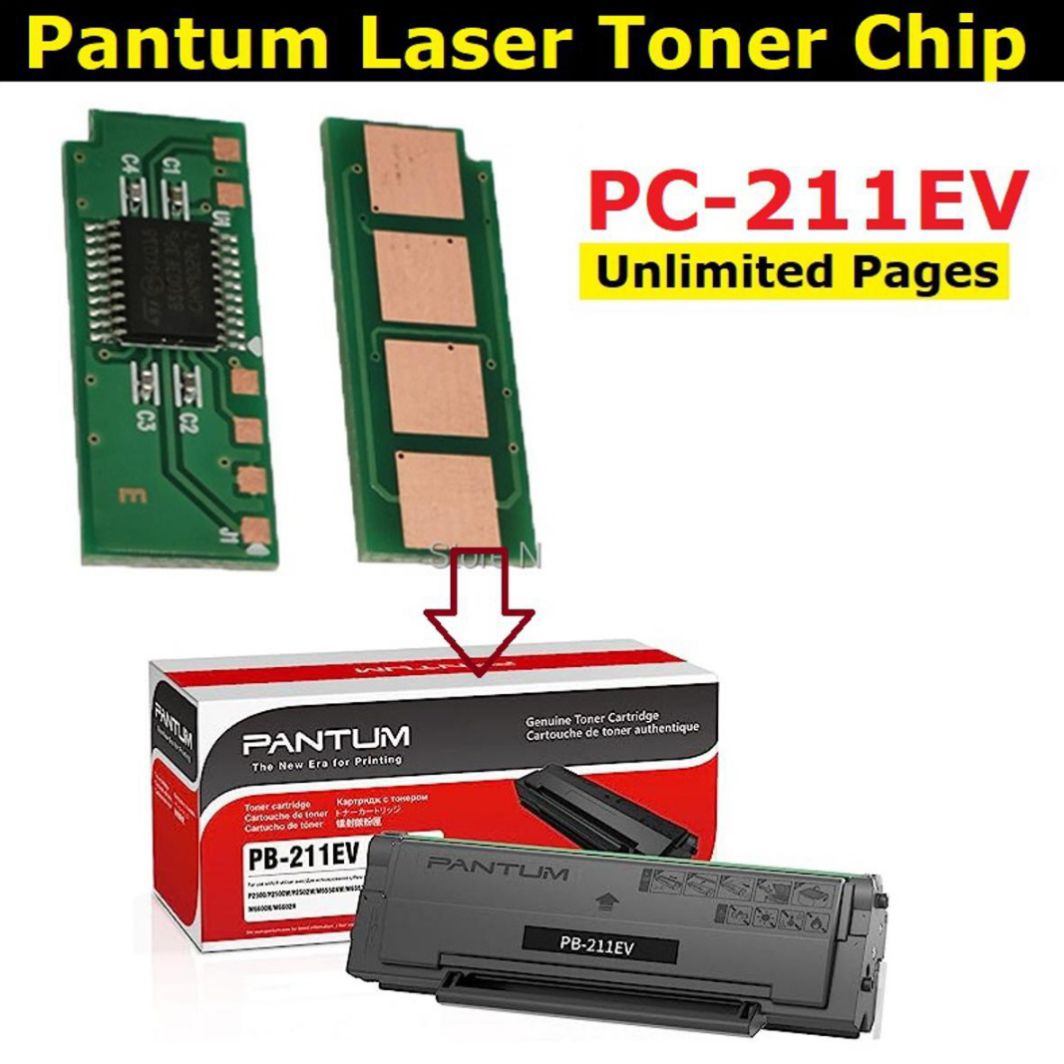
- PA210/PA211 Used for: P2500/P2505/2550/M6500/M6600/6550/6505/6200
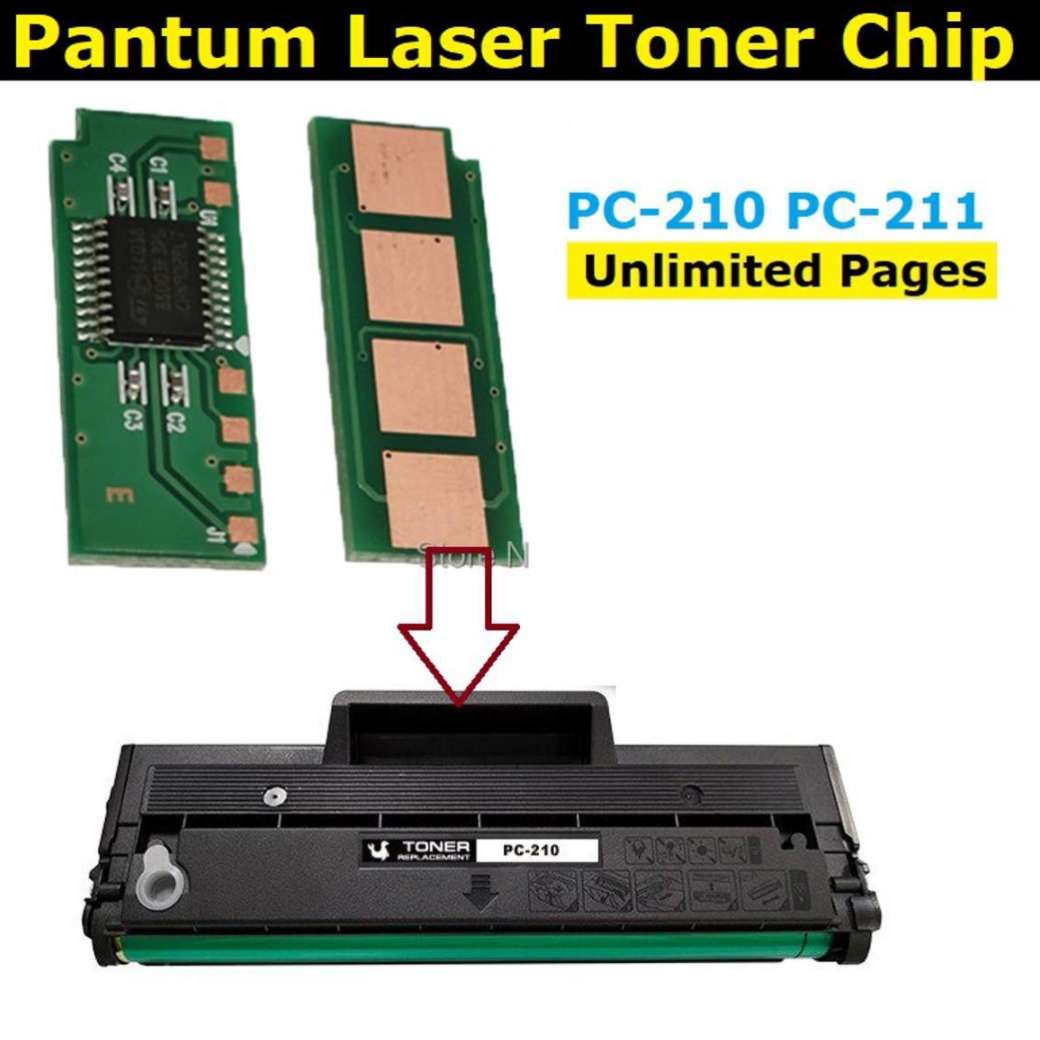
- PC-210/211/210E/211E/211EV/211RB Used for:P2200/P2500/P2505/2550/M6500/M6600/6550/6505/6200
- PC-210/211/210E/211E/211EV/211RB Used for:P2200/P2500/P2505/2550/M6500/M6600/6550/6505/6200
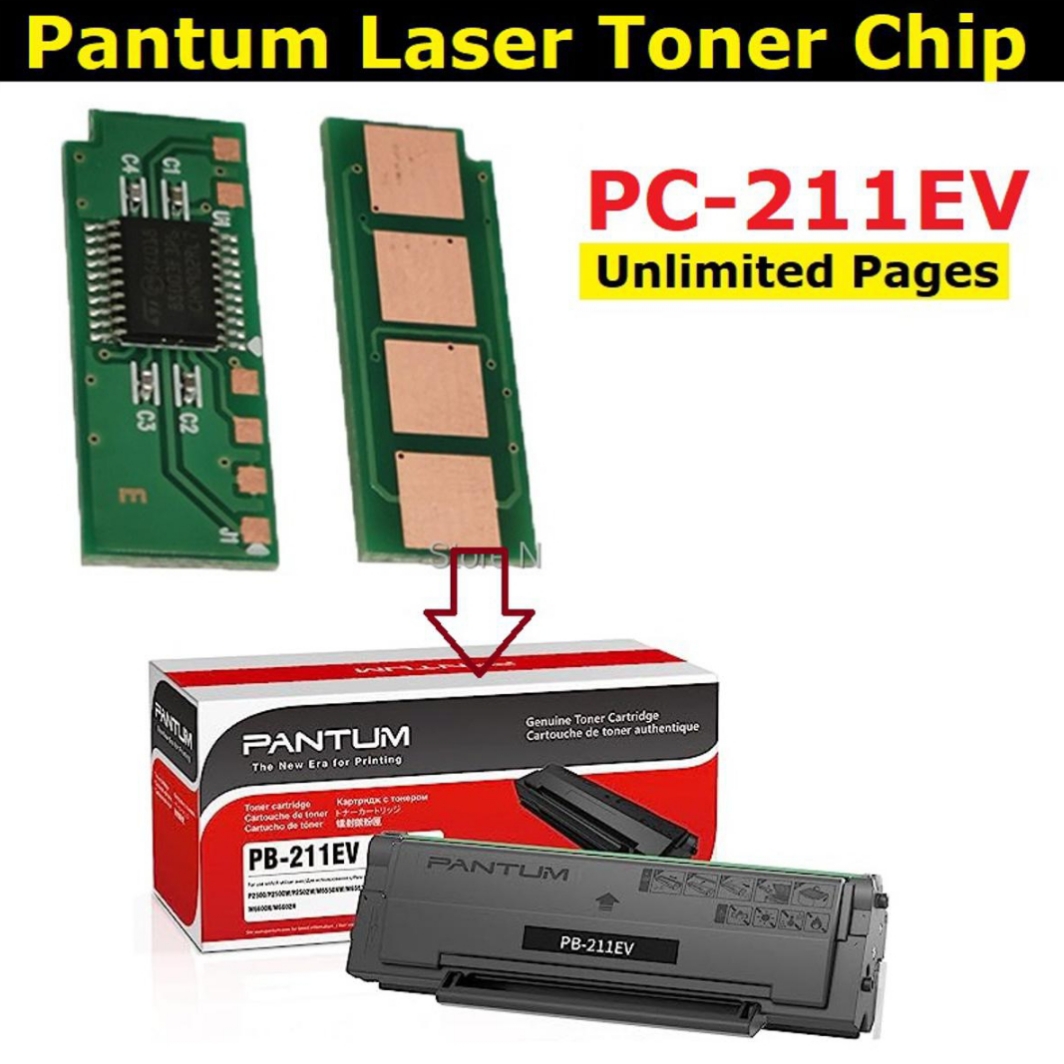
- PB-211/211EV/210/210S Used for:P2500W/P2502W/M6550NW/M6600NW/M6552NW/M6602NW
- PE-216 Used for: P2506/M2506/M6556/M6606/M6506
- PC-216 Used for:P2506/M2506
- PC-212EV Used for: P2200, Pantum P2207, Pantum P2500, Pantum P2507, Pantum P2500W, Pantum M6500,
- Pantum M6550, Pantum M6607
- PG-217 Used for: P2200, P2200W, M6507, M6507NW, M6607NW
- Chip installation and considerations :
- 1. Take out the cartridge or toner cartridge that needs to be replaced.
- 2. Close the machine cover and let the machine turn. Let the machine prompt that there is no toner cartridge. Do not shut down the machine.
- 3. Clean the toner drum or cartridge and fill it with powder (note: no toner or toner quantity Too little will burn the chip)
- 4. Remove the old chip and install the new chip.
- 5. Put it into the machine and use it normally after it is ready.
- PC-211 PC-211EV Printer Cartige Chip
- Chip page yield: Unlimited / Permanent
- Supported Printer Model For PANTUM P2200/P2500W/P2500/M6500/M6500N/M6500NW/M6500NWE/M6550/M6550N/M6550NW/M6600/M6600N/M6600NW
- Chip installation and considerations :1. Take out the cartridge or toner cartridge that needs to be replaced.2. Close the machine cover and let the machine turn. Let the machine prompt that there is no toner cartridge. Do not shut down the machine.3. Clean the toner drum or cartridge and fill it with powder (note: no toner or toner quantity Too little will burn the chip)4. Remove the old chip and install the new chip.5. Put it into the machine and use it normally after it is ready.

Customer Questions and answers :
Login to ask a question
