




 Global Finds
  Quick Commerce
  Daily Bazar
  Electronics
  Mother, Baby & Toys
  Beauty
  Sports
  Automotive
  Stationery, Books & Music
  Computer Table
  Computer Table
 _20.png) Fashion Luxe
Fashion Luxe  Jersey
  Sports Shoes
  Fashion
 _20.jpeg) Home
Home  Garden & Pet Care
  Special Weekly Offer
  Grocery
  Global Finds
  Quick Commerce
  Daily Bazar
  Electronics
  Mother, Baby & Toys
  Beauty
  Sports
  Automotive
  Stationery, Books & Music
  Computer Table
  Computer Table
 _20.png) Fashion Luxe
Fashion Luxe  Jersey
  Sports Shoes
  Fashion
 _20.jpeg) Home
Home  Garden & Pet Care
  Special Weekly Offer
  Grocery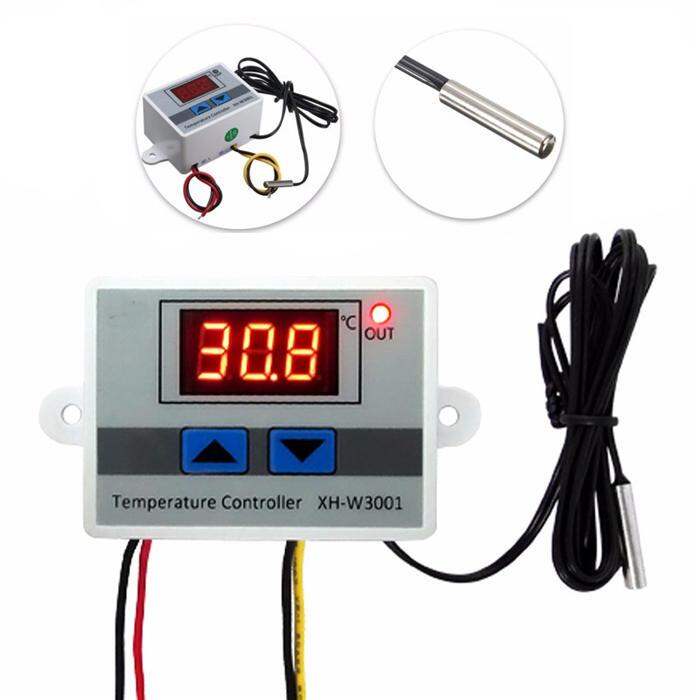
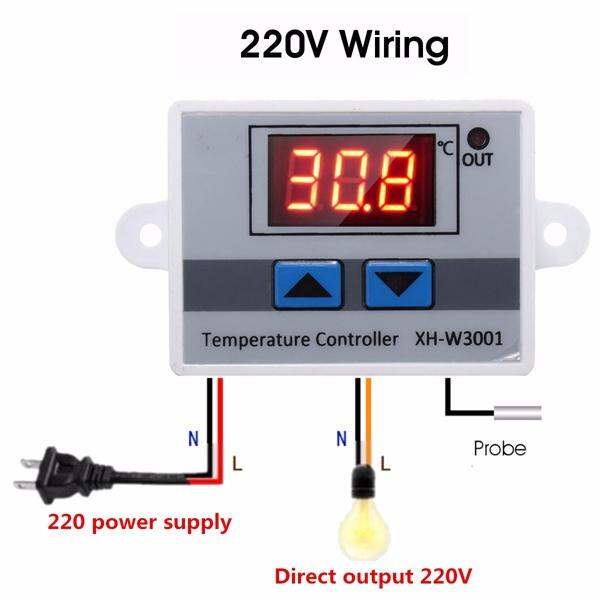
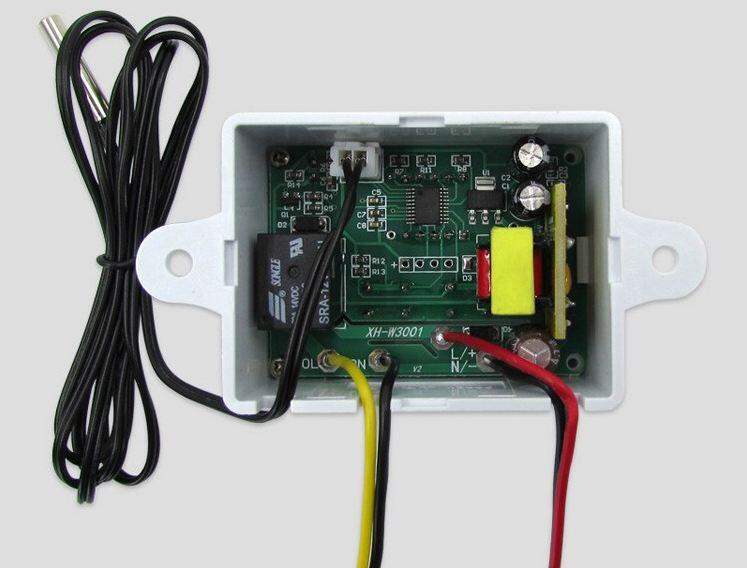

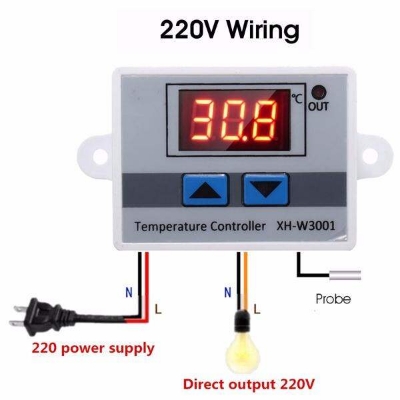
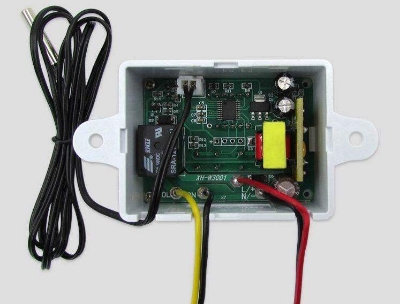

When connect to power supply, press the UP and DOWN buttons at the same time more than 3 seconds, display show 888 >If display LLL. means the sensor is fault, need to check the sensor. >If displat HHH, means the temperature is above the range >Display always shows the real-time temperature >Start temperature < Termination temperature will be Heating mode >Start temperature > Termination temperature will be Cooling mode Set start temperature: Press “up” to show the starting temperature, long press “up” about 3 seconds, start temperature digital flashing, you can set the required temperature by the up and down keys Set stop temperature: Press the “down” to show the termination temperature, long press “down” for about 3 seconds, termination temperature digital flashing, you can set the required temperature by the up and down keys Reset Power state, while holding down the “up” “down” button, digital display “888” and then automatically jump to the detection temperature, then restore the factory settings When setting the heating mode, if the set temperature value is set to the opposite, the output indicator will not light, the load will not work. If the above situation occurs after setting, you can check whether the set temperature value has the opposite.

Login to ask a question
