




 Global Finds
  Quick Commerce
  Daily Bazar
  Electronics
  Mother, Baby & Toys
  Beauty
  Sports
  Automotive
  Stationery, Books & Music
  Computer Table
  Computer Table
 _20.png) Fashion Luxe
Fashion Luxe  Jersey
  Sports Shoes
  Fashion
 _20.jpeg) Home
Home  Garden & Pet Care
  Special Weekly Offer
  Grocery
  Global Finds
  Quick Commerce
  Daily Bazar
  Electronics
  Mother, Baby & Toys
  Beauty
  Sports
  Automotive
  Stationery, Books & Music
  Computer Table
  Computer Table
 _20.png) Fashion Luxe
Fashion Luxe  Jersey
  Sports Shoes
  Fashion
 _20.jpeg) Home
Home  Garden & Pet Care
  Special Weekly Offer
  Grocery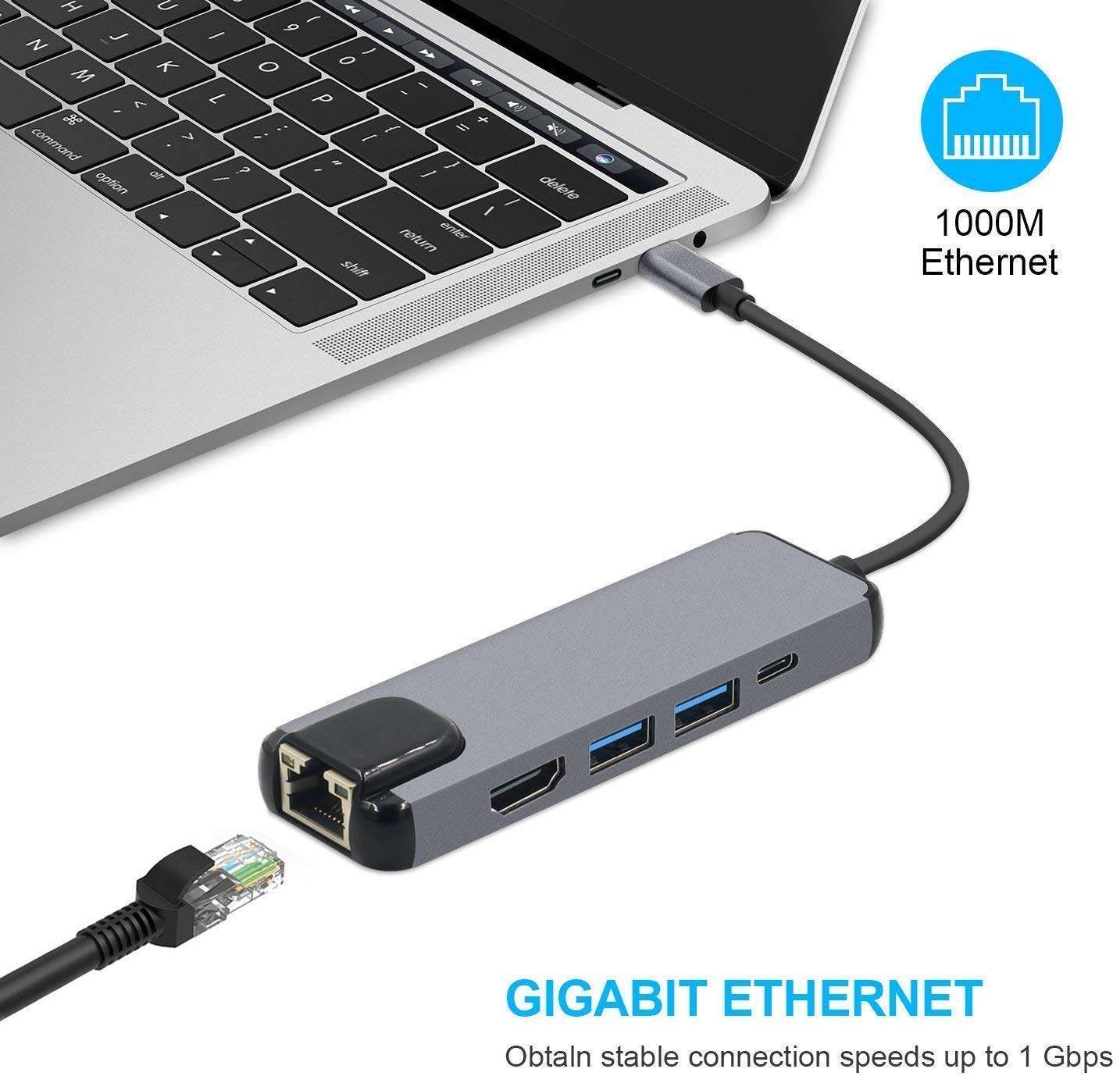
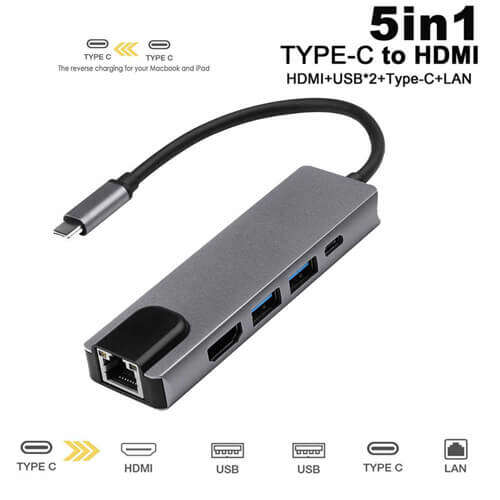
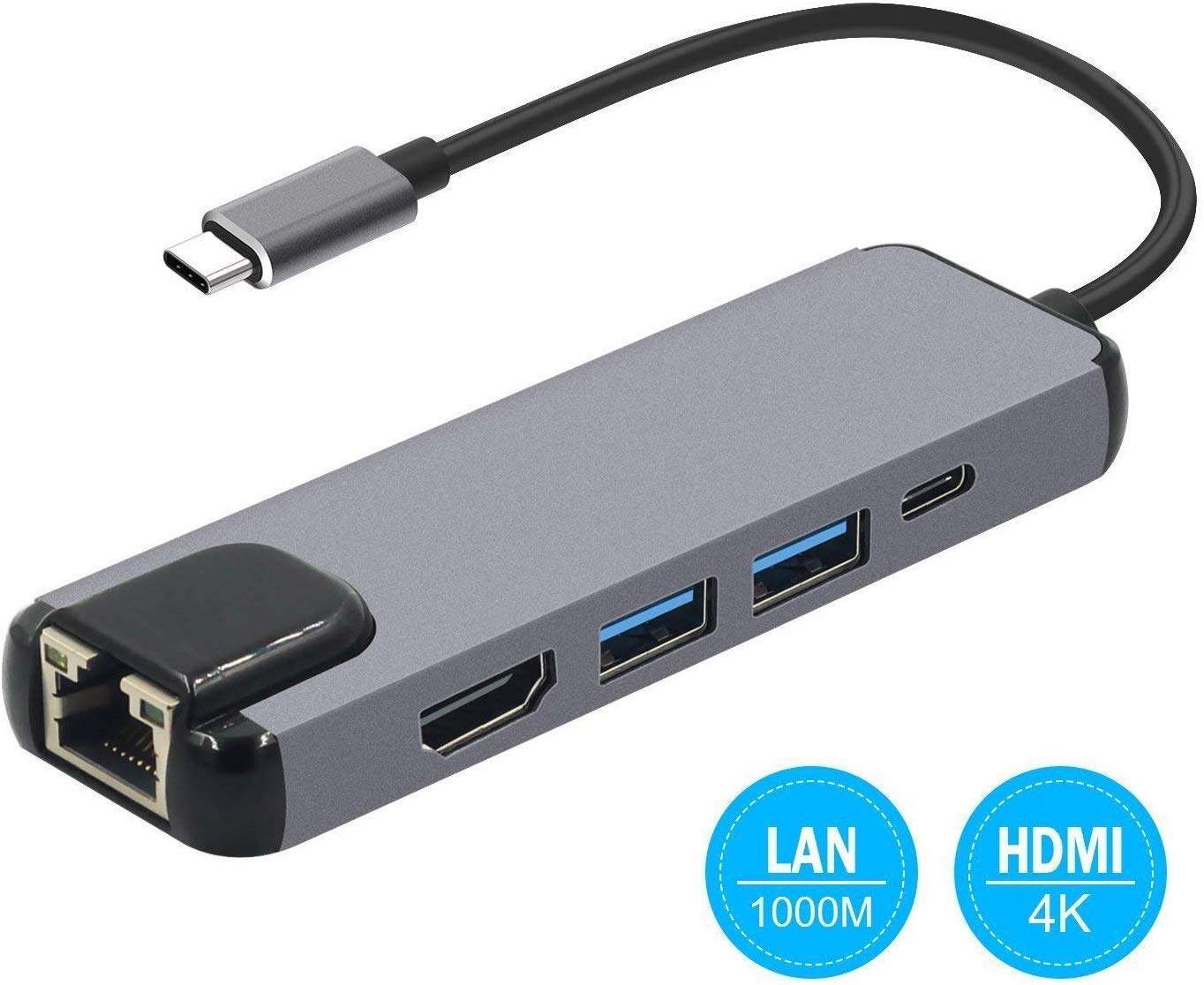
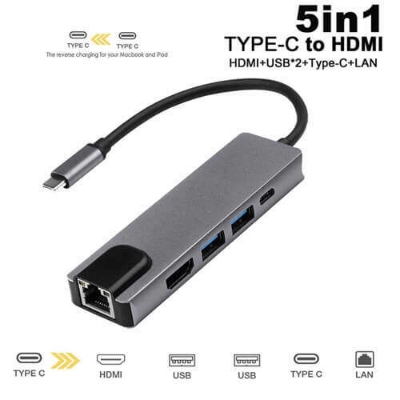
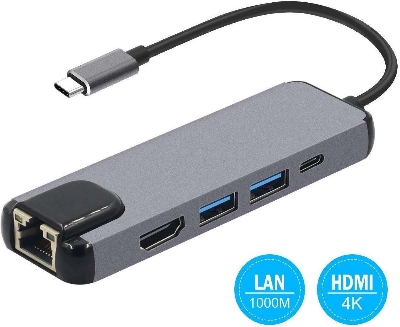
1. Make sure that the host USB-C port on your device complies with the USB 3.0 / USB 3.1 Specification. Compatible with USB 2.0 Type-C device. 2. To use the HD output port; the host USB-C port from your device must support DisplayPort Alt Mode. 3. To use the Power Delivery function to power and charge a connected USB-C laptop; the host USB-C port from your device must support USB Power Delivery. The USB-C input charging port cannot be used for data transmission.
4. High-speed data transfer: Transfer an entire music or movie library in seconds at speeds up to 5 Gaps via the 4 USB ports. Keep you away from the trouble of plugging and unplugging your devices repeatedly.
5. Compatibility: Perfect for laptops with USB-C port, such as MacBook Pro, Air 2019/2018/2017, 2015/2016 retain 12 inch MacBook, iPad Pro, Dell XPS 13, HP, etc, support Windows 10/8.1/8, Mac OS and Chrome OS.

Login to ask a question
