




 Daily Bazar
  Electronics
  Mother, Baby & Toys
  Beauty
  Sports
  Automotive
  Stationery, Books & Music
  Computer Table
  Computer Table
  Special Weekly Offer
  Global Finds
  Quick Commerce
 _20.png) Fashion Luxe
Fashion Luxe  Jersey
  Sports Shoes
  Fashion
 _20.jpeg) Home
Home  Garden & Pet Care
  Grocery
  Daily Bazar
  Electronics
  Mother, Baby & Toys
  Beauty
  Sports
  Automotive
  Stationery, Books & Music
  Computer Table
  Computer Table
  Special Weekly Offer
  Global Finds
  Quick Commerce
 _20.png) Fashion Luxe
Fashion Luxe  Jersey
  Sports Shoes
  Fashion
 _20.jpeg) Home
Home  Garden & Pet Care
  Grocery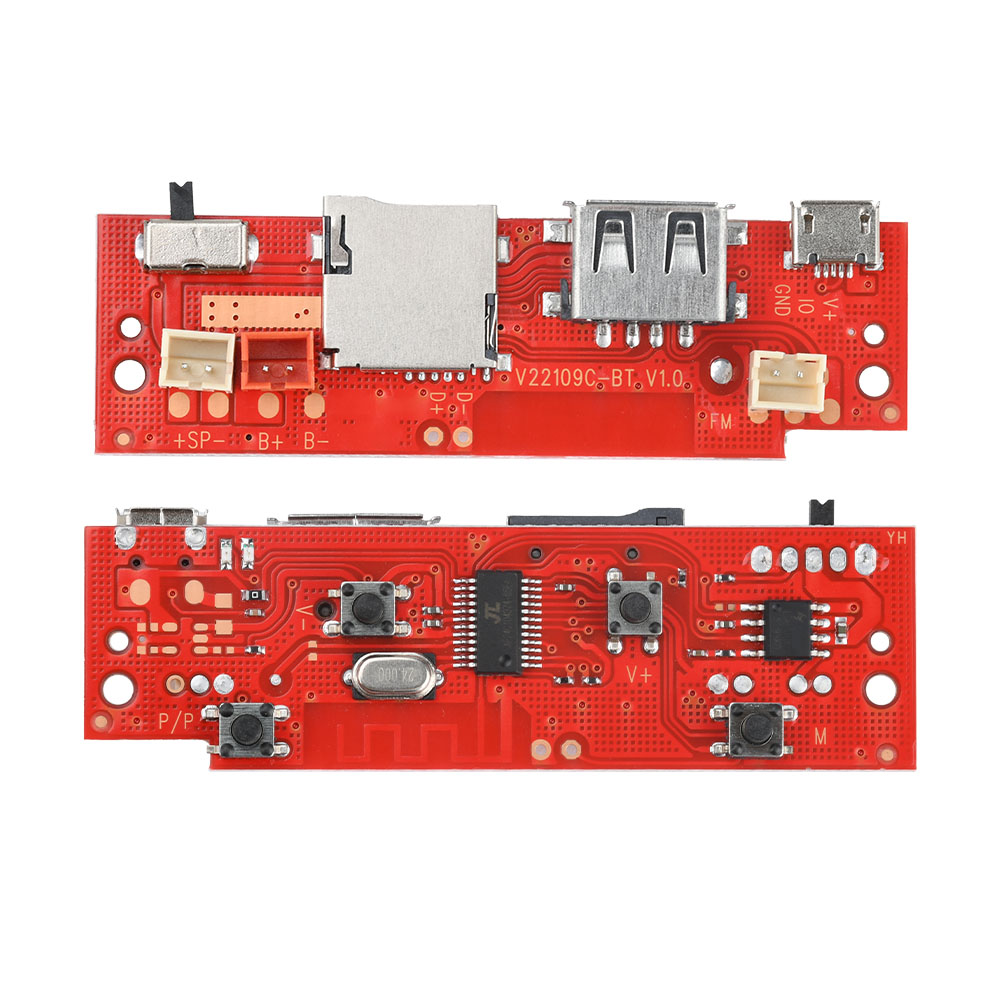
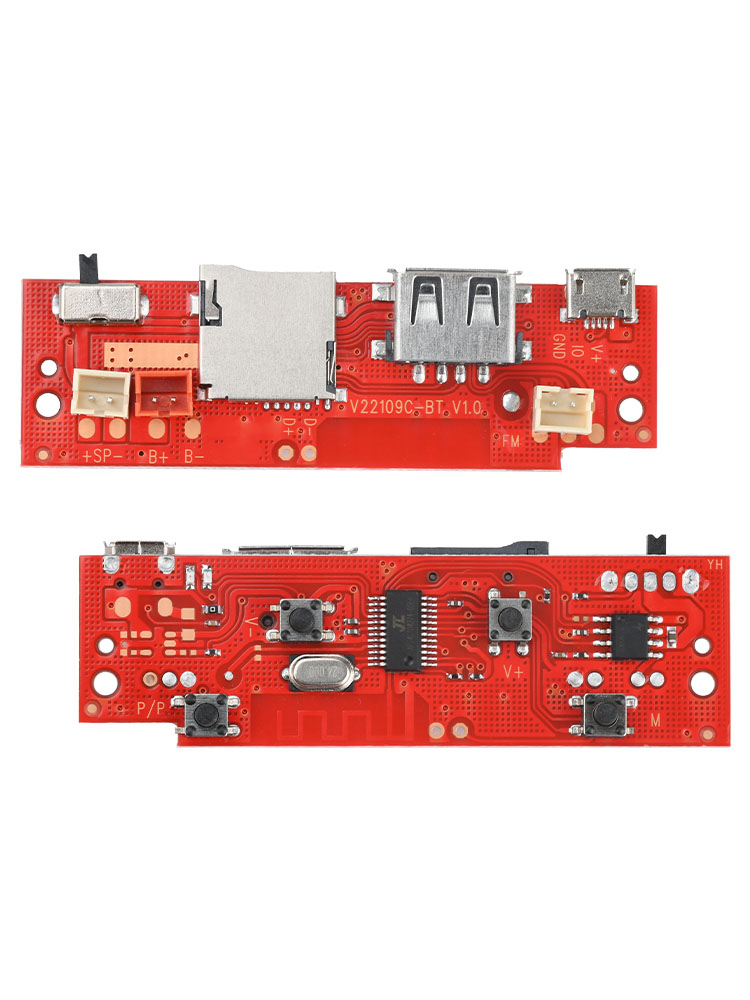
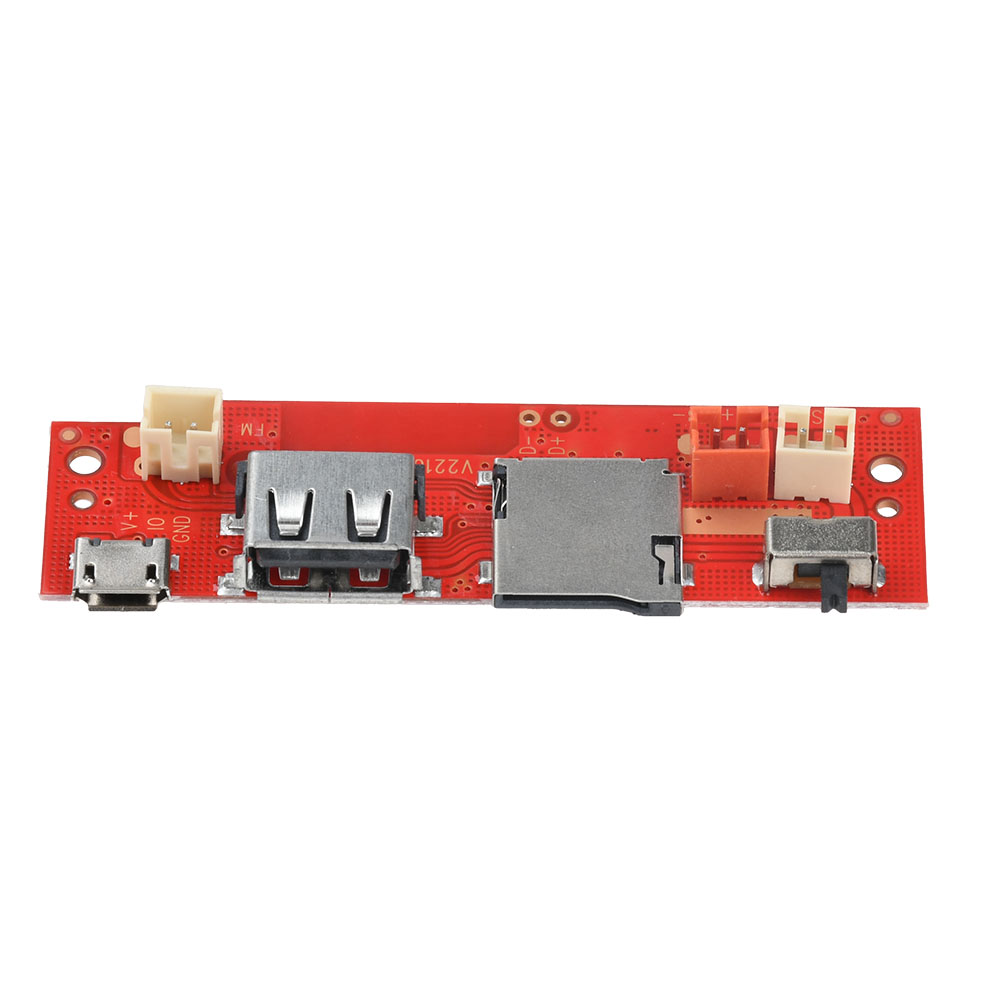
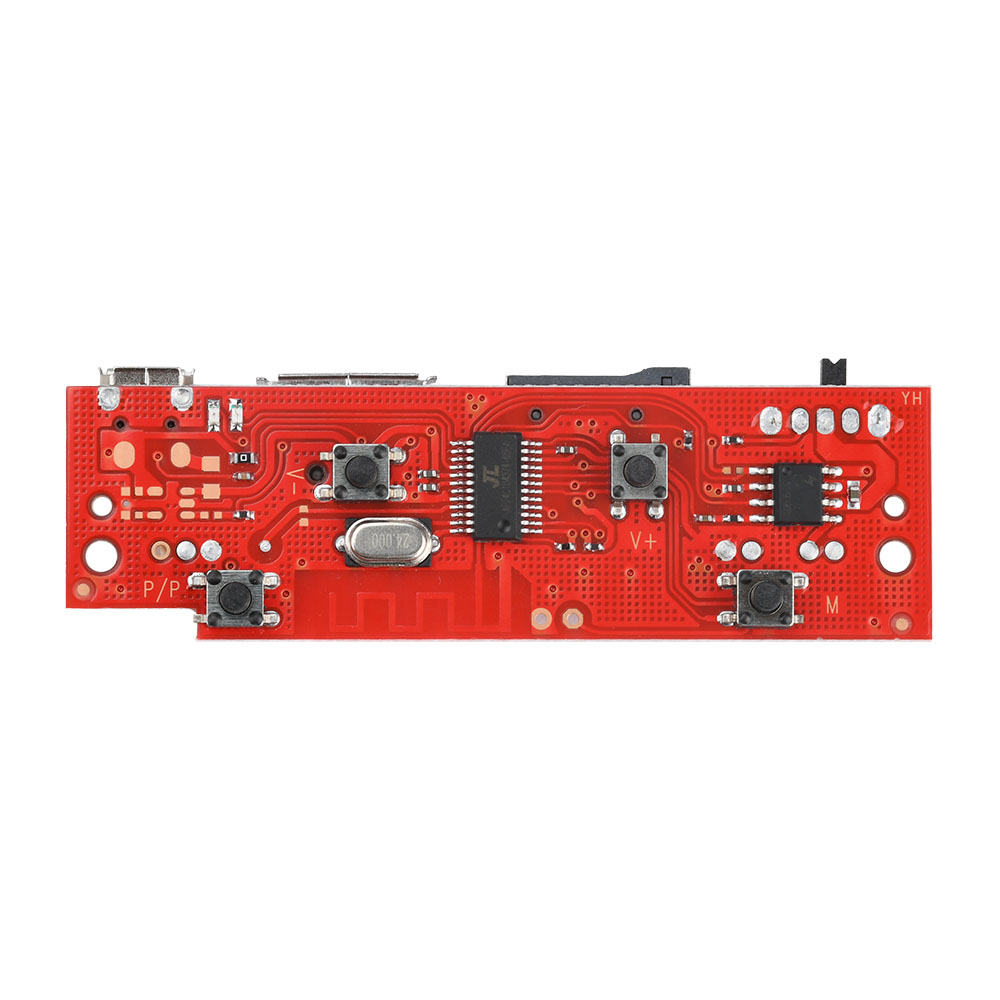
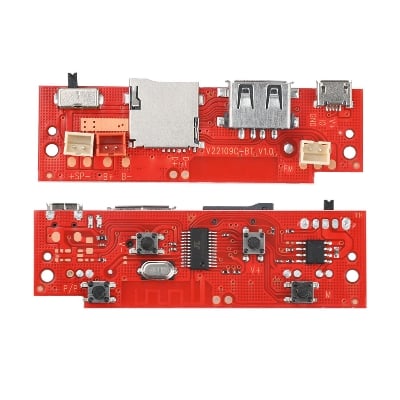
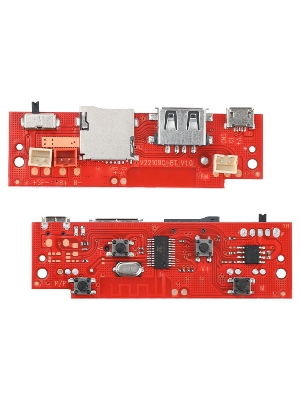
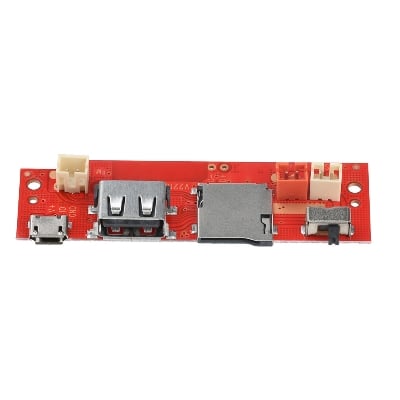
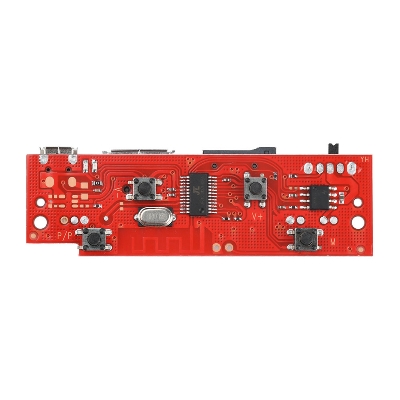
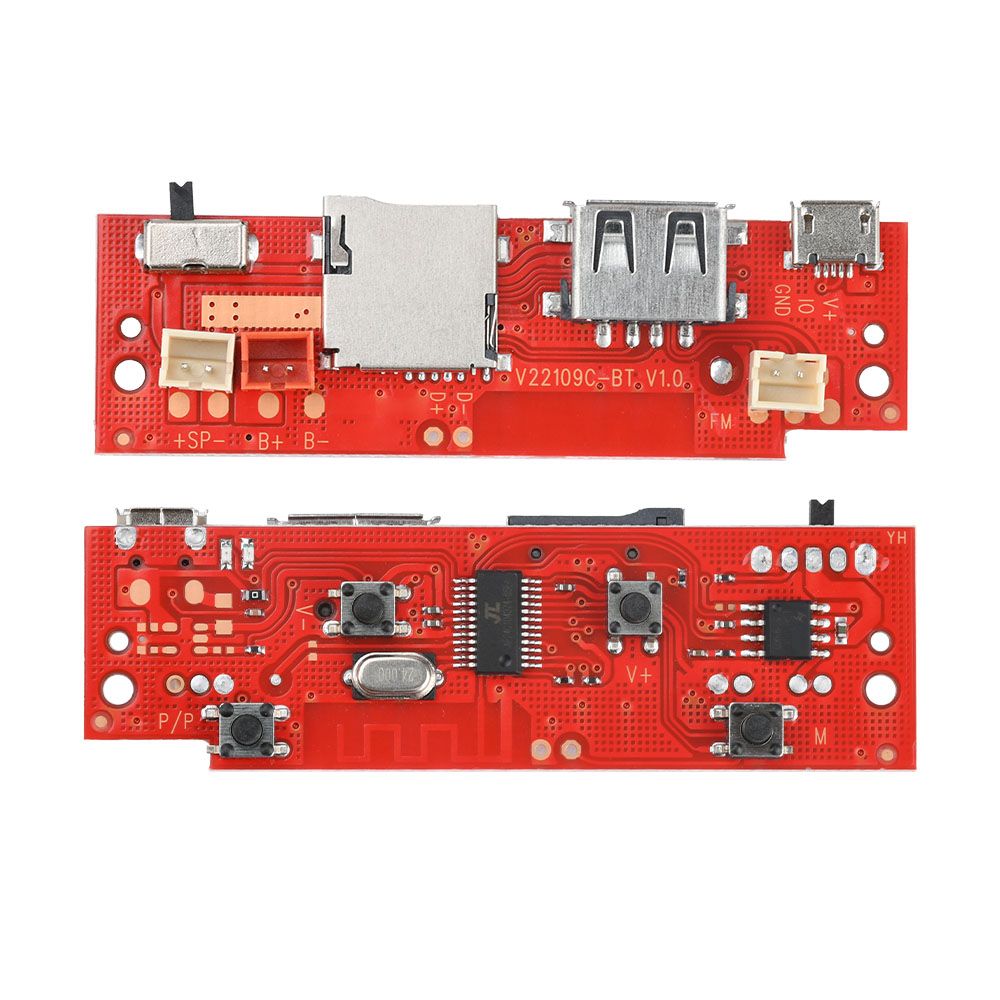
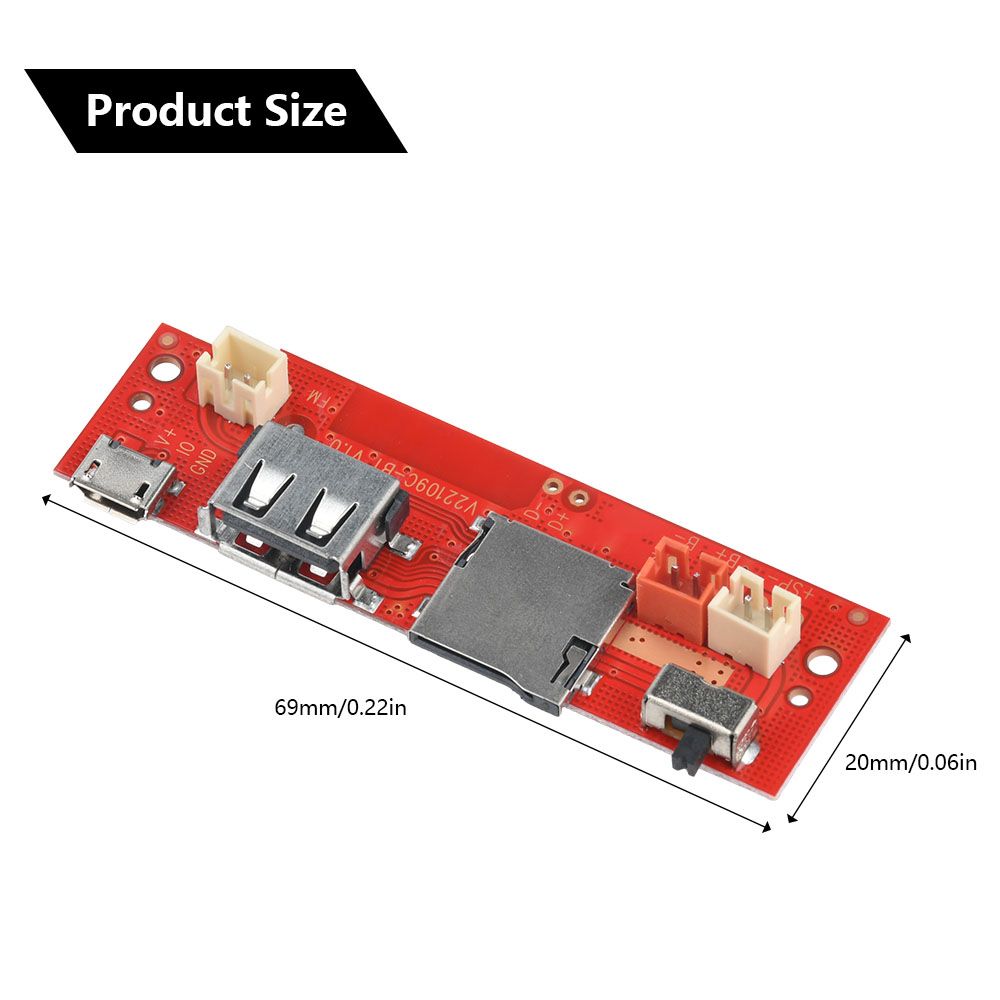
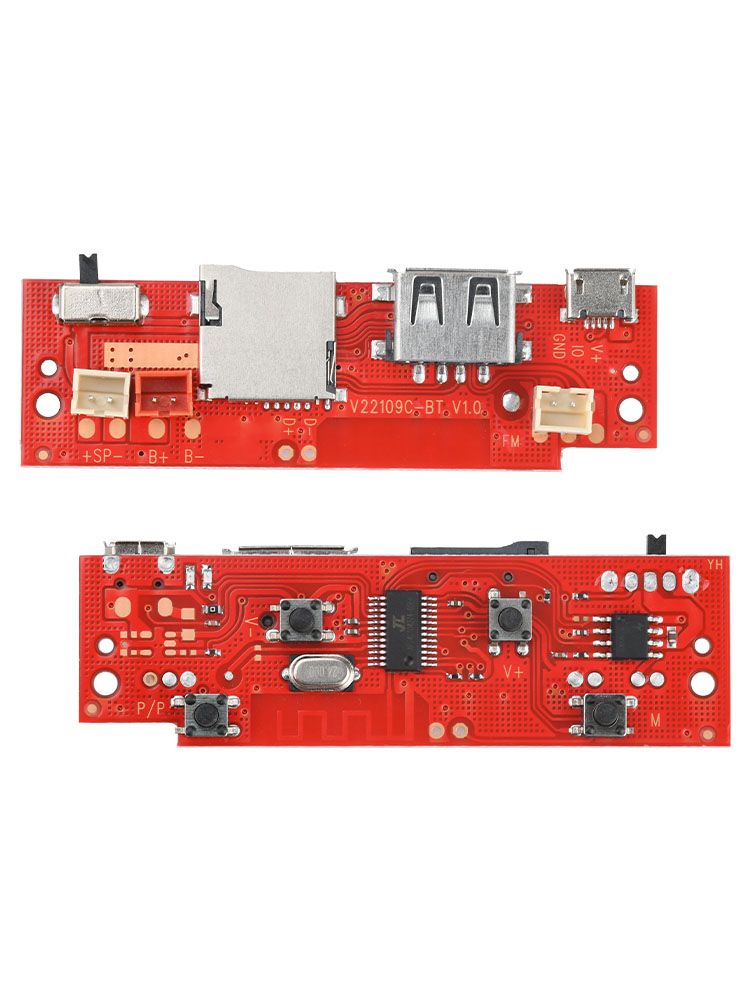
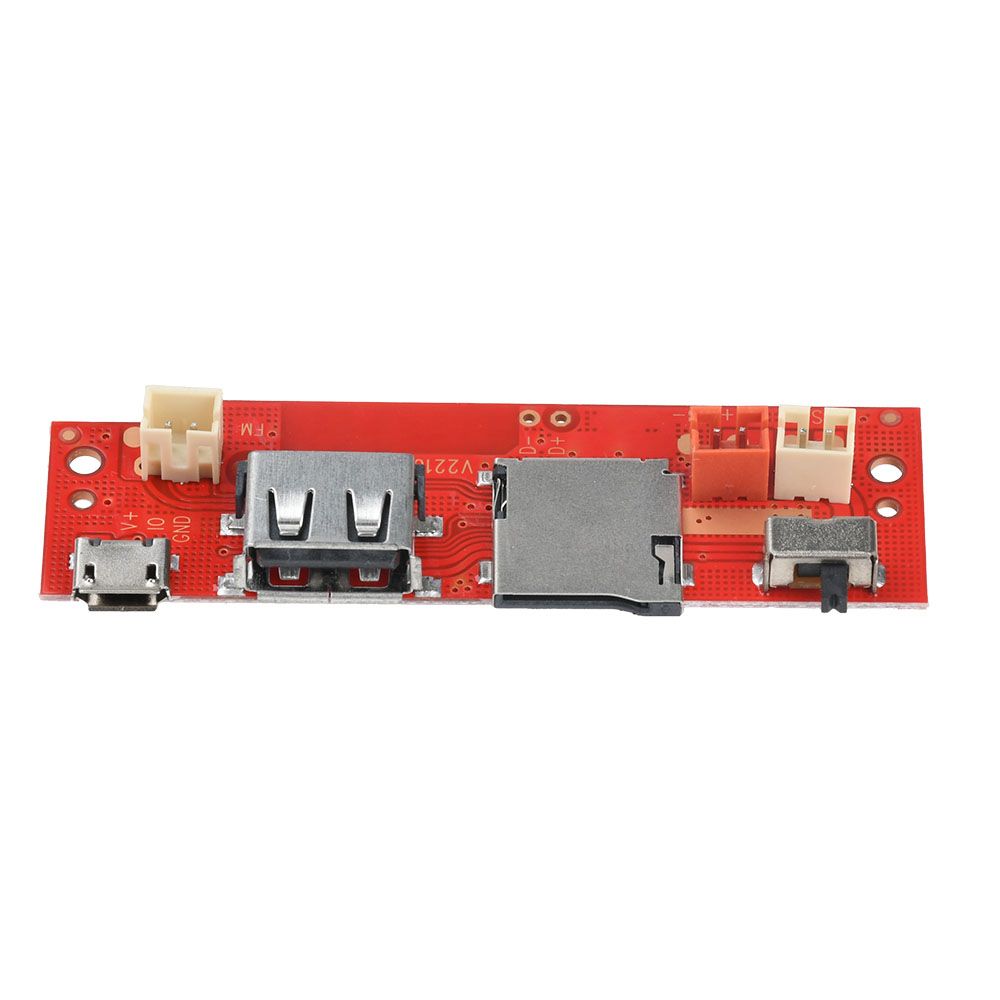
- 1. Bluetooth amplifier module, tested to ensure stable operation under various audio signal inputs
- 2. Simple design, easy installation: the amplifier circuit board is compact and easy to integrate into audio equipment
- 3. Built-in Bluetooth, fast connection: supports wireless connection, fast pairing of mobile phones and other devices
- 4. Multiple playback modes: Bluetooth disk, radio, charging functions
- 5. Wide range of applications: suitable for portable speakers, car audio and other scenarios
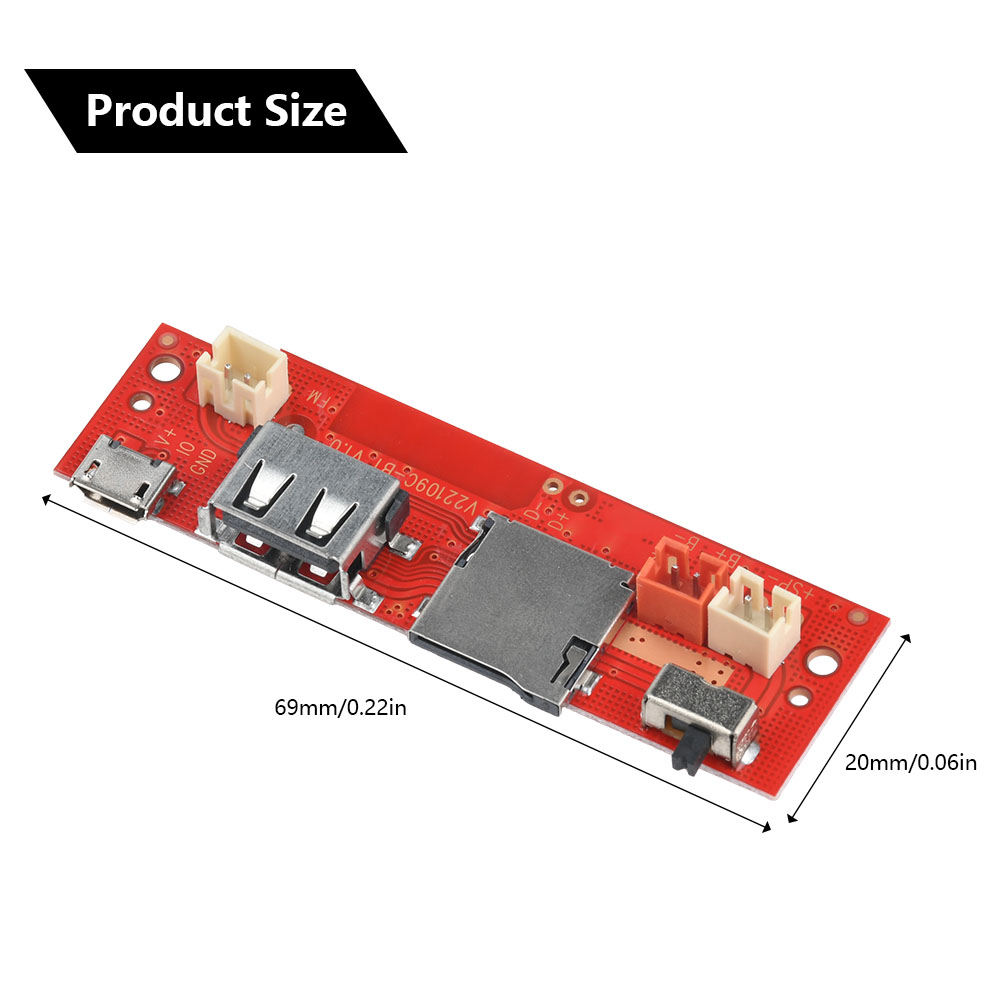
- Product parameters:
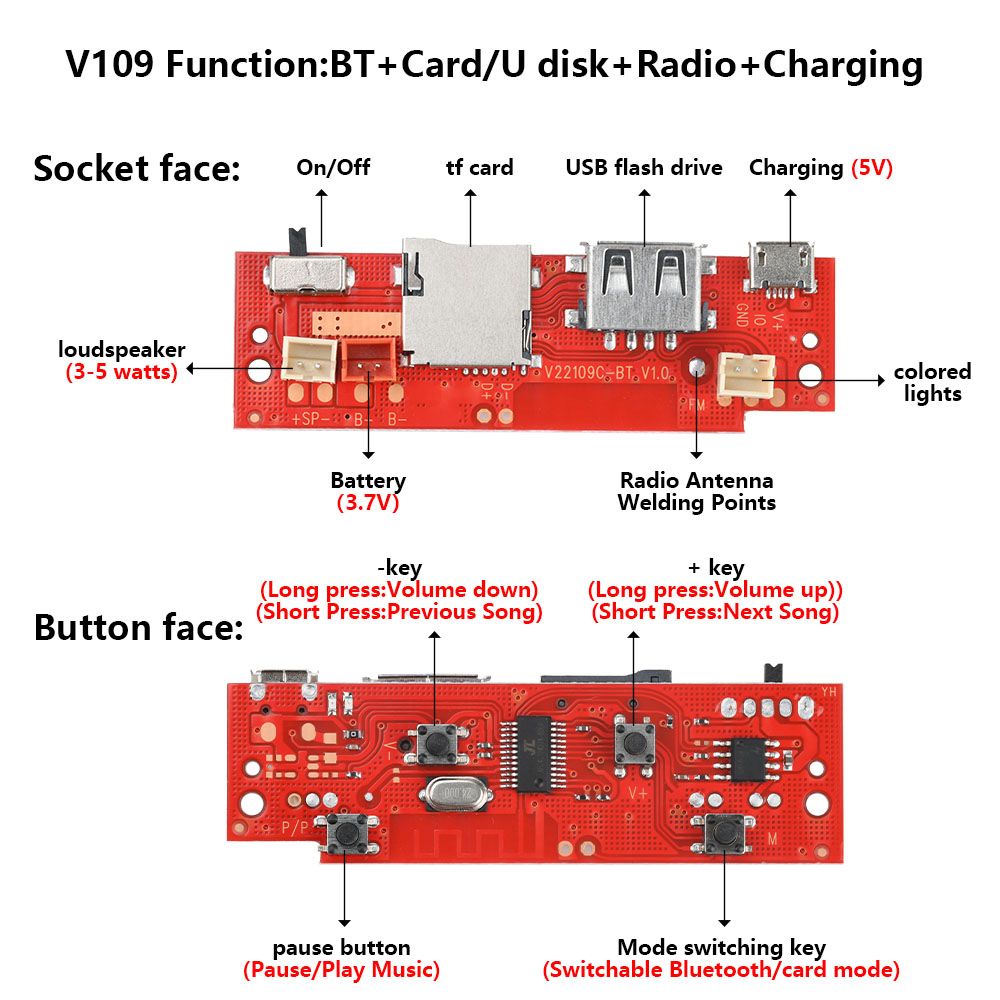
- Charging port: Micro USB 5V
- Speaker: 3-5W
- External battery: 3.7-4.2V
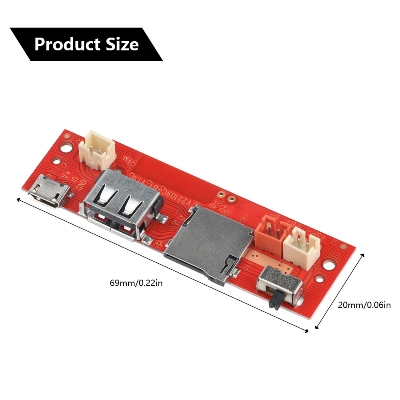
- PCB board size: 69*20mm
- 1. Connect Bluetooth:
- 1. Turn the circuit board switch to the left to turn on
- 2. Click BT-SPEAKER or VA369 in "Settings"-"Bluetooth" of the mobile phone
- 2. Charging instructions: The red light will turn on when fully charged, and the light will not change. It usually takes 3-5 hours to charge
- 3. Use TF/U disk: Insert TF card/U disk to play automatically. The file system must be FAT32, with a maximum support of 6.4G, and only supports MP3 format
- 4. Use the radio:
- 1. Solder the antenna (or plug the charging cable as the antenna, and the effect is better when it is close to the window)
- 2. Press the switch button to enter the radio mode (there is a rustling sound)
- 3. Press the pause button to automatically search for radio stations (about 3 minutes)
- 4. Press the plus key and minus key to switch radio stations
- 1. Bluetooth amplifier module, tested to ensure stable operation under various audio signal inputs
- 2. Simple design, easy installation: the amplifier circuit board is compact and easy to integrate into audio equipment
- 3. Built-in Bluetooth, fast connection: supports wireless connection, fast pairing of mobile phones and other devices
- 4. Multiple playback modes: Bluetooth disk, radio, charging functions
- 5. Wide range of applications: suitable for portable speakers, car audio and other scenarios
- Product parameters:
- Charging port: Micro USB 5V
- Speaker: 3-5W
- External battery: 3.7-4.2V
- PCB board size: 69*20mm
- 1. Connect Bluetooth:
- 1. Turn the circuit board switch to the left to turn on
- 2. Click BT-SPEAKER or VA369 in "Settings"-"Bluetooth" of the mobile phone
- 2. Charging instructions: The red light will turn on when fully charged, and the light will not change. It usually takes 3-5 hours to charge
- 3. Use TF/U disk: Insert TF card/U disk to play automatically. The file system must be FAT32, with a maximum support of 6.4G, and only supports MP3 format
- 4. Use the radio:
- 1. Solder the antenna (or plug the charging cable as the antenna, and the effect is better when it is close to the window)
- 2. Press the switch button to enter the radio mode (there is a rustling sound)
- 3. Press the pause button to automatically search for radio stations (about 3 minutes)
- 4. Press the plus key and minus key to switch radio stations

Customer Questions and answers :
Login to ask a question
