




 Daily Bazar
  Electronics
  Sports
  Automotive
  Stationery, Books & Music
  Lifestyle
  Fashion
 _20.jpeg) Home
Home  Garden & Pet Care
  Grocery
  Daily Bazar
  Electronics
  Sports
  Automotive
  Stationery, Books & Music
  Lifestyle
  Fashion
 _20.jpeg) Home
Home  Garden & Pet Care
  Grocery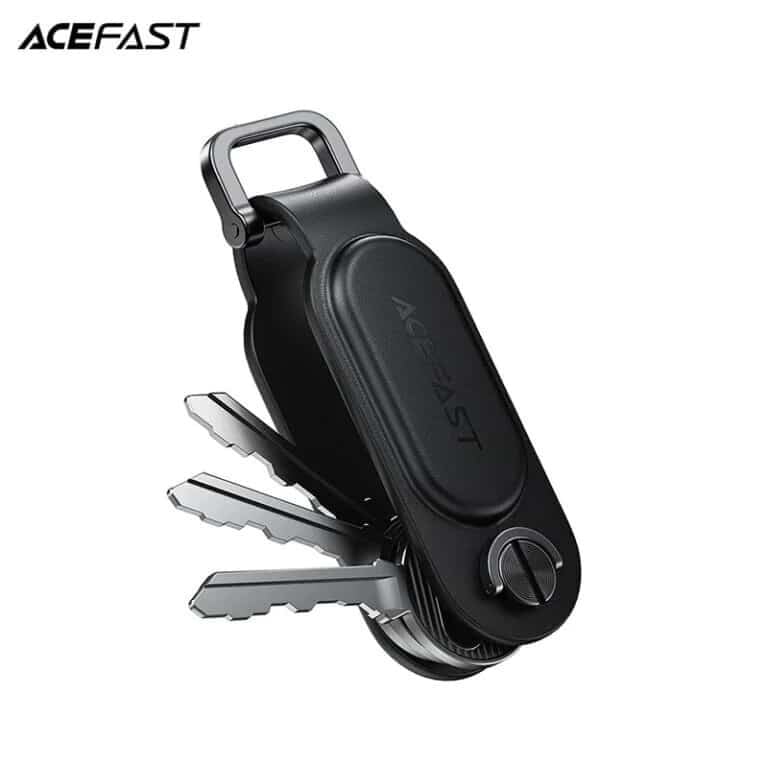
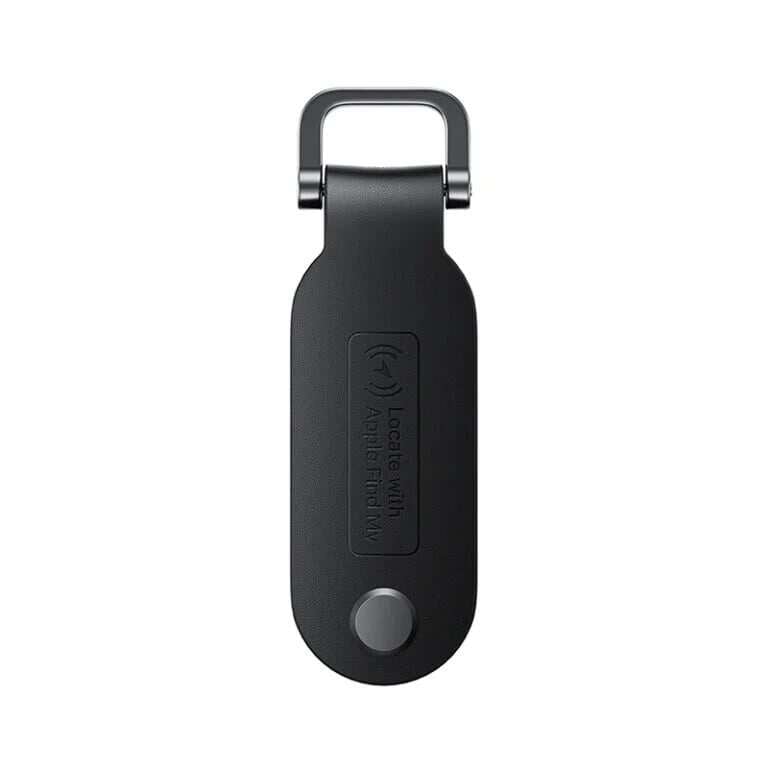
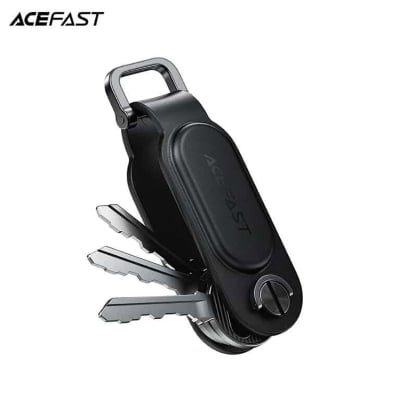
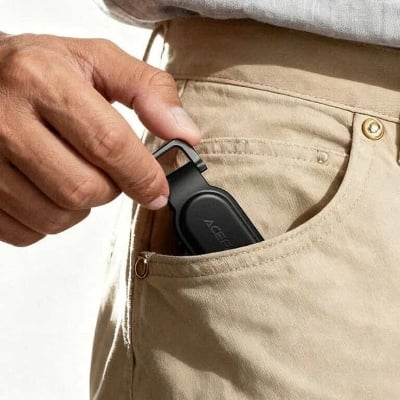
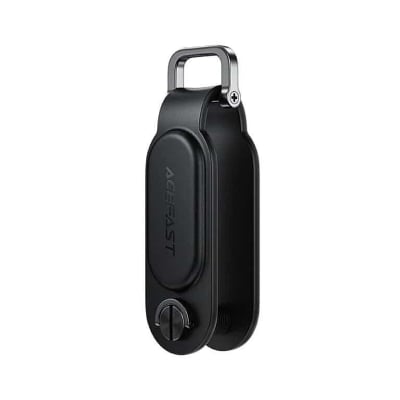
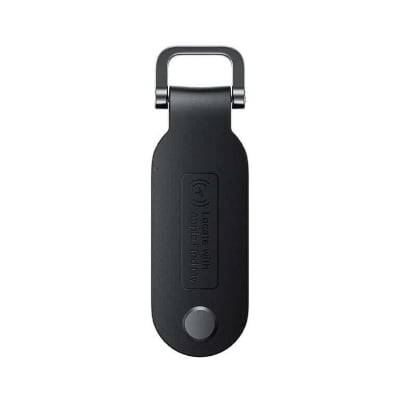
ACEFAST S4 Keychain Positioning Device Anti Lost Tracking Locator Keychain works with Apple Find My PU Leather Locate Suitcase Keys Bag Proactive Anti-Loss Function
Buy ACEFAST S4 Keychain Global Positioning Device Works With Apple Find My In Bangladesh
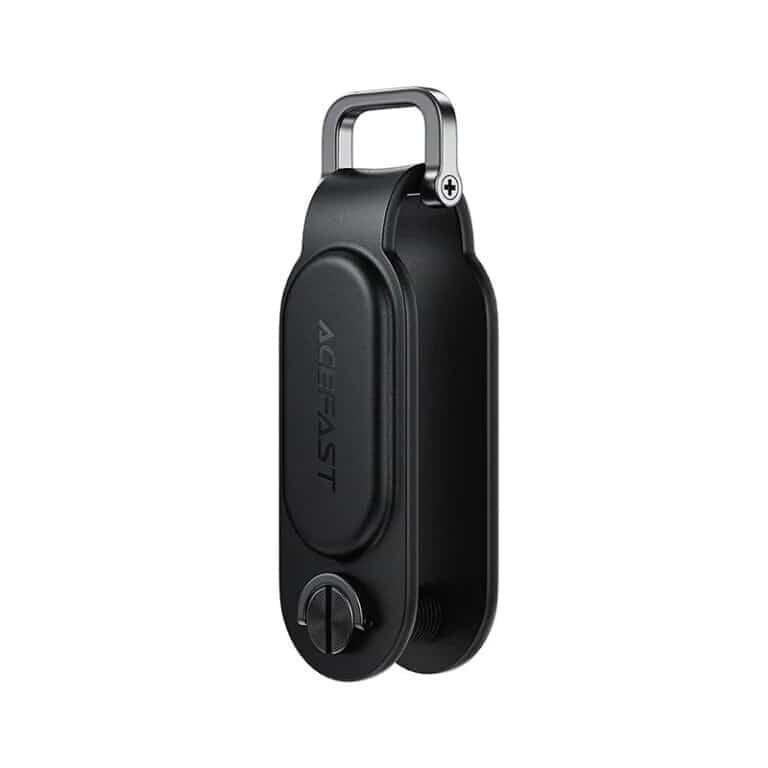
- The keychain features skin-friendly PU leather material, paired with a sturdy and durable metal clasp.
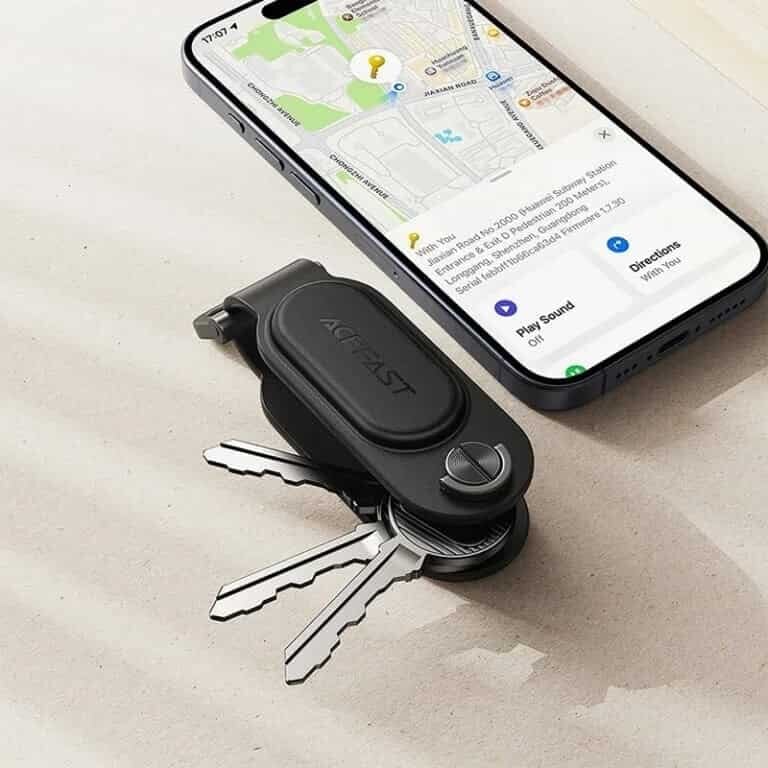
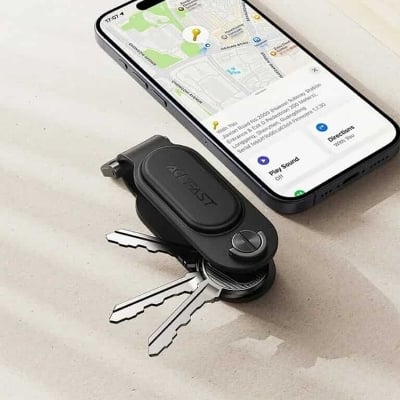
- Global precise positioning: As long as there is a network-connected Apple device near this device, the item can be found via the Find My network.
- Works with the Find My app to send loss alerts for proactive anti-loss protection; plays a sound within Bluetooth range for quick item retrieval.
- One locator can bind up to 32 locators, and one locator can be shared with up to 5 devices.
- Equipped with anti-tracking function: If for Apple devices detect a nearby locator unexpectedly, a pop-up alert will appear and the locator can play a sound.
Specifications:
- Material: PU leather + ABS
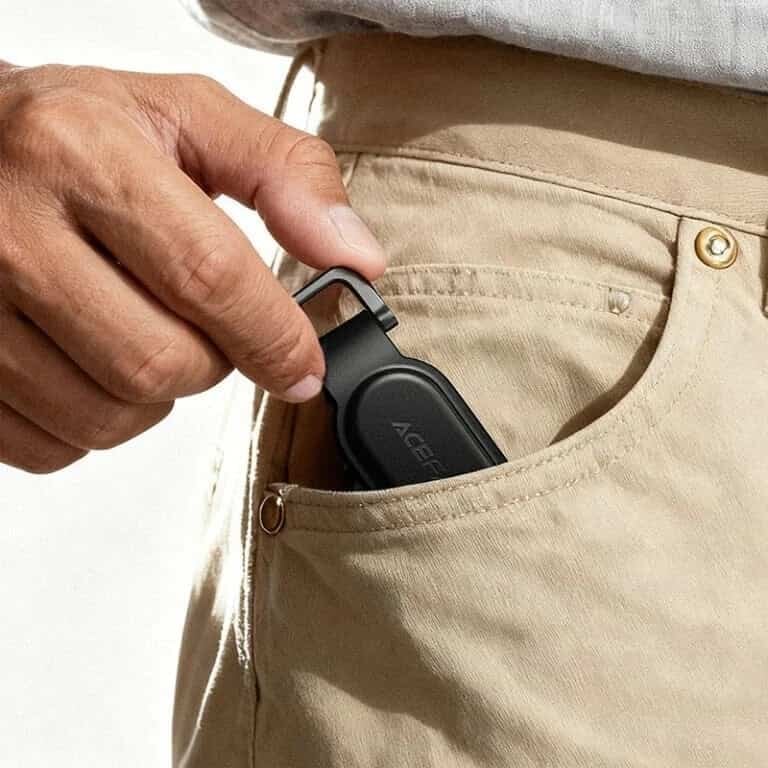
- Size: 85.2*31.5*21mm; weight: 25g
- Battery: 230mAh/CR2032
- Battery life: 12 months
- Bluetooth distance: 30m
- Compatible for iPhone 8 and above, MacBook, iPad (for iOS14.5 or later)
1.The keychain features skin-friendly PU leather material, paired with a sturdy and durable metal clasp.
2.The product is MFi-certified for Apple, enabling simple binding operation and convenient connection.
3.Global precise positioning: As long as there is a network-connected Apple device near this device, the item can be found via the Find My network.
4.Works with the Find My app to send loss alerts for proactive anti-loss protection; plays a sound within Bluetooth range for quick item retrieval.
5.One locator can bind up to 32 locators, and one locator can be shared with up to 5 devices.
Equipped with anti-tracking function: If for Apple devices detect a nearby locator unexpectedly, a pop-up alert will appear and the locator can play a sound.
Note: For iOS or For macOS is version 14.5 or above.
1.1 Place the product near for Apple device (such as for iPhone).
1 .2 Turn on BT on your Apple device (such as for iPhone) and connect to the Internet.1.3 Press the product on/off key once. You’ll hear a beep to indicate that the power is connected
1.4 In the “Find” APP click Add ltemrOther supported items.
1 .5 Click “Continue”.
1.6 Name your product and click “Continue”
17 Select an emoji.
1 .8 Click “Continue”, then click “Finish” to complete the pairing


Login to ask a question
