



 Global Finds
  Quick Commerce
  Daily Bazar
  Electronics & Appliances
  Mother, Baby & Toys
  Beauty
  Sports
  Automotive
  Stationery, Books & Music
 _20.png) Fashion Luxe
Fashion Luxe  Fashion
 _20.jpeg) Home
Home  Garden & Pet Care
  Special Weekly Offer
  Grocery
  Global Finds
  Quick Commerce
  Daily Bazar
  Electronics & Appliances
  Mother, Baby & Toys
  Beauty
  Sports
  Automotive
  Stationery, Books & Music
 _20.png) Fashion Luxe
Fashion Luxe  Fashion
 _20.jpeg) Home
Home  Garden & Pet Care
  Special Weekly Offer
  Grocery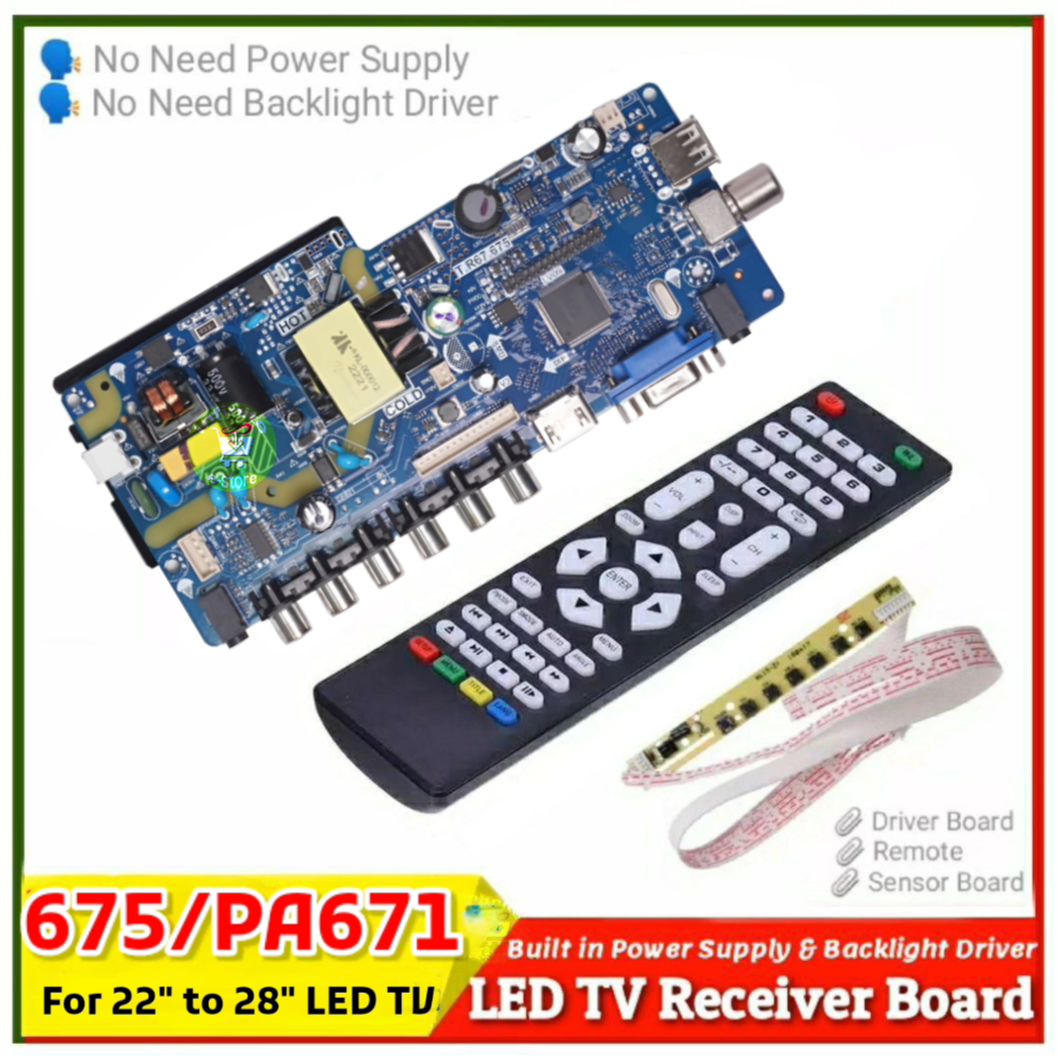
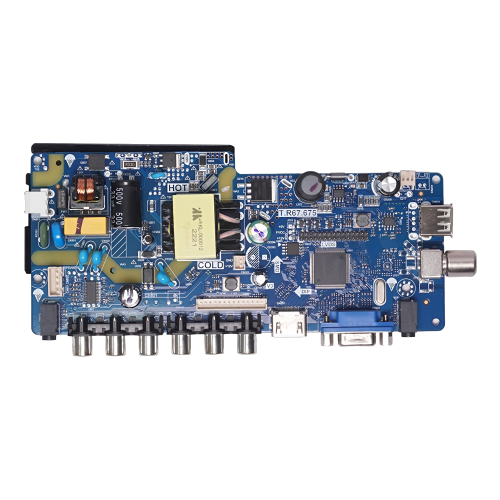
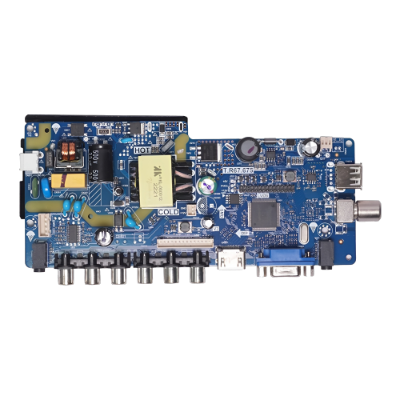
- Universal VGA HDMI AV Audio USB TV LEDController Board for LED Monitor Kit Raspberry diy
- এই বোর্ডের মধ্যেই পাওয়ার সাপ্লাই ও LED Back Light ইনভার্টার থাকায় আলাদা ভাবে এডাপ্টার ও ইনভার্টার কিনতে হবে না।
- TP.V56.PA671 বোর্ড ব্যবহার আপনি সহজেই 22 -28ইঞ্চি LED টিভিবানাতে পারবেন।
- যেকোন ল্যাপটপ,এলসিডি টিভি, মনিটরের নষ্ট মাদারবোর্ডের রিপ্লেসে এই বোর্ড ব্যবহার করতে পারবেন
- এলসিডি স্ক্রিনের রেজুলেশন অনুযায়ী Firmware ও সেটাপ টিউটোরিয়াল লিংকে দেয়া আছে।
- সার্কিটটি ব্যবহারে ইনভার্টার, LVDS Cable, প্যানেল ভোল্টেজ, স্কিন রেজুলেশন, Farmware Download, Firmware Installation সমন্ধে কিছুটা ধারনা থাকা আবশ্যক।
- https://drive.google.com/file/d/19W6I3OOCF1FaYoAxVBwdEFtrUQREO93W/view?usp=share_link
- Factory Service Mode: Menu+1147 or Input 208
- Application:TV Set, LCD Monitor, Advertising machine, Industrial machine, Security monitoring displays, Projection equipment,e
- How to Upgrade Firmware:
- Copy the Required Firmware/software in FAT32 USB Disk
- Plug in the U disk into the Mainboard USB port of LCD/LED TV
- Switch ON the power and Wait even IR indicator led stops flashing
- Done. Unplug the Udisk (It will take max 1 min to upgrade firmware)

Customer Questions and answers :
Login to ask a question
