



 Daily Bazar
  Electronics
  Sports
  Automotive
  Stationery, Books & Music
  Lifestyle
  Fashion
 _20.jpeg) Home
Home  Garden & Pet Care
  Grocery
  Daily Bazar
  Electronics
  Sports
  Automotive
  Stationery, Books & Music
  Lifestyle
  Fashion
 _20.jpeg) Home
Home  Garden & Pet Care
  Grocery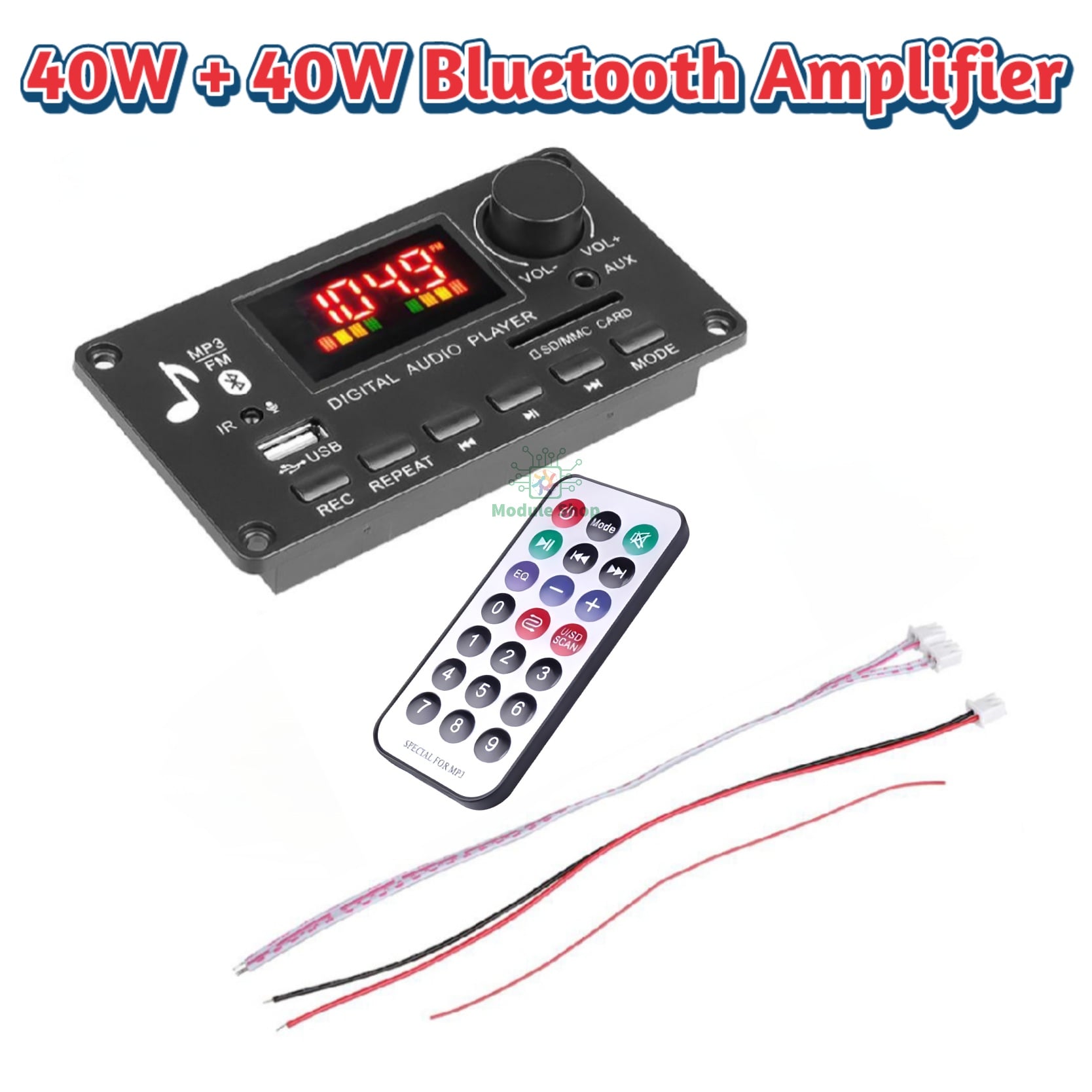
Bluetooth calling function
recording function
Music format: MP3/WMA/WAV/FLAC/APE lossless
format music
Radio FM frequency: 87.5-107.5 MHZ
Folder switching function
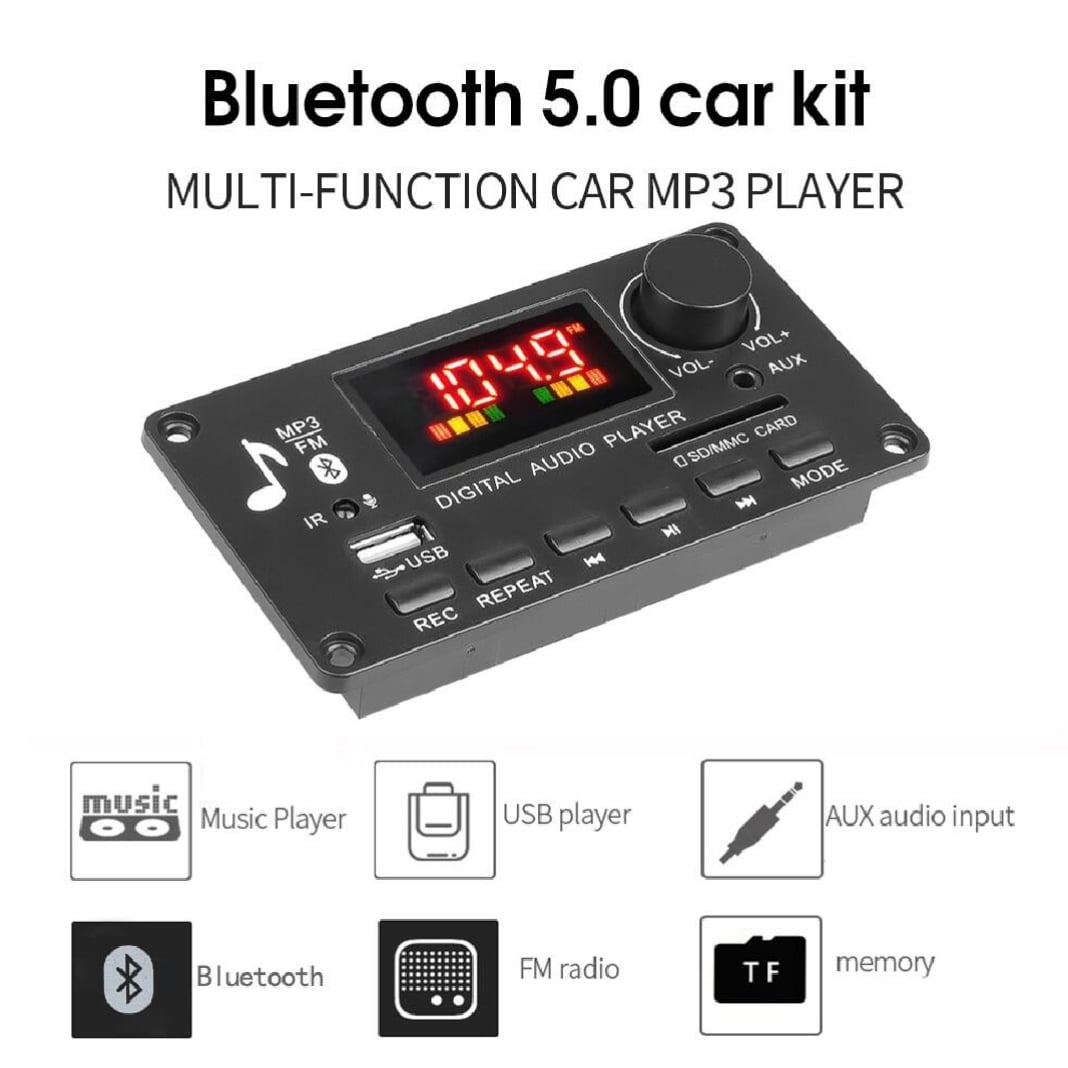
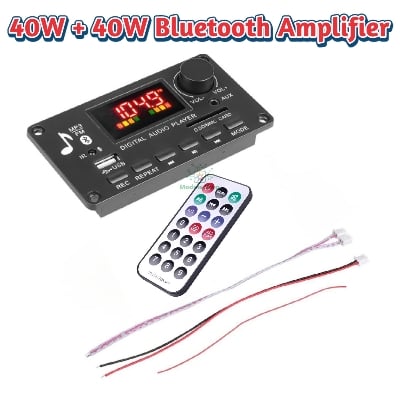
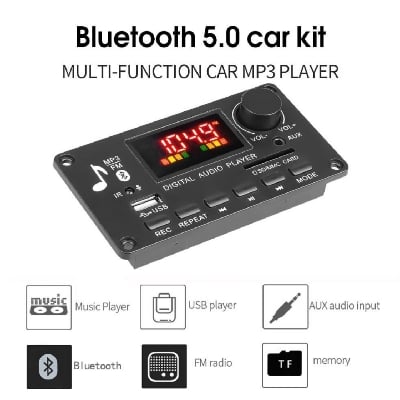
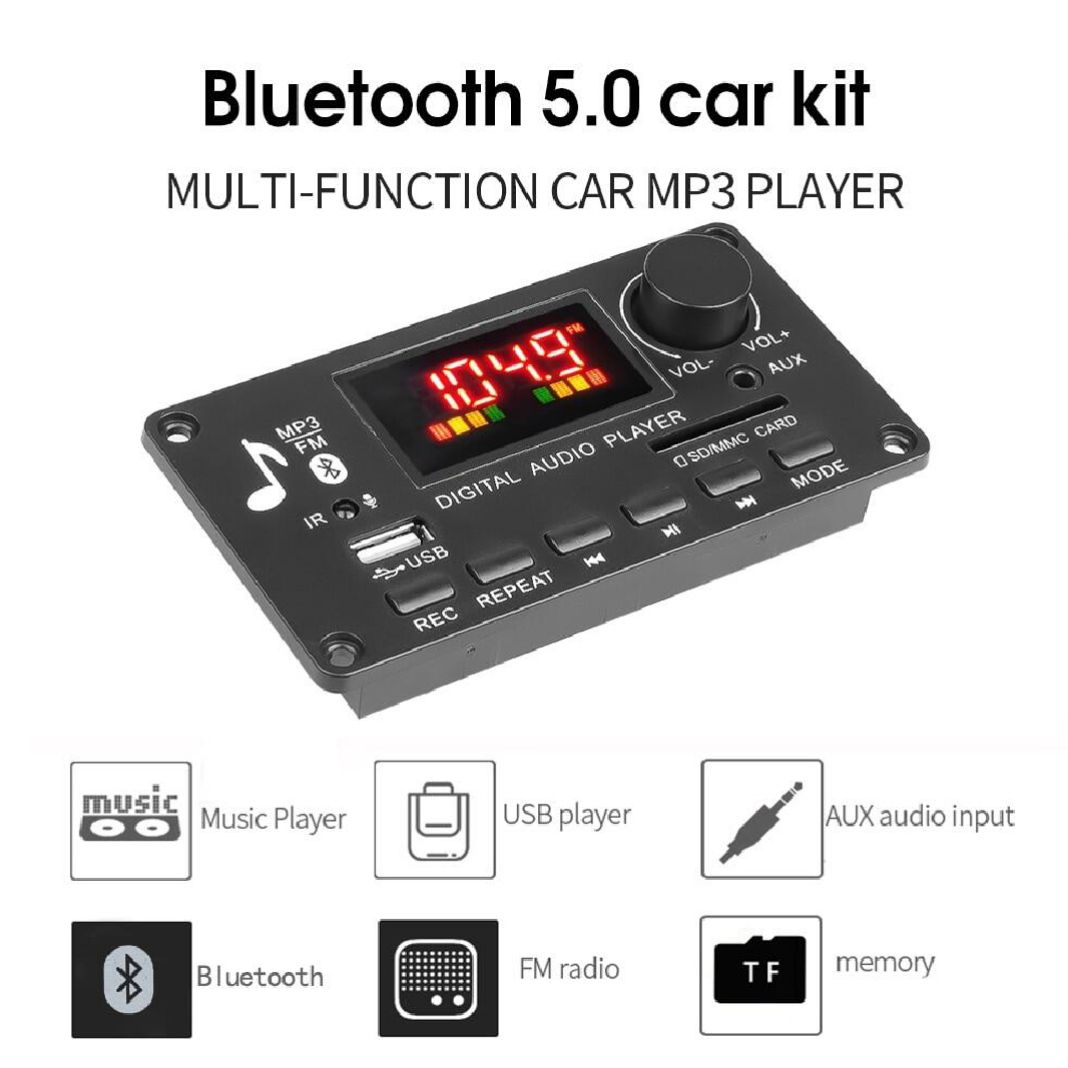
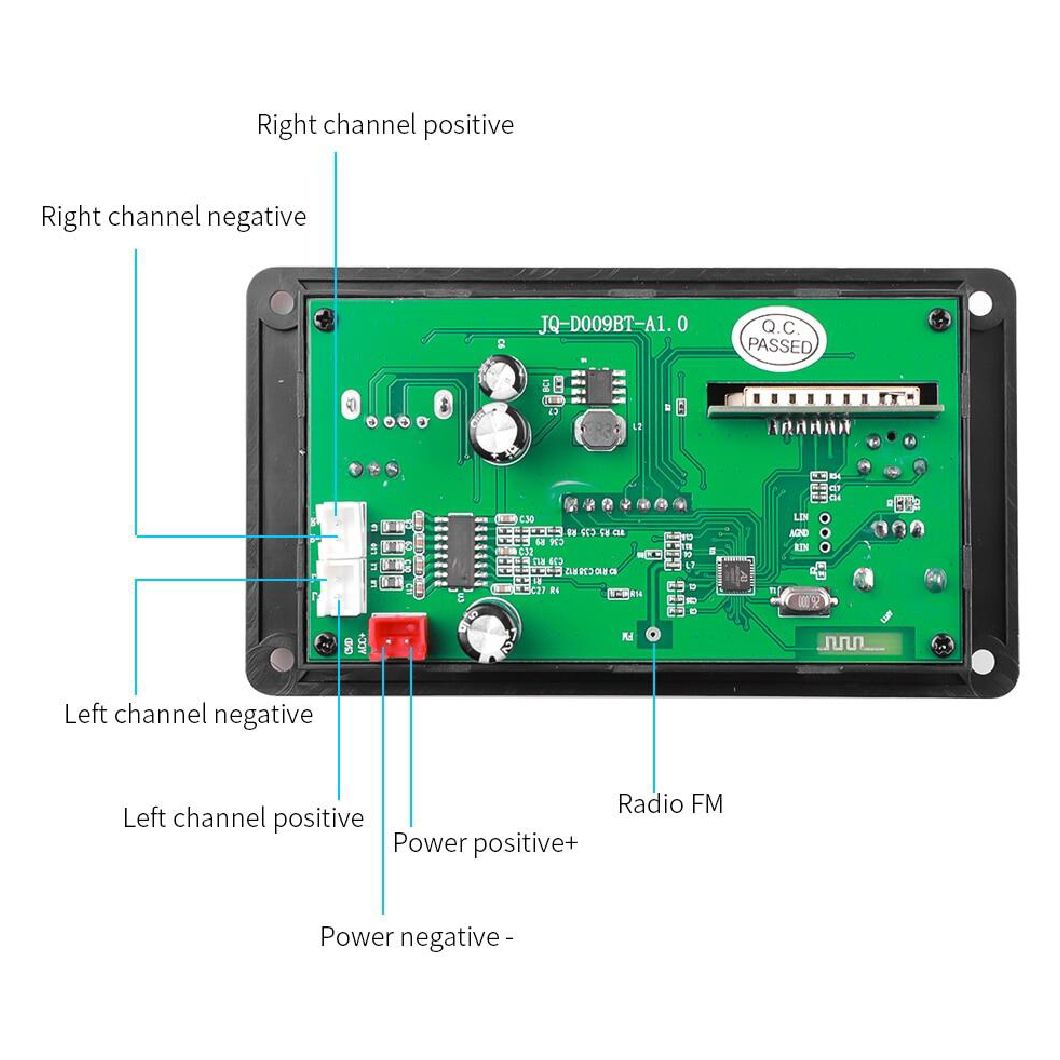
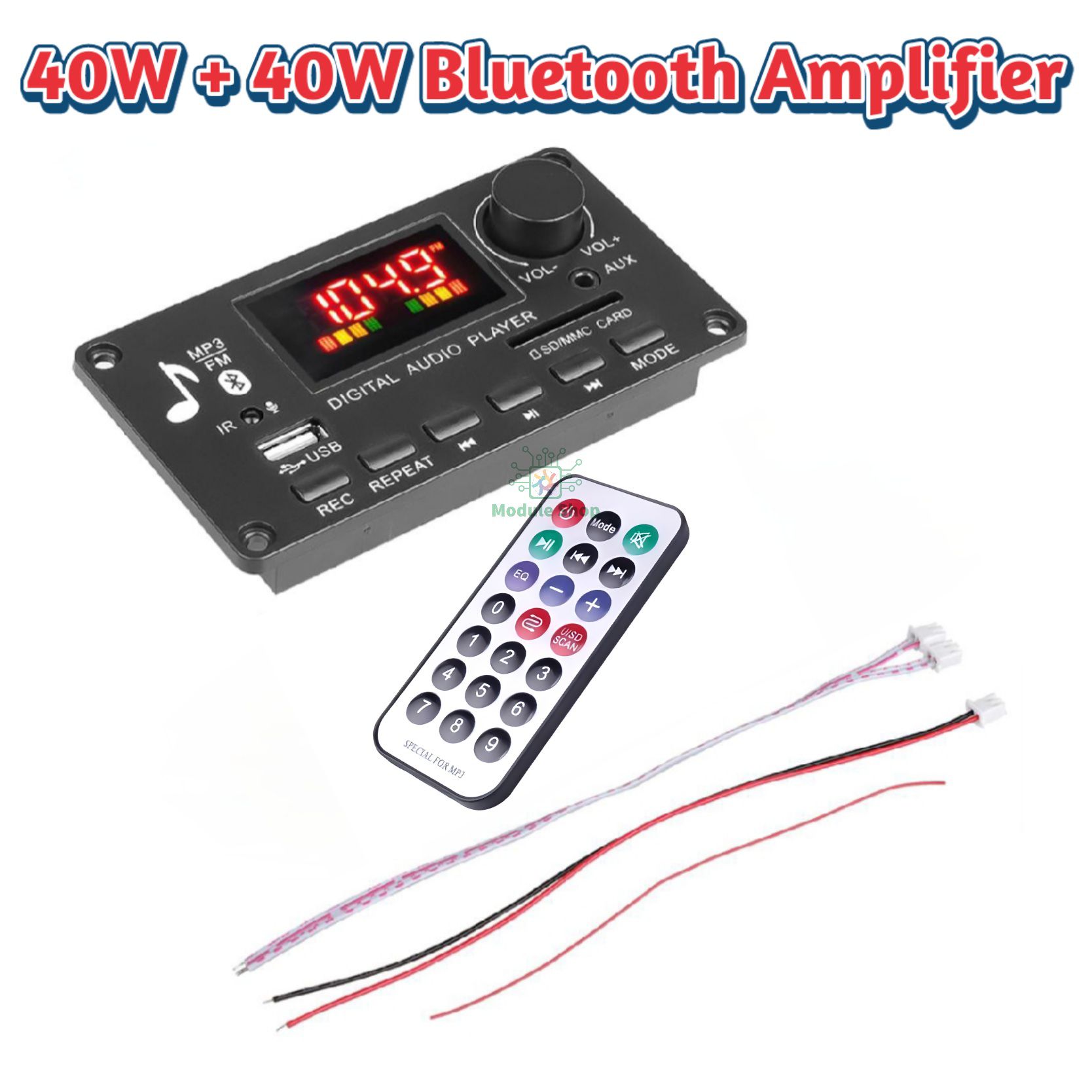
Support function introduction: support MP3 / USB / TF / LINE IN / FM / BLUETOOTH / remote control connection / DC 7V-15V
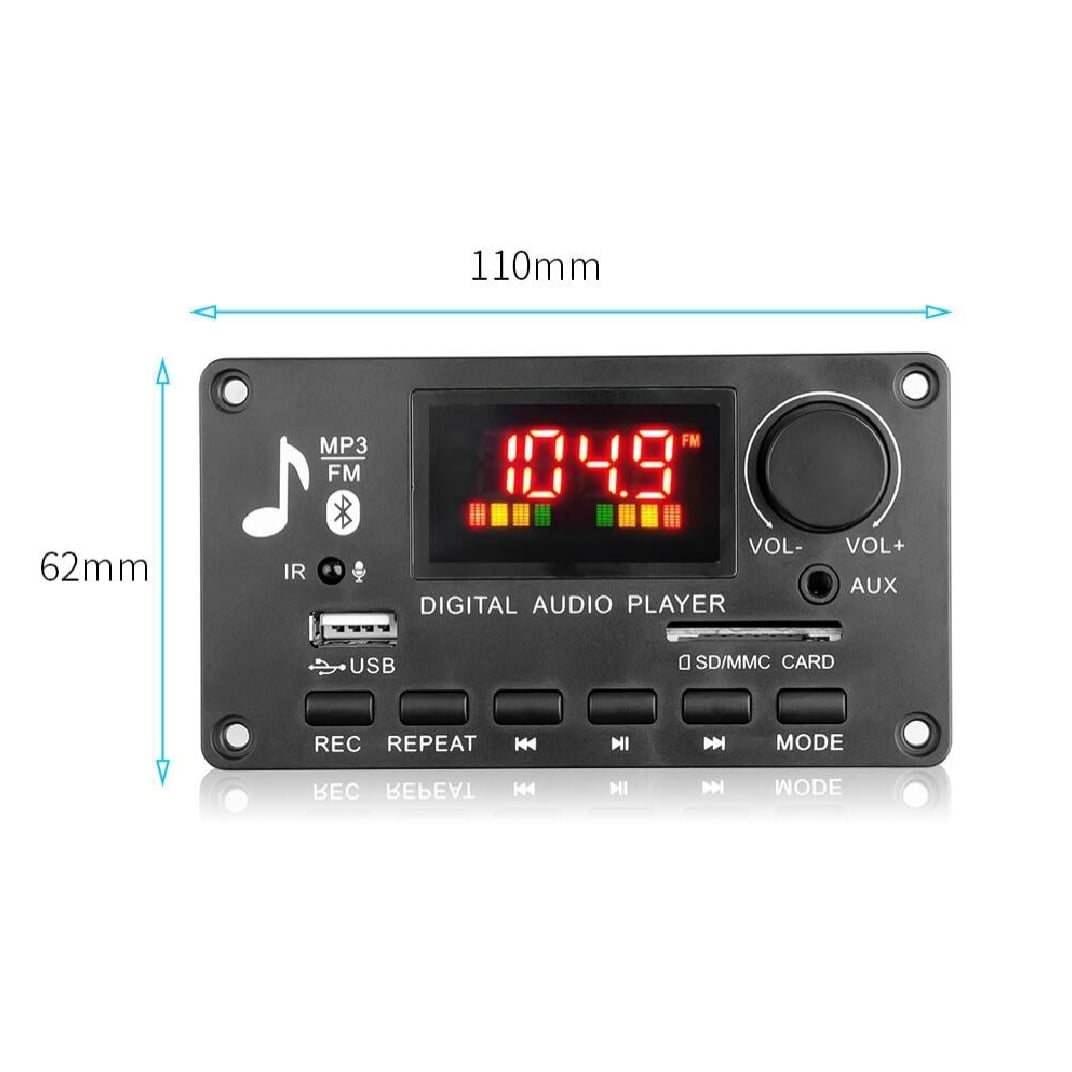
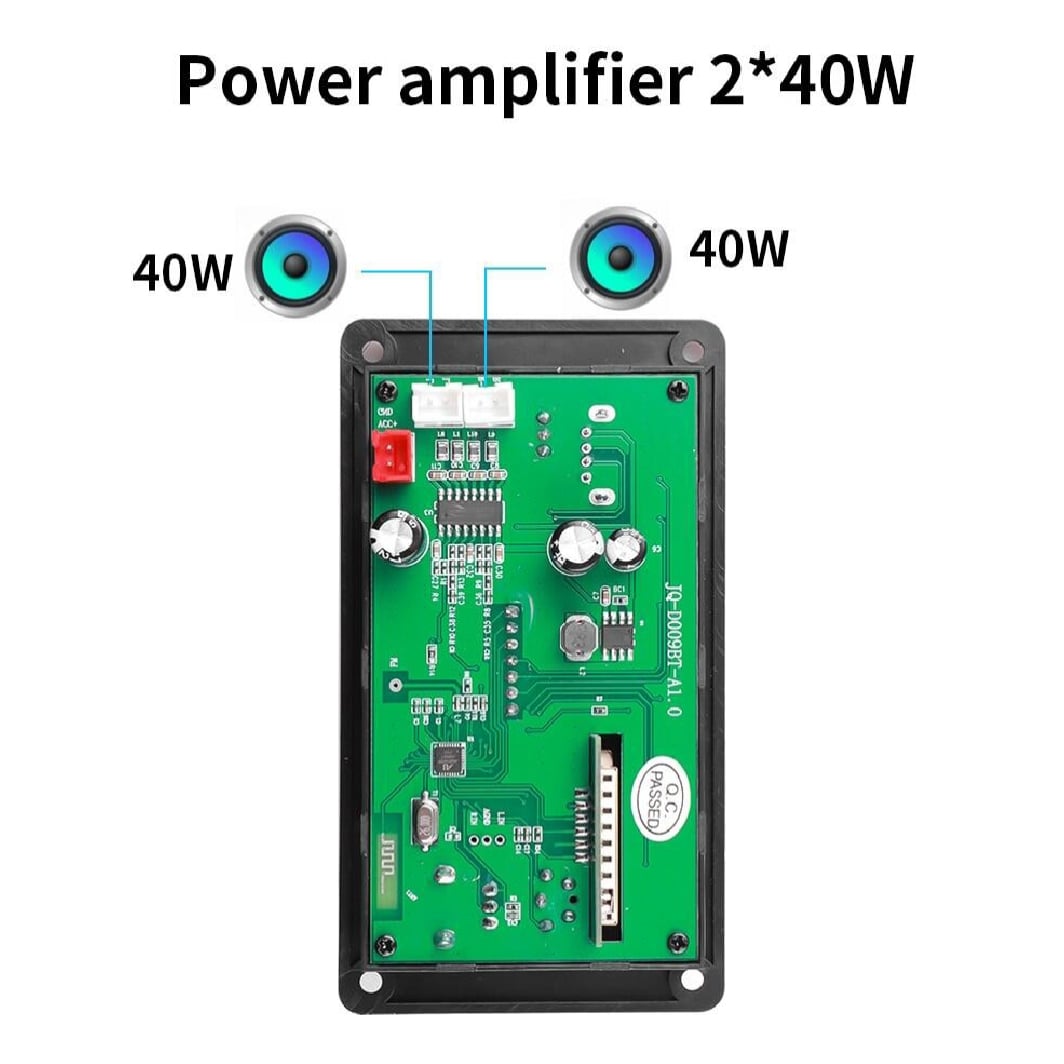
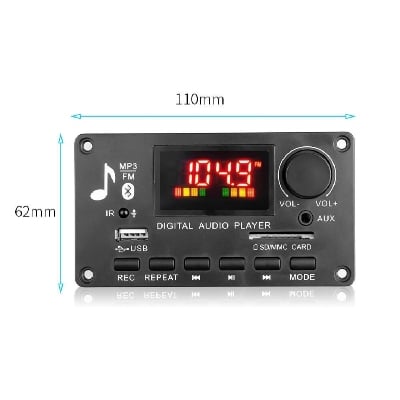
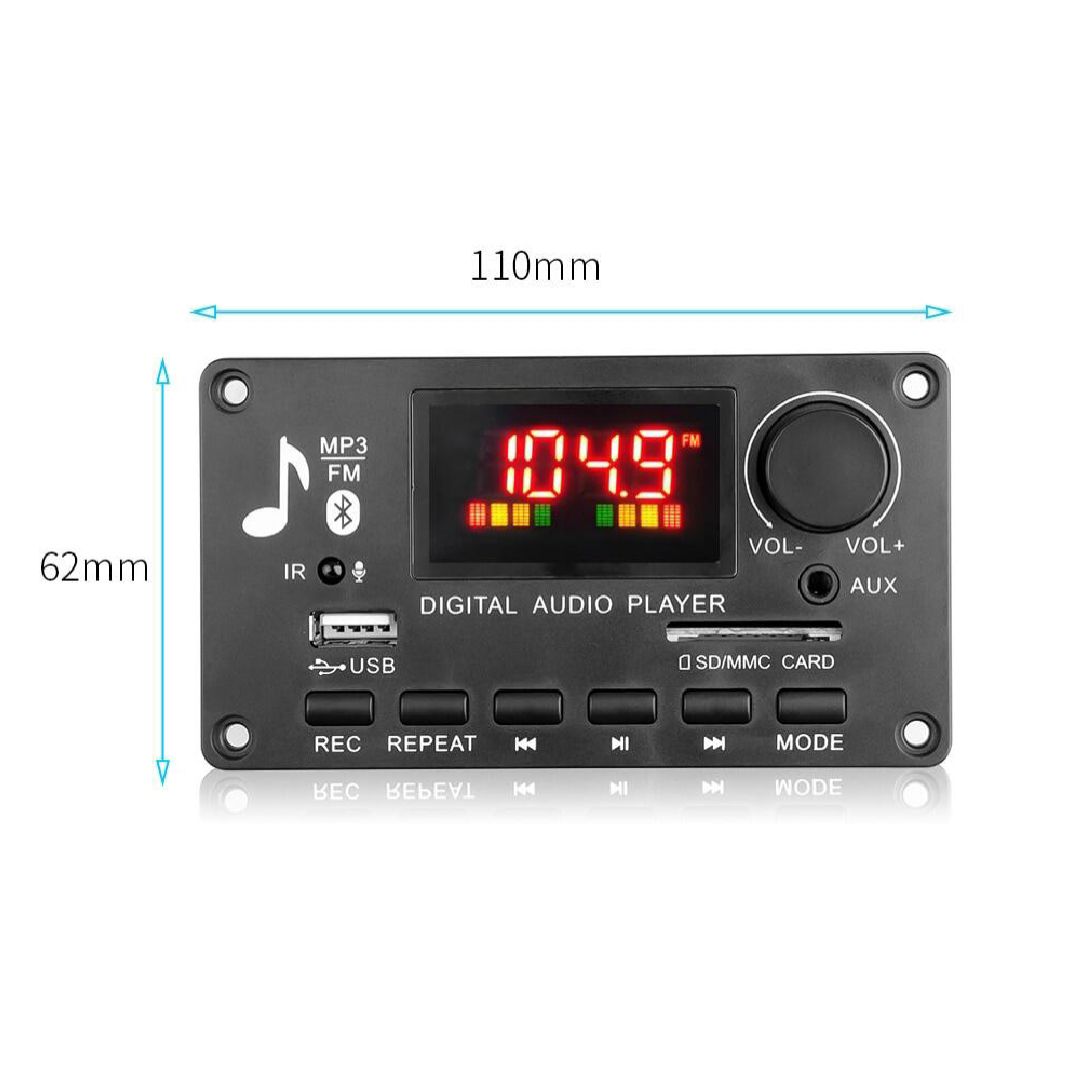
About the structure: Panel size: length 94 * width 40MM, the panel is surrounded by screw holes, the depth of the panel is 20MM
1. Button and interface function
1. Display screen: digital color screen display, showing red;
2. IR: infrared receiving module;
3. AUX interface: audio input interface;
4, MIC: support call and recording function
5. TF card slot: connect SD memory card (maximum support 32GB);
6, USB interface: connect U disk (maximum support 32GB);
7. REC: Long press the REC button to start recording, press the REC button again to cancel the recording function and play the recorded file; when recording, you need to connect a storage device, such as a U disk or TF card;
8. VOL-: volume decrease;
9. REPEAT: Press the single loop function once, press it again to cancel the single loop, and play it in sequence
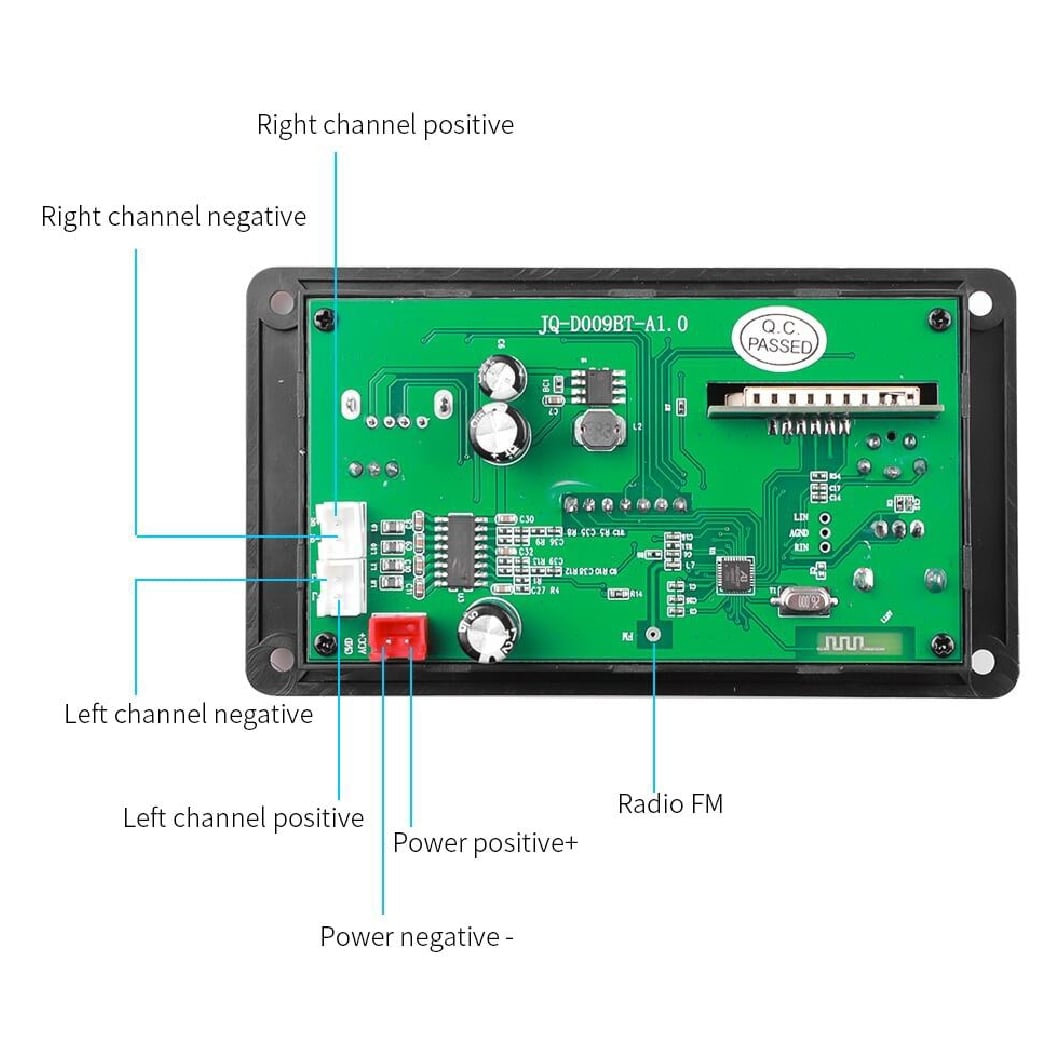
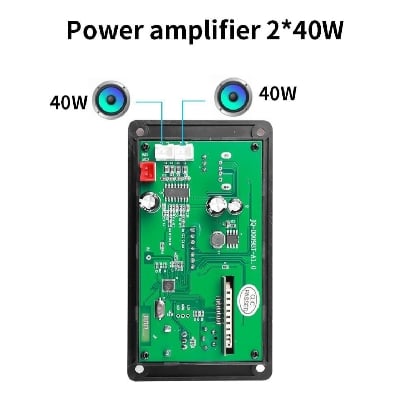
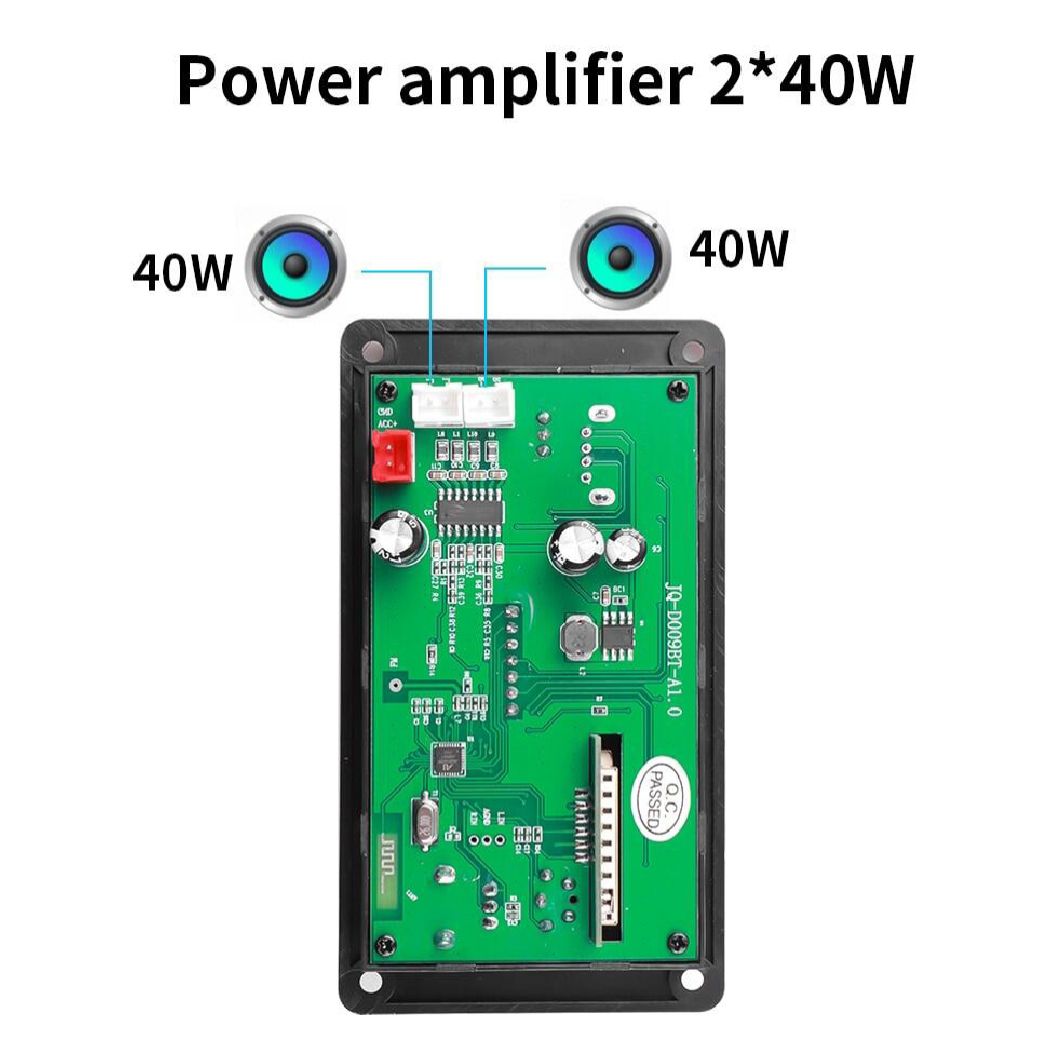
- 2*25W Amplifier DC 7-15V
- Model: JQ-D010BT (Power: 2*25W)
- Bluetooth version 5.0
- Power amplifier ICCS8673E, power: 2*25W
- Bluetooth calling function
- recording function
- Music format: MP3/WMA/WAV/FLAC/APE lossless
- format music
- Radio FM frequency: 87.5-107.5 MHZ
- Folder switching function
- Support function introduction: support MP3 / USB / TF / LINE IN / FM / BLUETOOTH / remote control connection / DC 7V-15V
- About the structure: Panel size: length 94 * width 40MM, the panel is surrounded by screw holes, the depth of the panel is 20MM
- 1. Button and interface function
- 1. Display screen: digital color screen display, showing red;
- 2. IR: infrared receiving module;
- 3. AUX interface: audio input interface;
- 4, MIC: support call and recording function
- 5. TF card slot: connect SD memory card (maximum support 32GB);
- 6, USB interface: connect U disk (maximum support 32GB);
- 7. REC: Long press the REC button to start recording, press the REC button again to cancel the recording function and play the recorded file; when recording, you need to connect a storage device, such as a U disk or TF card;
- 8. VOL-: volume decrease;
- 9. REPEAT: Press the single loop function once, press it again to cancel the single loop, and play it in sequence;

Login to ask a question
