




 Electronics
  Sports
  Automotive
  Stationery, Books & Music
  FMCG
FMCG  Lifestyle
  Fashion
 _20.jpeg) Home
Home  Garden & Pet Care
  Grocery
  Electronics
  Sports
  Automotive
  Stationery, Books & Music
  FMCG
FMCG  Lifestyle
  Fashion
 _20.jpeg) Home
Home  Garden & Pet Care
  Grocery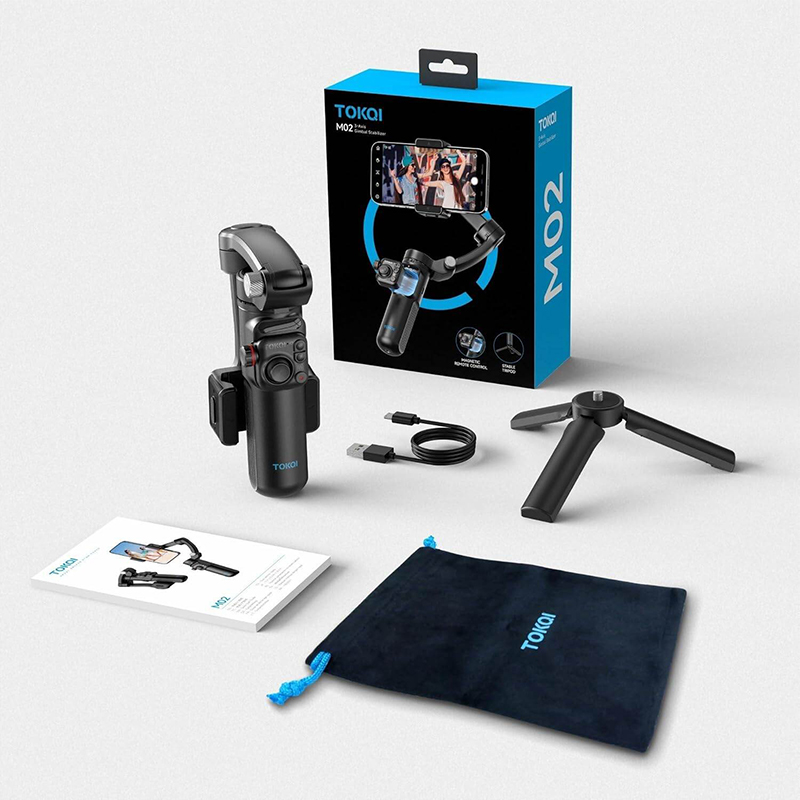
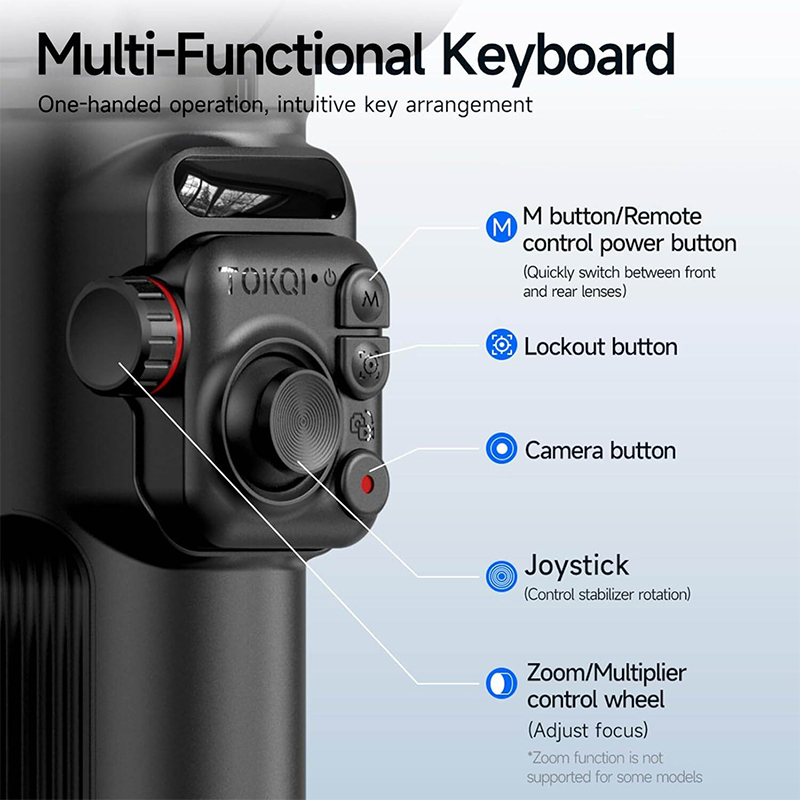
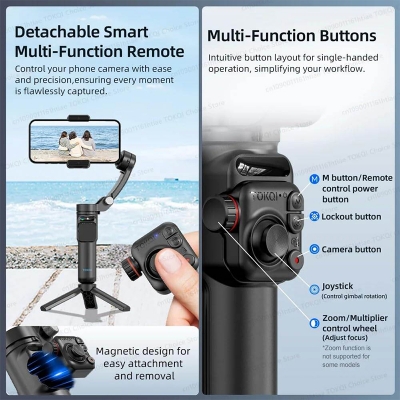
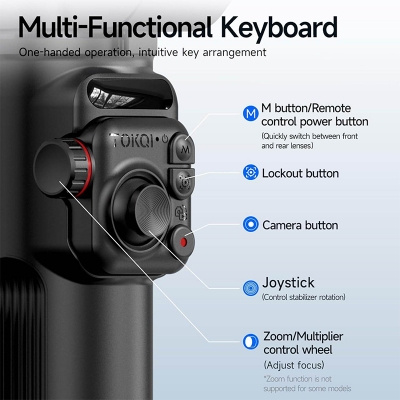
- 360° Adjustable Phone Clamp: The 360° rotatable phone holder lets you switch between portrait and landscape mode with a simple press — no need for manual adjustments. Perfect for live streaming, vertical reels, or horizontal cinematic videos.
- 7 Smart Gimbal Modes for Creative Shots: Unleash your creativity with seven intelligent shooting modes, including: Semi Follow Mode Full Follow Mode Locked Mode POV Mode Inception Mode Semi-Follow GO Mode Full Follow GO Mode These dynamic options make it easy to produce professional-quality videos from any angle.
- Long-Lasting Battery with Fast Charging: Built-in 2600mAh high-capacity battery offers up to 6 hours of continuous use on a single charge. Recharge easily with the included USB Type-C cable — get back to filming in no time!
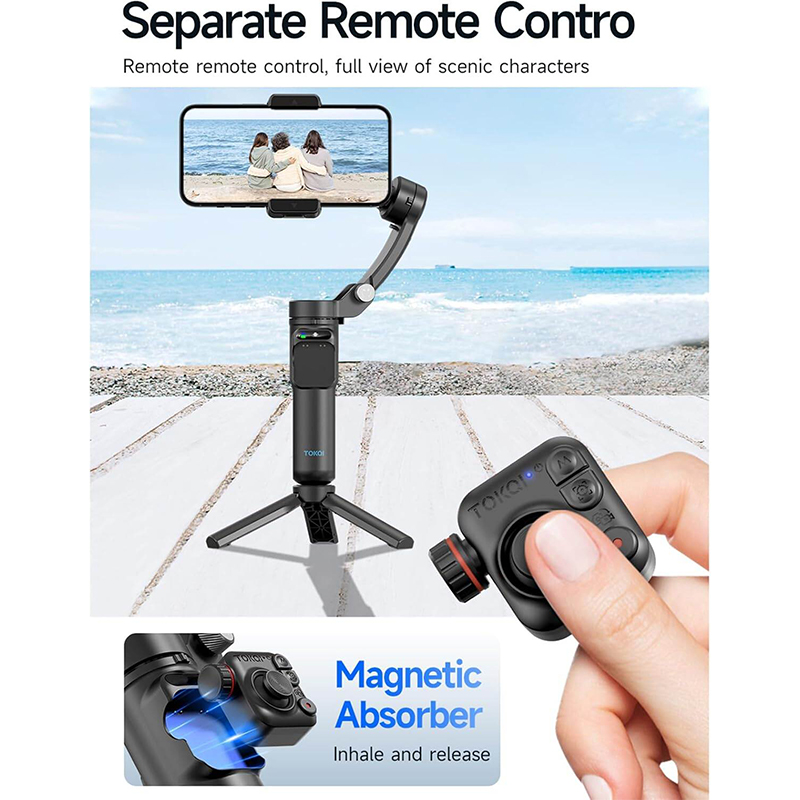
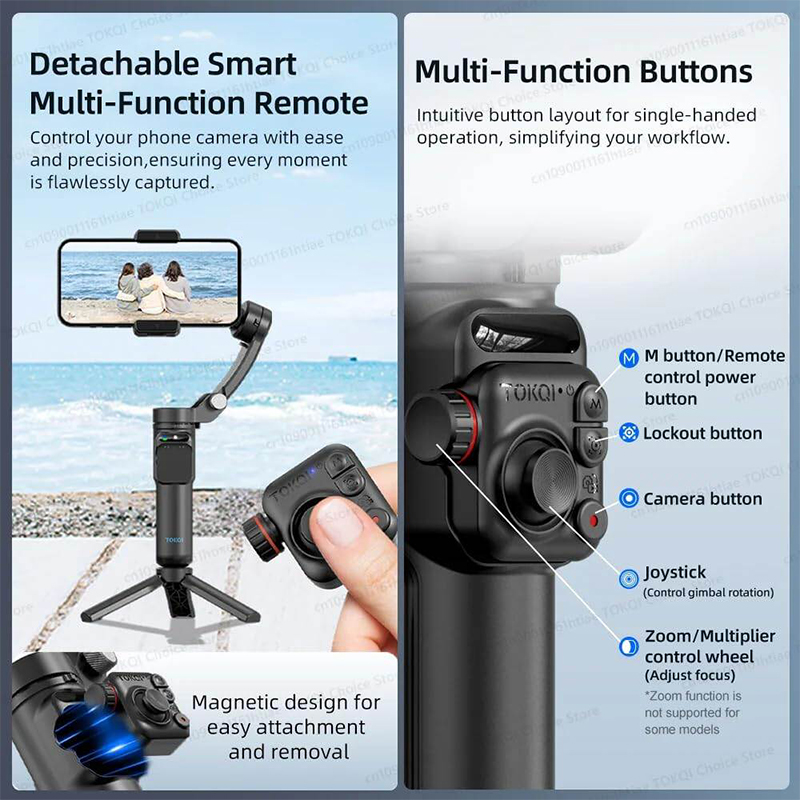
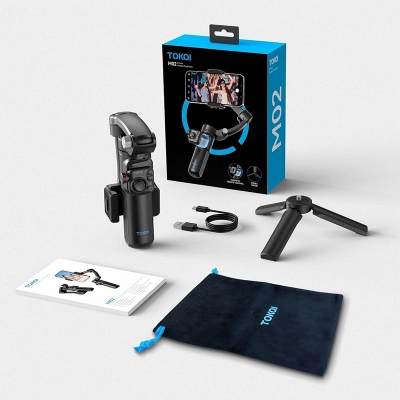
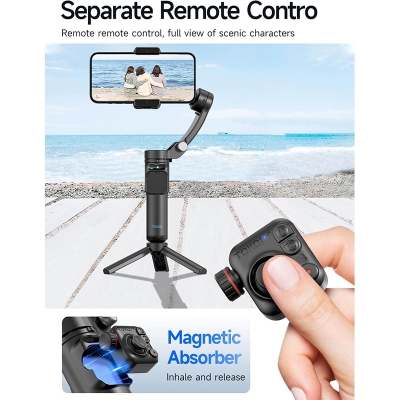
- Detachable Wireless Remote & Mini Tripod Included: Operate your stabilizer from a distance with the included Bluetooth remote control, perfect for solo shooting or group photos. The compact tripod stand adds versatility, letting you shoot hands-free, do time-lapses, or go live effortlessly


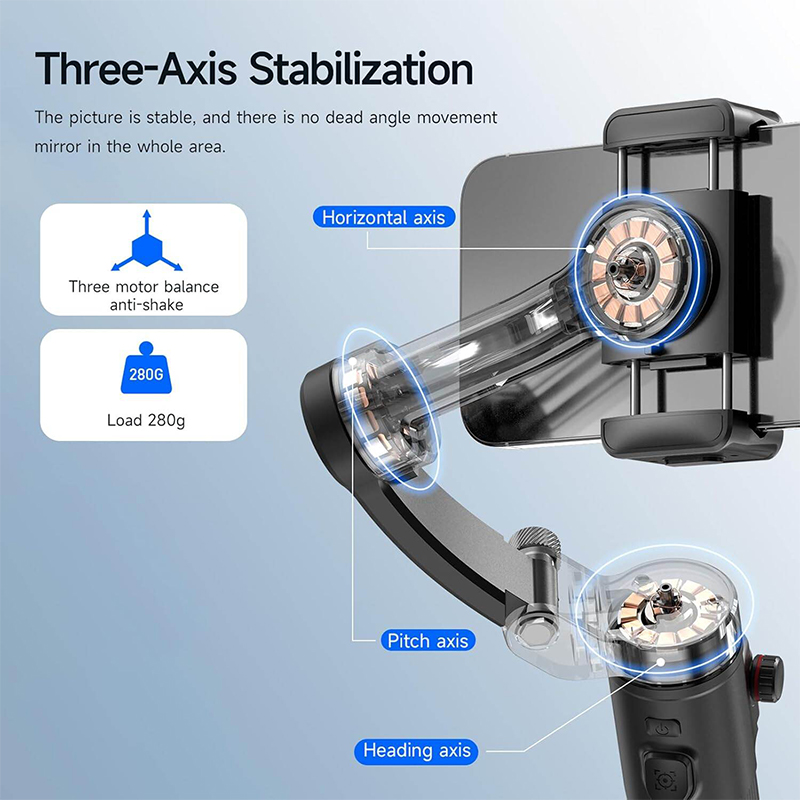
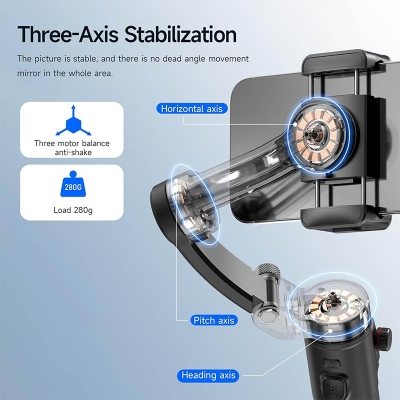
- TOKQI M02 3-Axis Handheld Gimbal Stabilizer
- Model: TOKQI M02
- Support mobile phone weight: ≤280g
- Support mobile phone thickness: ≤11mm
- Support mobile phone width: 50~90mm
- Battery capacity: 2600mAh
- Charging time: About 3h
- Work time: 7-8h
- APP name: Gimbal Show
- Support mobile phone system: Android 9.0 and above; iOS 11 and above
- Bluetooth name: M02-XXXXXX
- Gimbal working mode: Semi-follow, Full follow, Fully Locked, POV, Inception Space, Semi-follow Go Mode, Full follow Go Mode
- Tracking Mode: Face tracking, Object tracking (in app)
- Gesture Operation: YES (in app)
- Selfie Stick Mode: YES
- Zoom function: YES (in app)
- Manual focusing: YES (in app), But Some phones do not support manual focusing

Customer Questions and answers :
Login to ask a question
