



 Daily Bazar
  Electronics
  Mother, Baby & Toys
  Beauty
  Sports
  Automotive
  Stationery, Books & Music
  Fashion
 _20.jpeg) Home
Home  Garden & Pet Care
  Grocery
  Daily Bazar
  Electronics
  Mother, Baby & Toys
  Beauty
  Sports
  Automotive
  Stationery, Books & Music
  Fashion
 _20.jpeg) Home
Home  Garden & Pet Care
  Grocery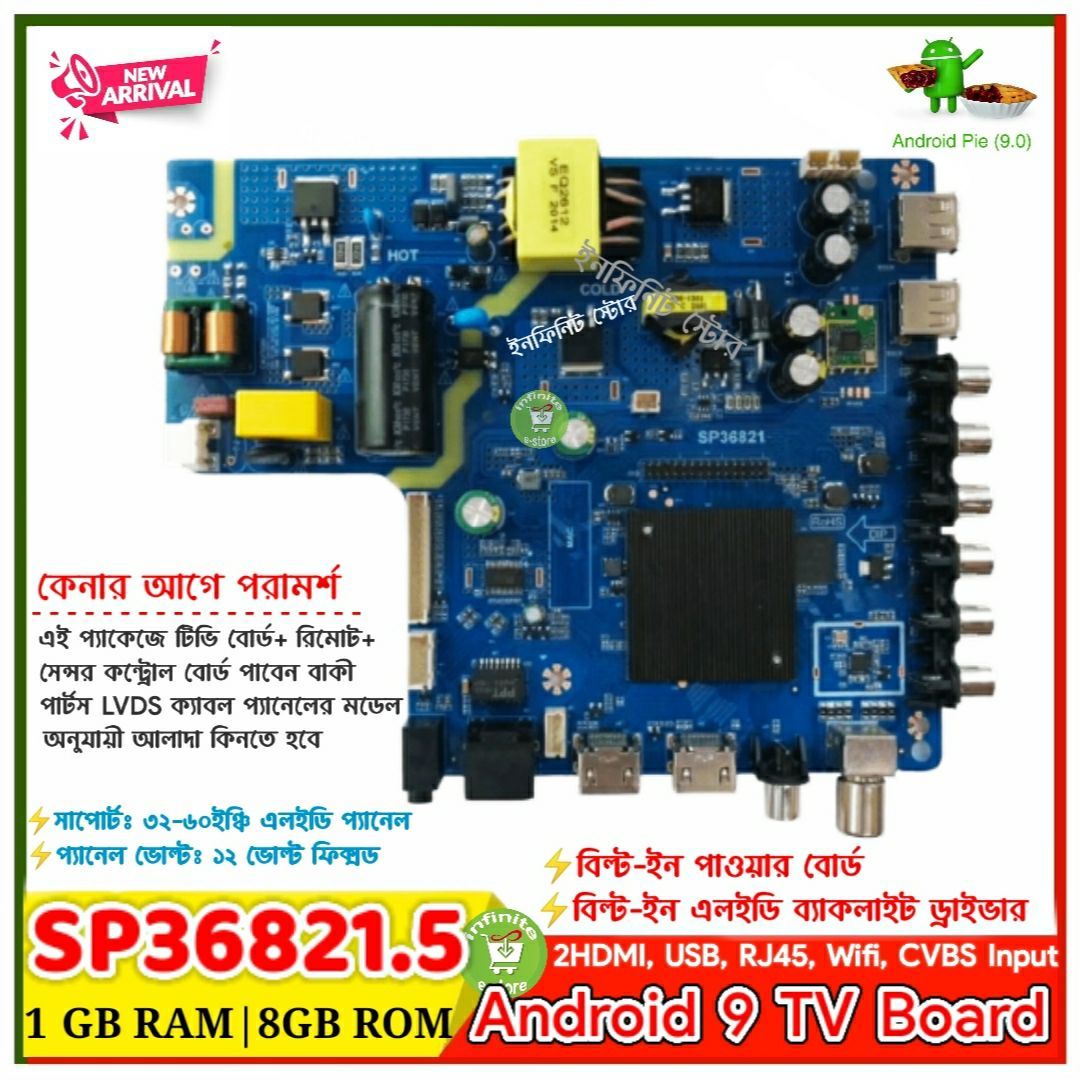
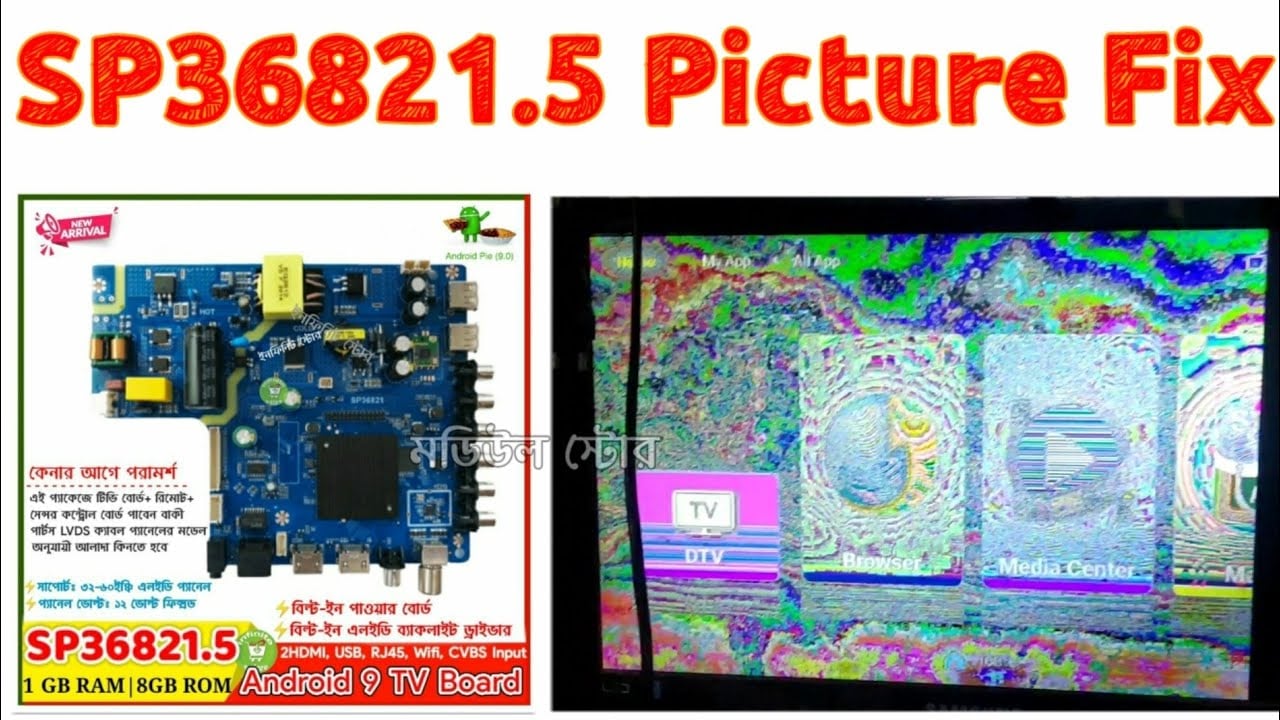
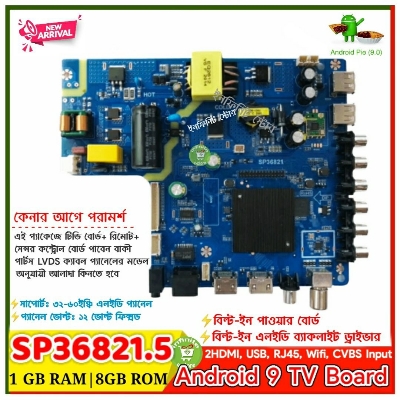
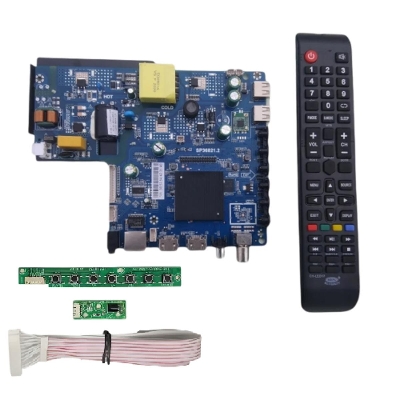
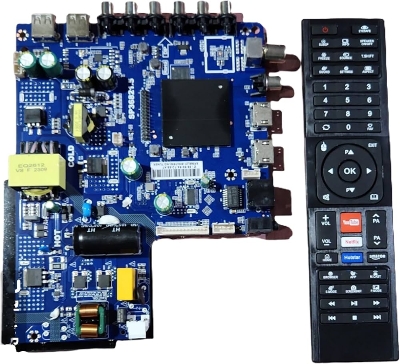
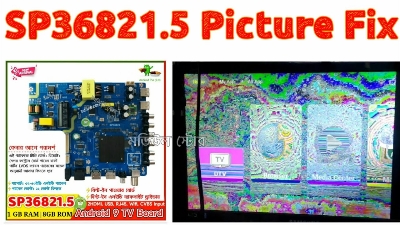
 Model Number: SP36821.5
- Backlight Type: LED
- Cabinet Color: Blue / Green
- Display Format: 720p 1080p
- Interface Type: usb/vga/hdmi
- Receiving System: PAL
- Refresh Rate: PAL(50Hz)
- Resolution: 1366x768 and 1920x1080
- Screen Size: 32 39 43 51 Inches
- Type: LCD, Indoor
- Support: all universal
- Language: English
- before the motherboard is powered on, please pay attention to insulating the motherboard.Please note that our definition of LVDS interface is the interface of general series motherboard, which is not applicable to some original LVDS interfaces. LVDS definition is marked on the back, please watch carefully.
please note that the screen cable cannot be inserted reversely, and the reverse power supply is easy to cause damage to the motherboard.Normal VCC represents power supply. If you use general LVDS, the red line represents power supply.
The specific operation method is as follows: when you receive the motherboard, the default resolution of our new motherboard is 1920 * 1080
The first boot time is very long. The first power on is in red standby mode. Please use the key board or the remote control to power on, the indicator light turns green, and then wait for the motherboard to enter the system. It is slow to enter the system for the first time, which takes about 90 seconds. Please do not operate in 90 seconds. After 90 seconds, use the remote control to press the signal "source" of the remote control with code to switch the resolution
Factory mode: Press "source 208"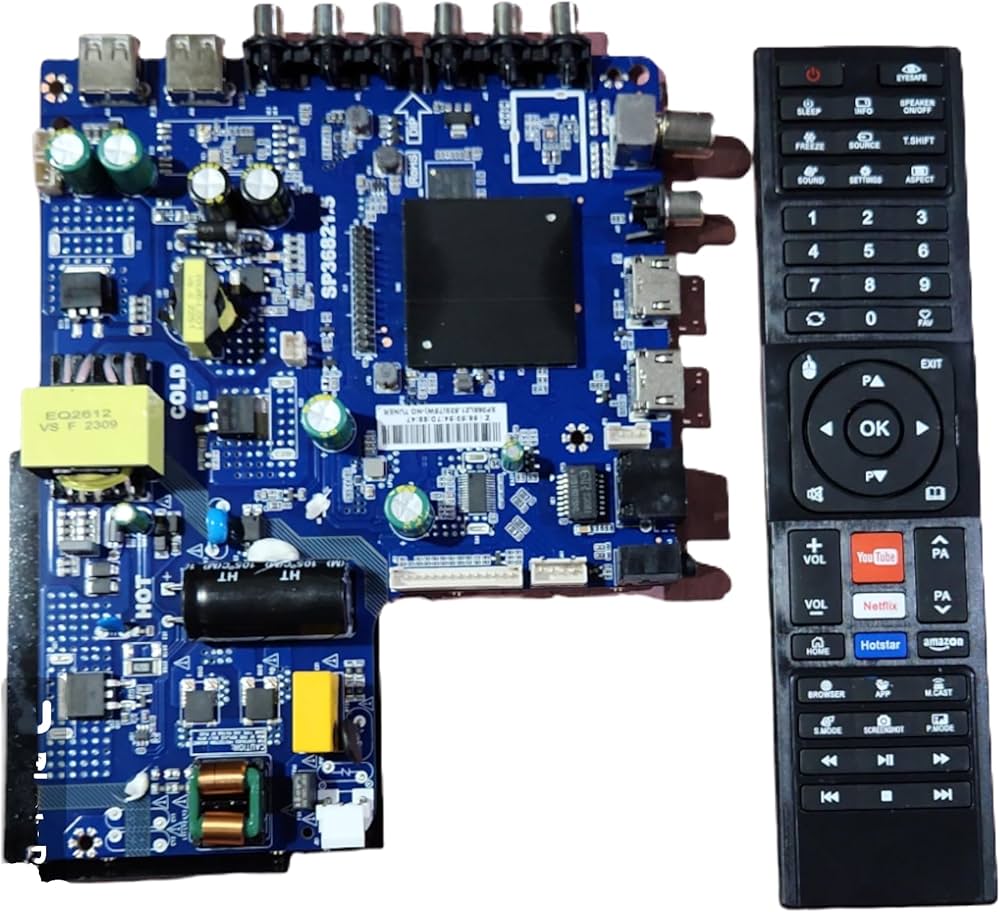
- Model Number: SP36821.5
Backlight Type: LED
Cabinet Color: Blue / Green
Display Format: 720p 1080p
Interface Type: usb/vga/hdmi
Receiving System: PAL
Refresh Rate: PAL(50Hz)
Resolution: 1366x768 and 1920x1080
Screen Size: 32 39 43 51 Inches
- Type: LCD, Indoor
- Support: all universal
- Language: English
before the motherboard is powered on, please pay attention to insulating the motherboard.Please note that our definition of LVDS interface is the interface of general series motherboard, which is not applicable to some original LVDS interfaces. LVDS definition is marked on the back, please watch carefully.
please note that the screen cable cannot be inserted reversely, and the reverse power supply is easy to cause damage to the motherboard.Normal VCC represents power supply. If you use general LVDS, the red line represents power supply.
The specific operation method is as follows: when you receive the motherboard, the default resolution of our new motherboard is 1920 * 1080
The first boot time is very long. The first power on is in red standby mode. Please use the key board or the remote control to power on, the indicator light turns green, and then wait for the motherboard to enter the system. It is slow to enter the system for the first time, which takes about 90 seconds. Please do not operate in 90 seconds. After 90 seconds, use the remote control to press the signal "source" of the remote control with code to switch the resolution
Factory mode: Press "source 208"
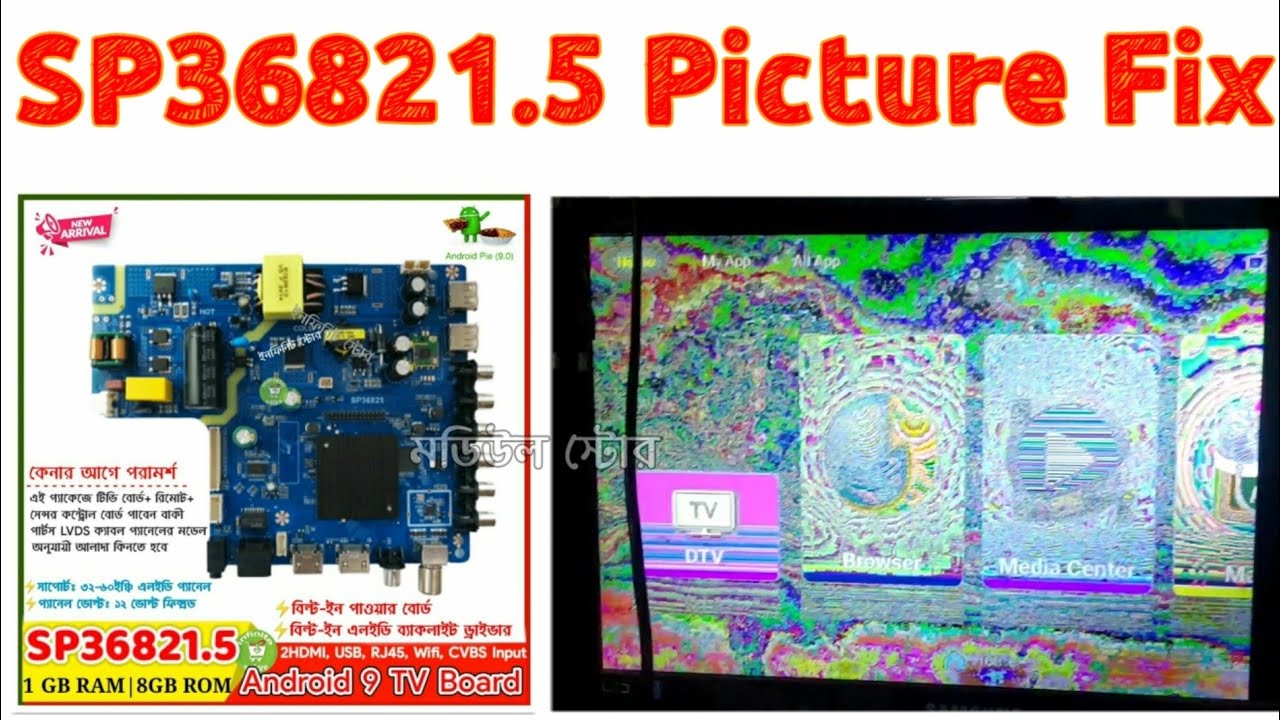
if your screen watermark flower screen, please modify panel-LVDS TI
It can also be adjusted to the screen: Please note that the modified screen needs to be restarted to have effect.
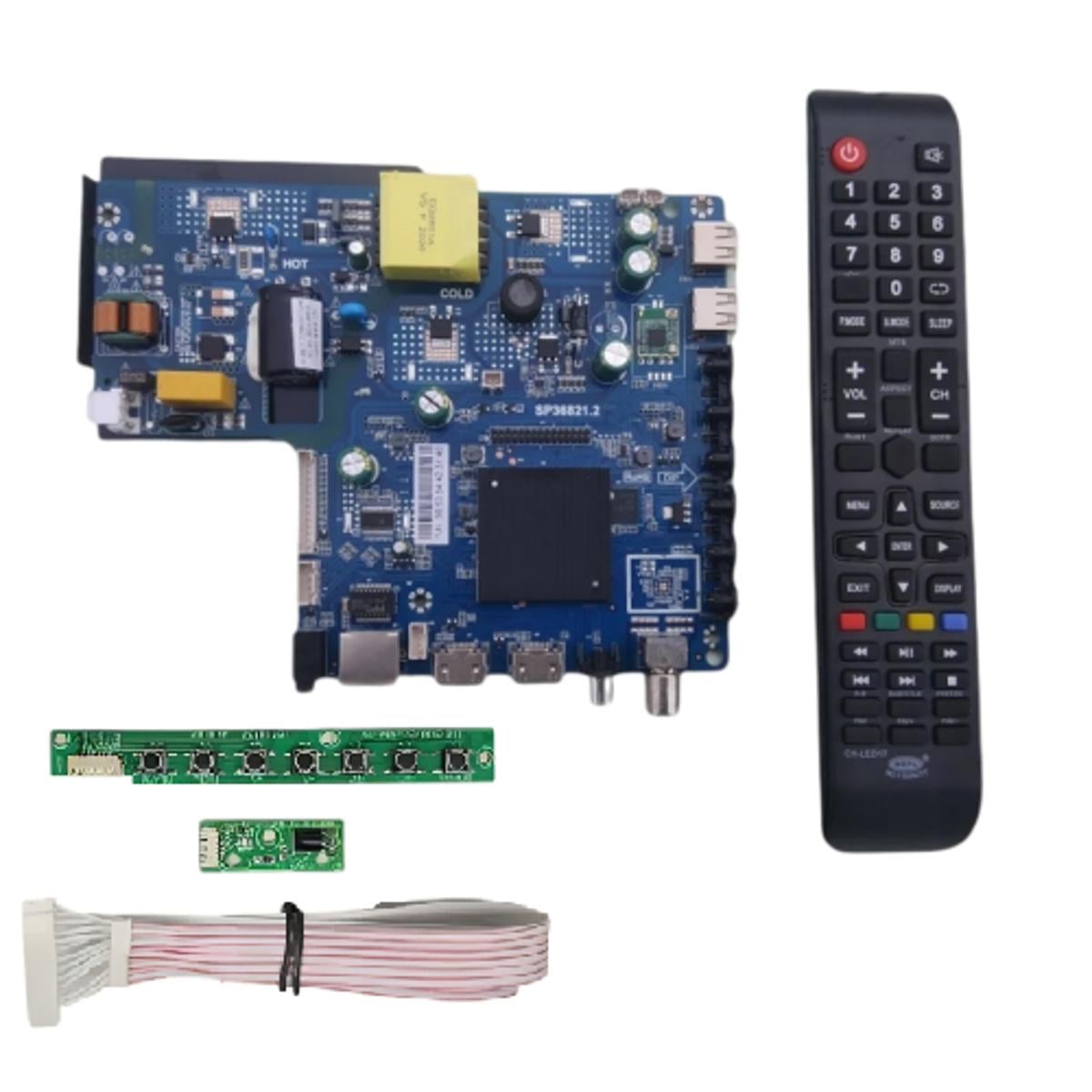
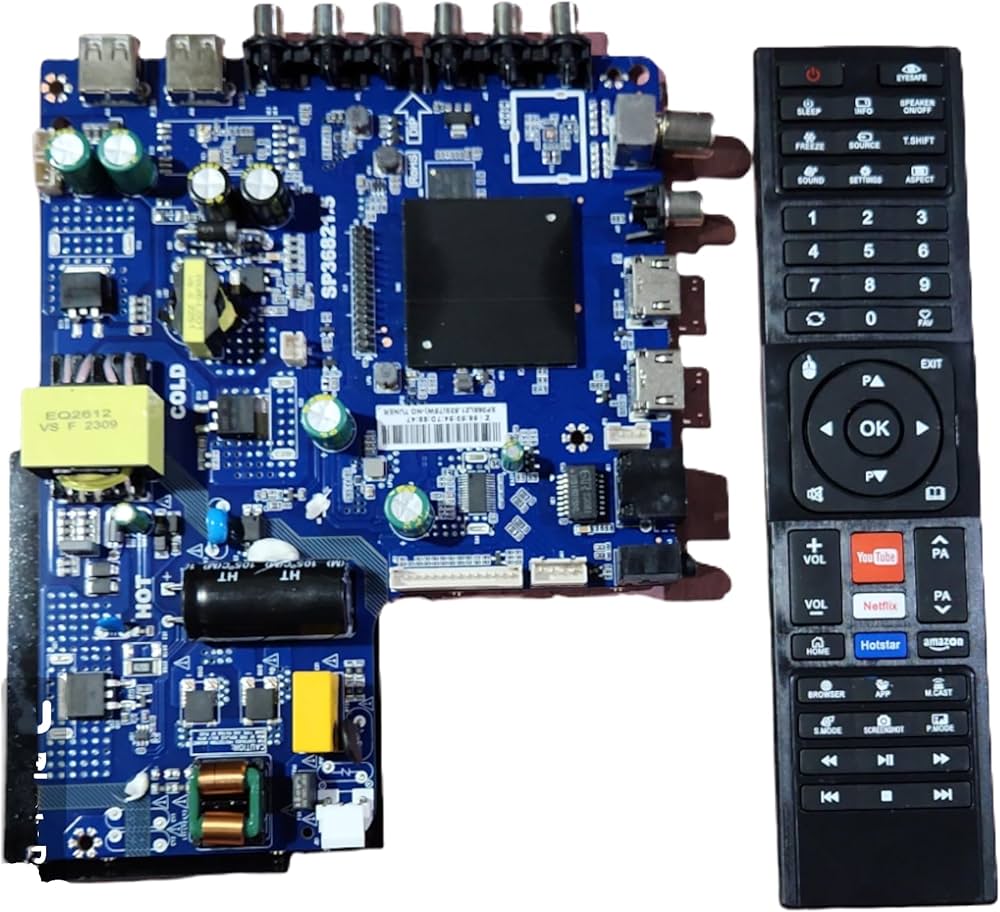
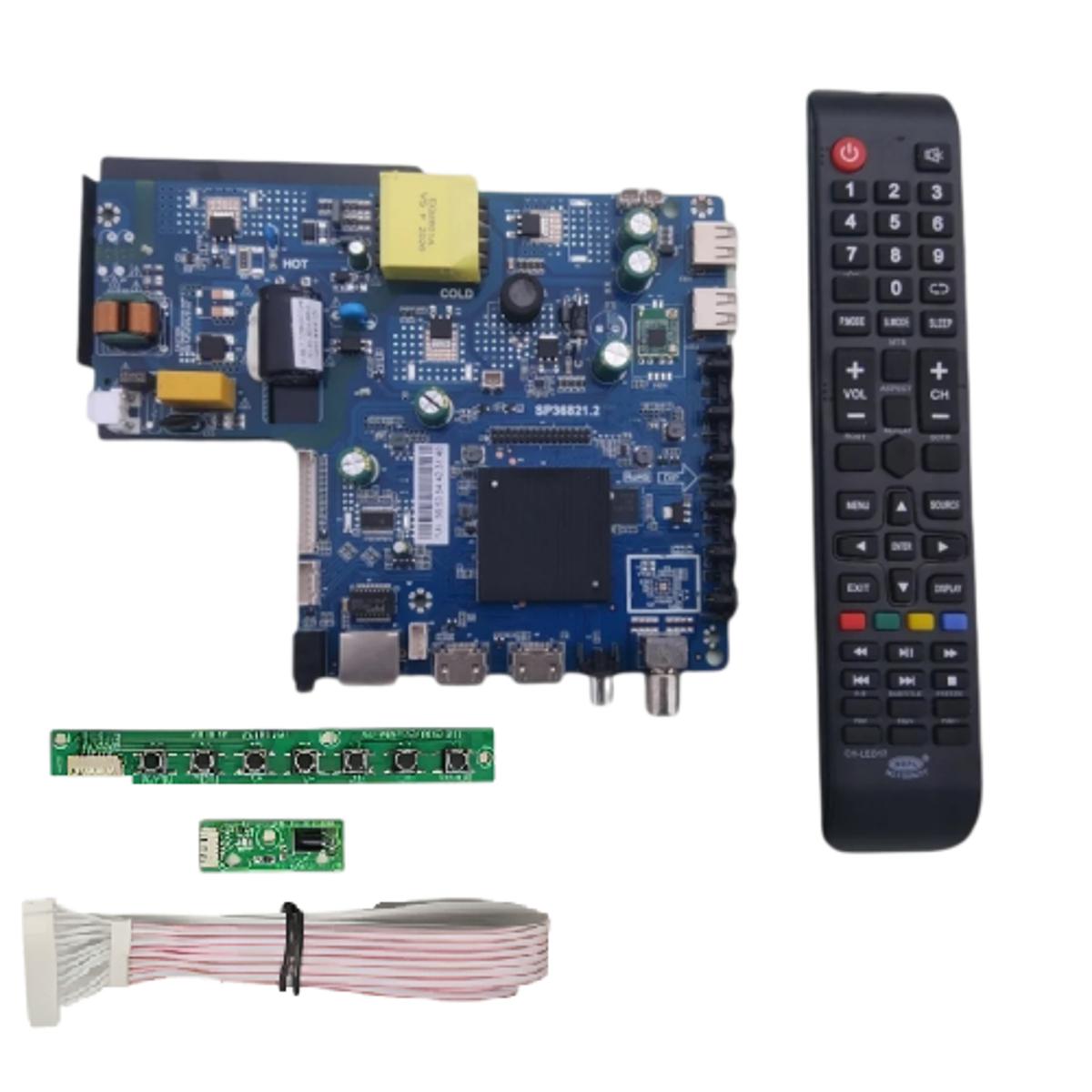
Package included:
1 x S368LA1.5 Smart Board
1 x English Remote Control1 x IR
The motherboard now supports remote control Qi The resolution can be switched through several digital buttons on the remote control.

Login to ask a question
