




 Daily Bazar
  Electronics
  Mother, Baby & Toys
  Beauty
  Sports
  Automotive
  Stationery, Books & Music
  Computer Table
  Computer Table
  Special Weekly Offer
  Global Finds
  Quick Commerce
 _20.png) Fashion Luxe
Fashion Luxe  Jersey
  Sports Shoes
  Fashion
 _20.jpeg) Home
Home  Garden & Pet Care
  Grocery
  Daily Bazar
  Electronics
  Mother, Baby & Toys
  Beauty
  Sports
  Automotive
  Stationery, Books & Music
  Computer Table
  Computer Table
  Special Weekly Offer
  Global Finds
  Quick Commerce
 _20.png) Fashion Luxe
Fashion Luxe  Jersey
  Sports Shoes
  Fashion
 _20.jpeg) Home
Home  Garden & Pet Care
  Grocery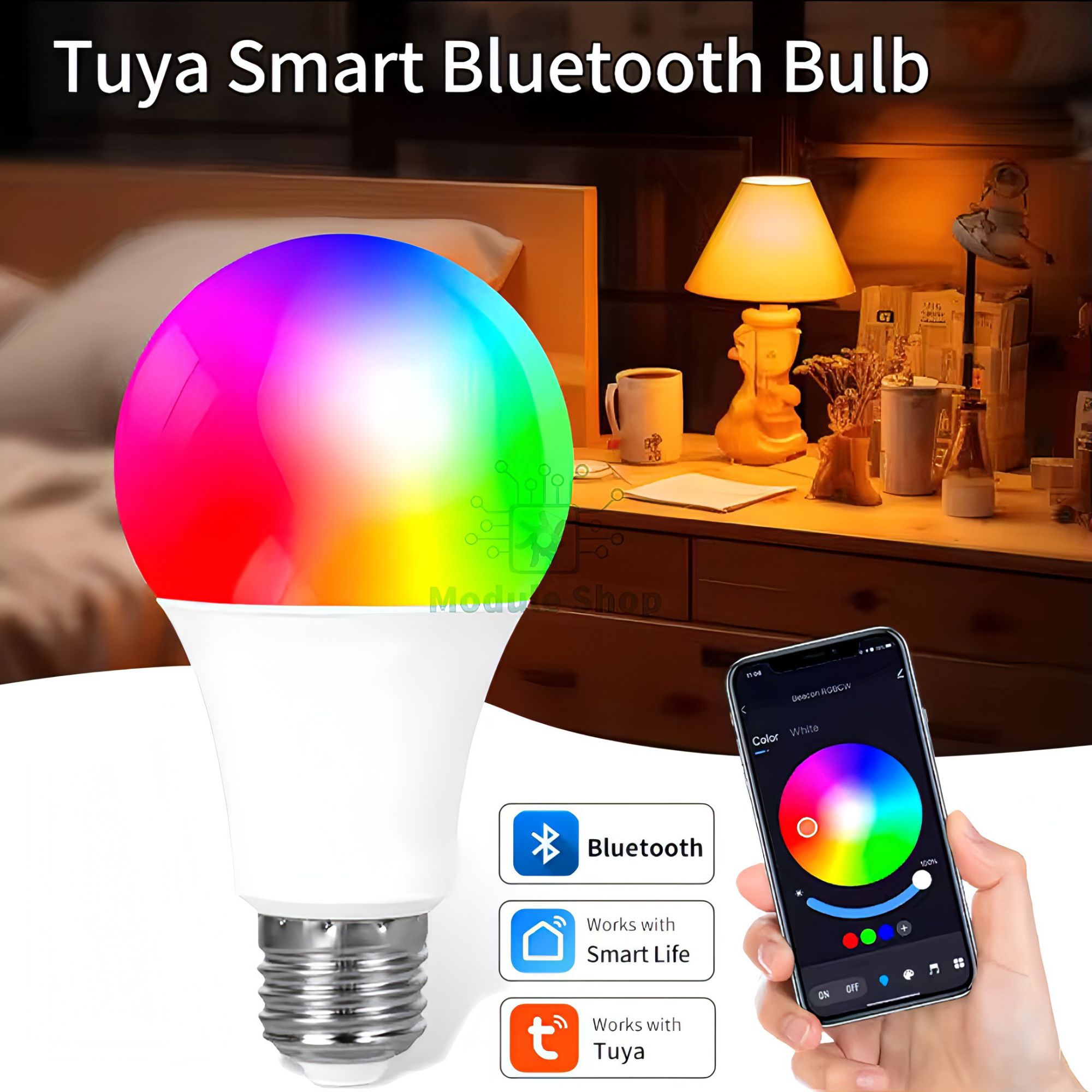
- Specification:
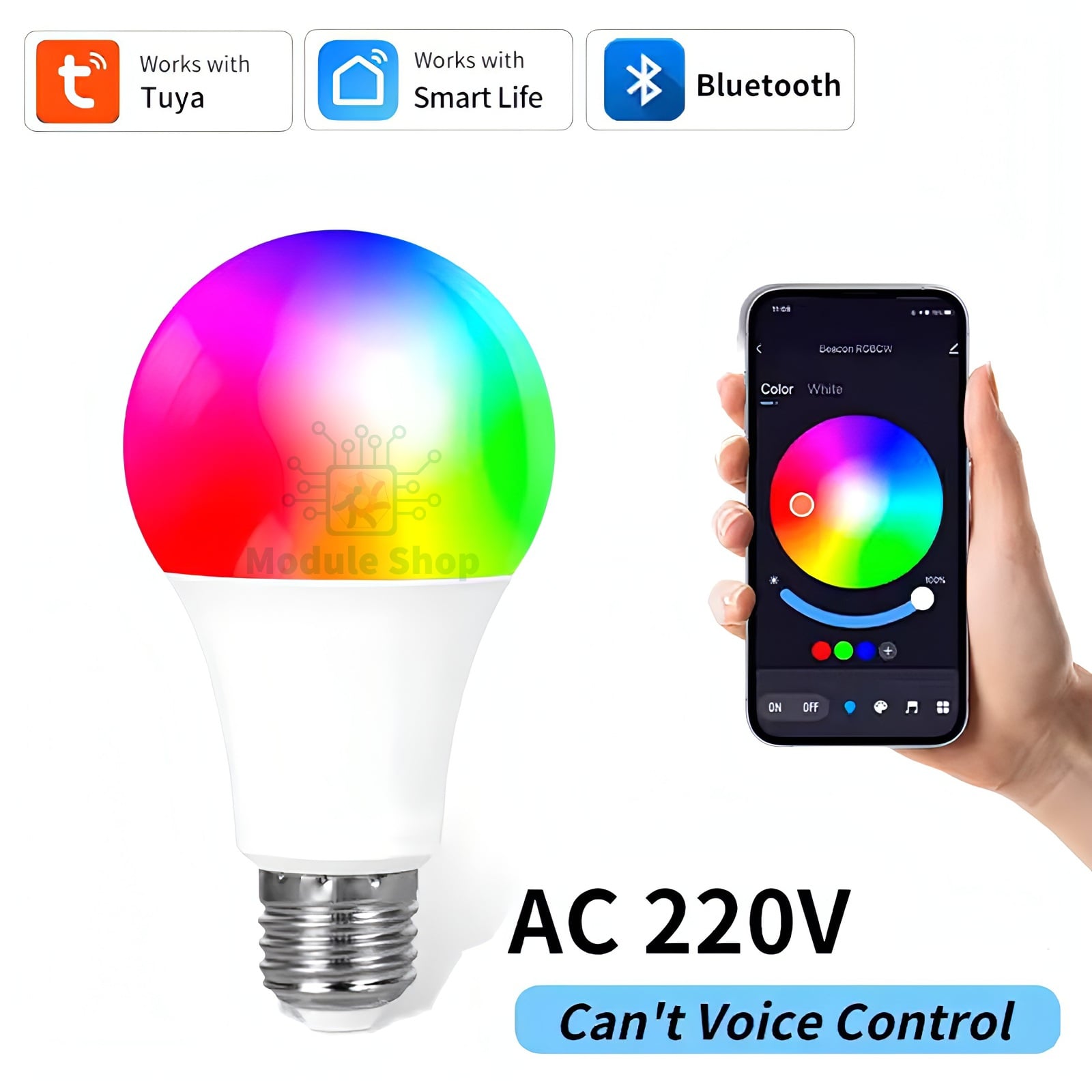
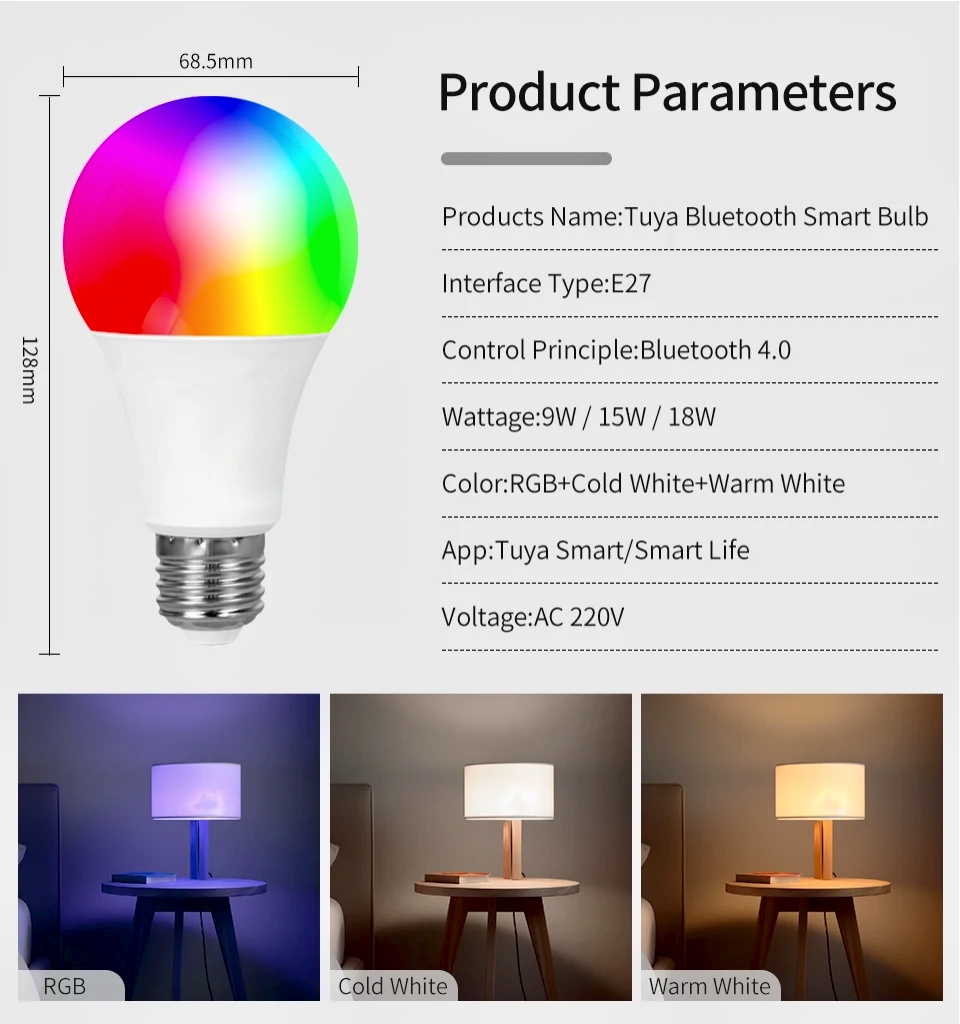
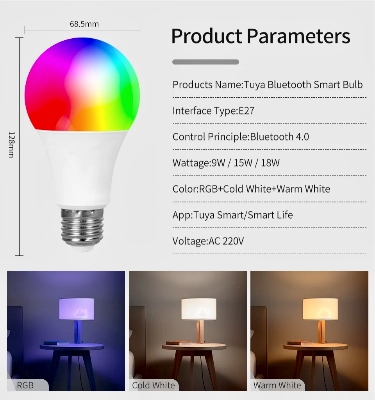
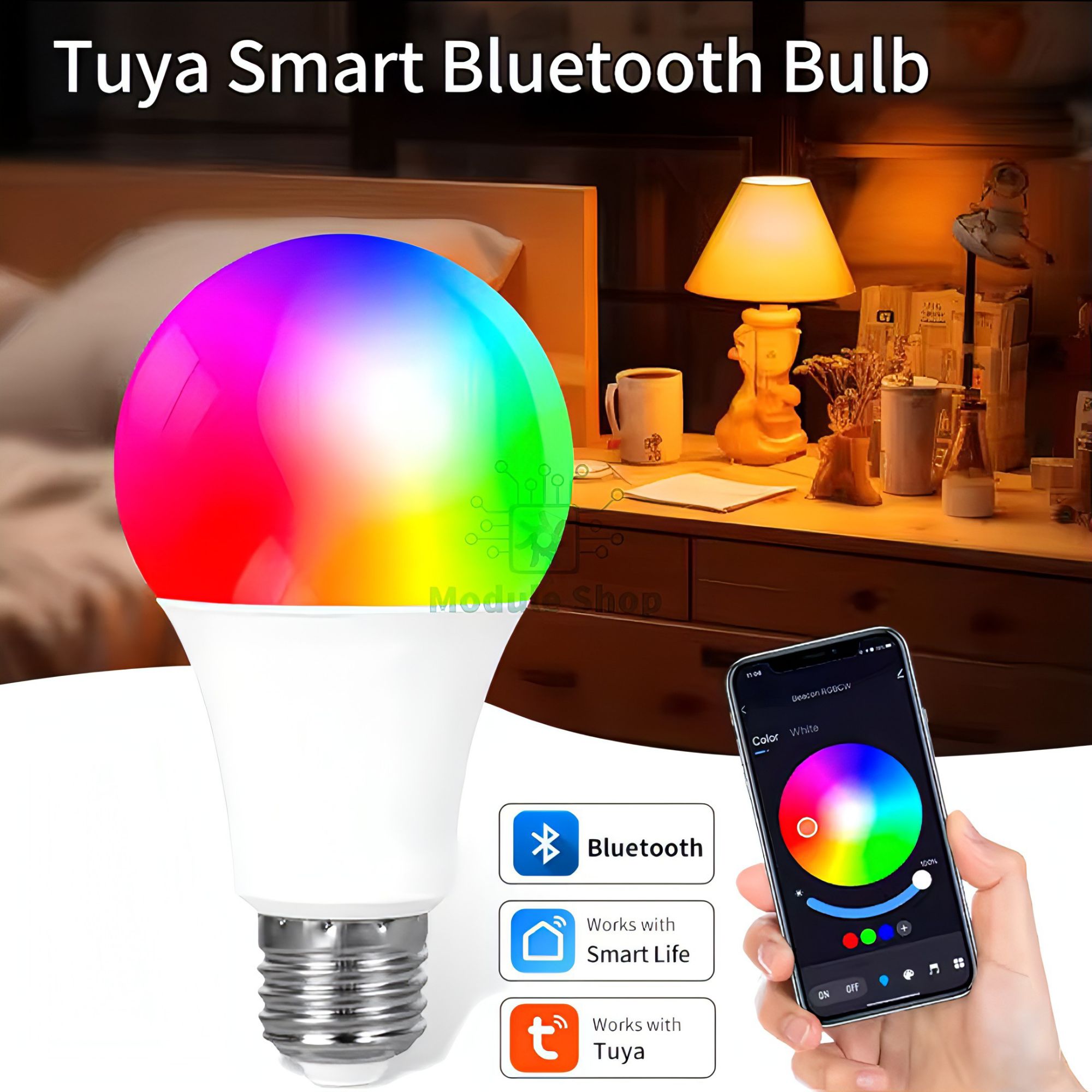
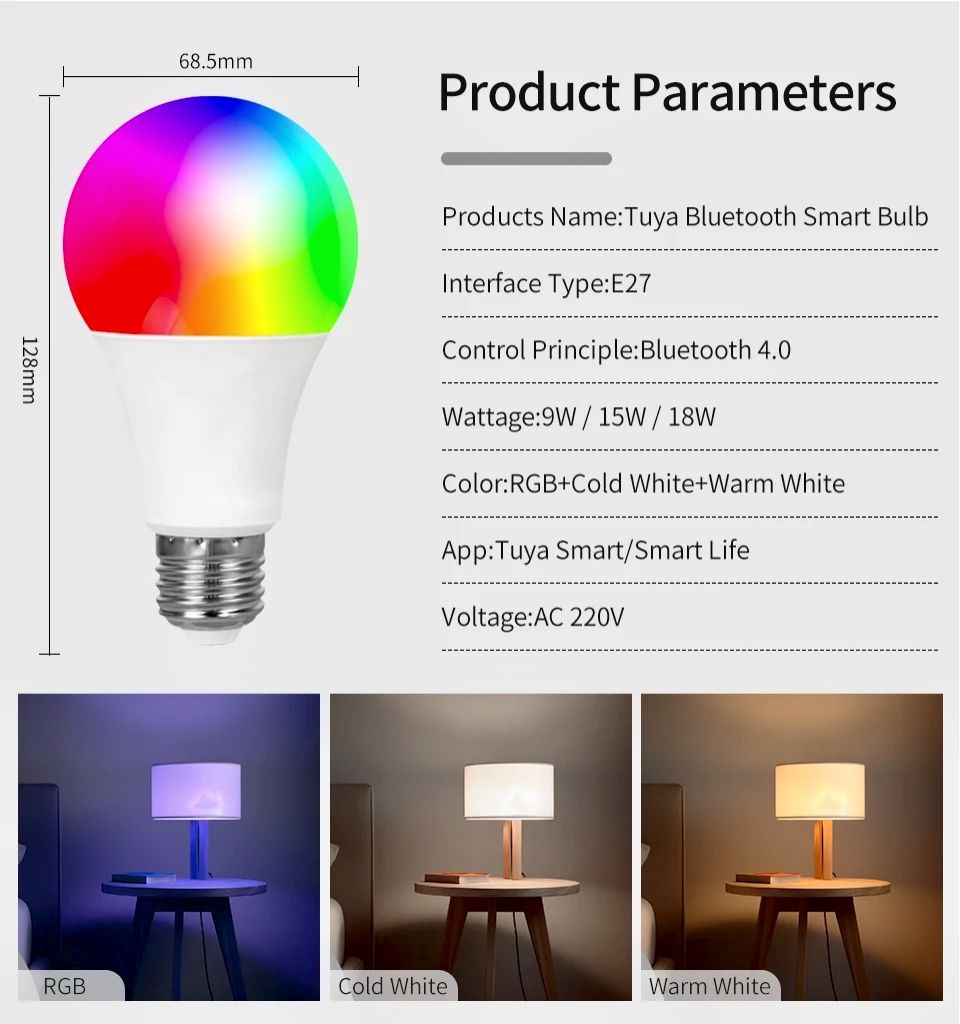
- Product name: Bluetooth smart Bulb
- Socket Type:E27
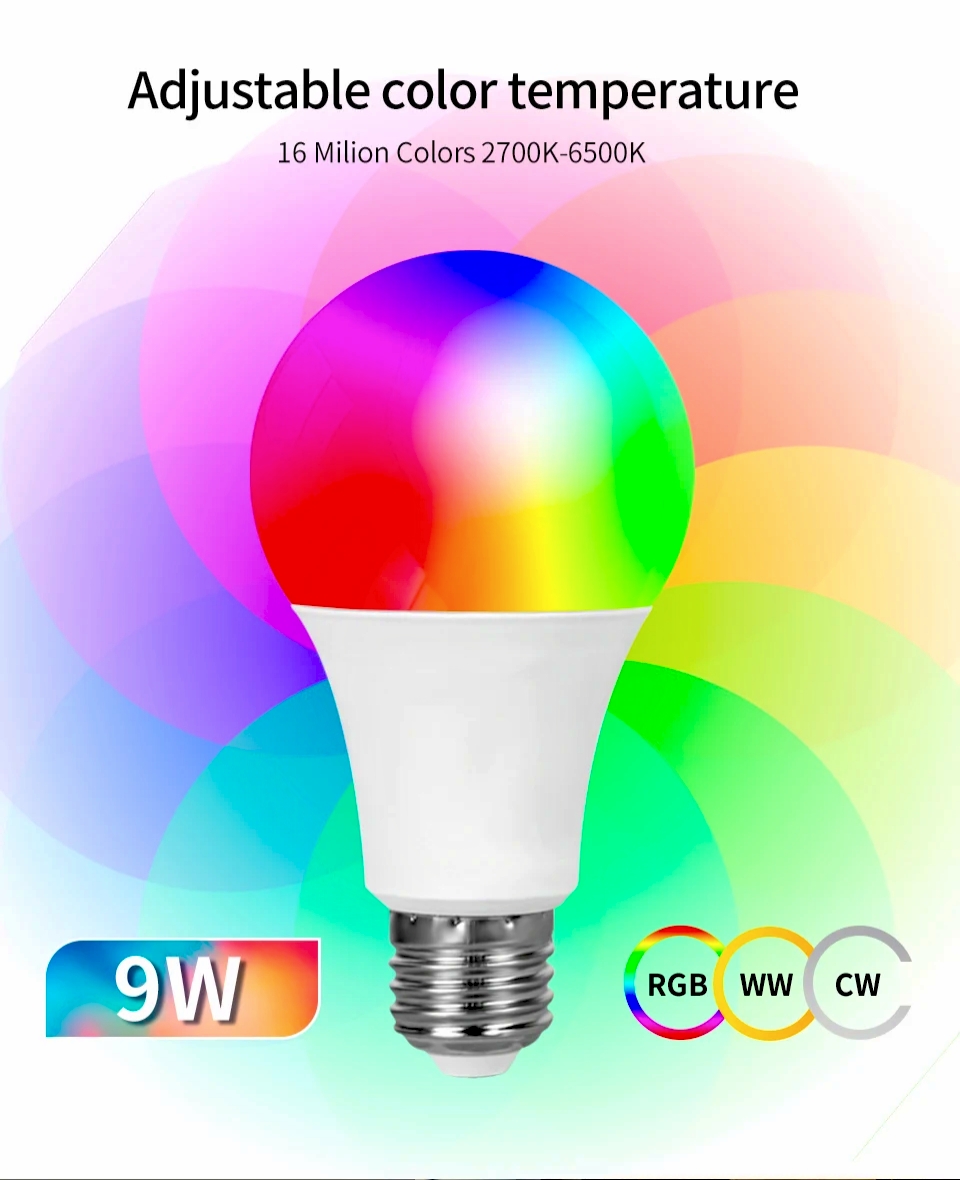
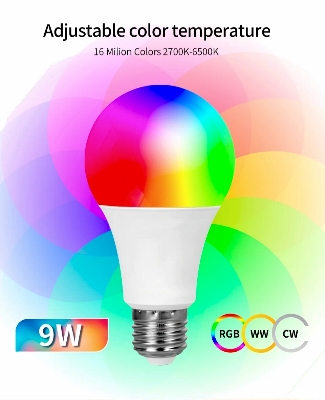
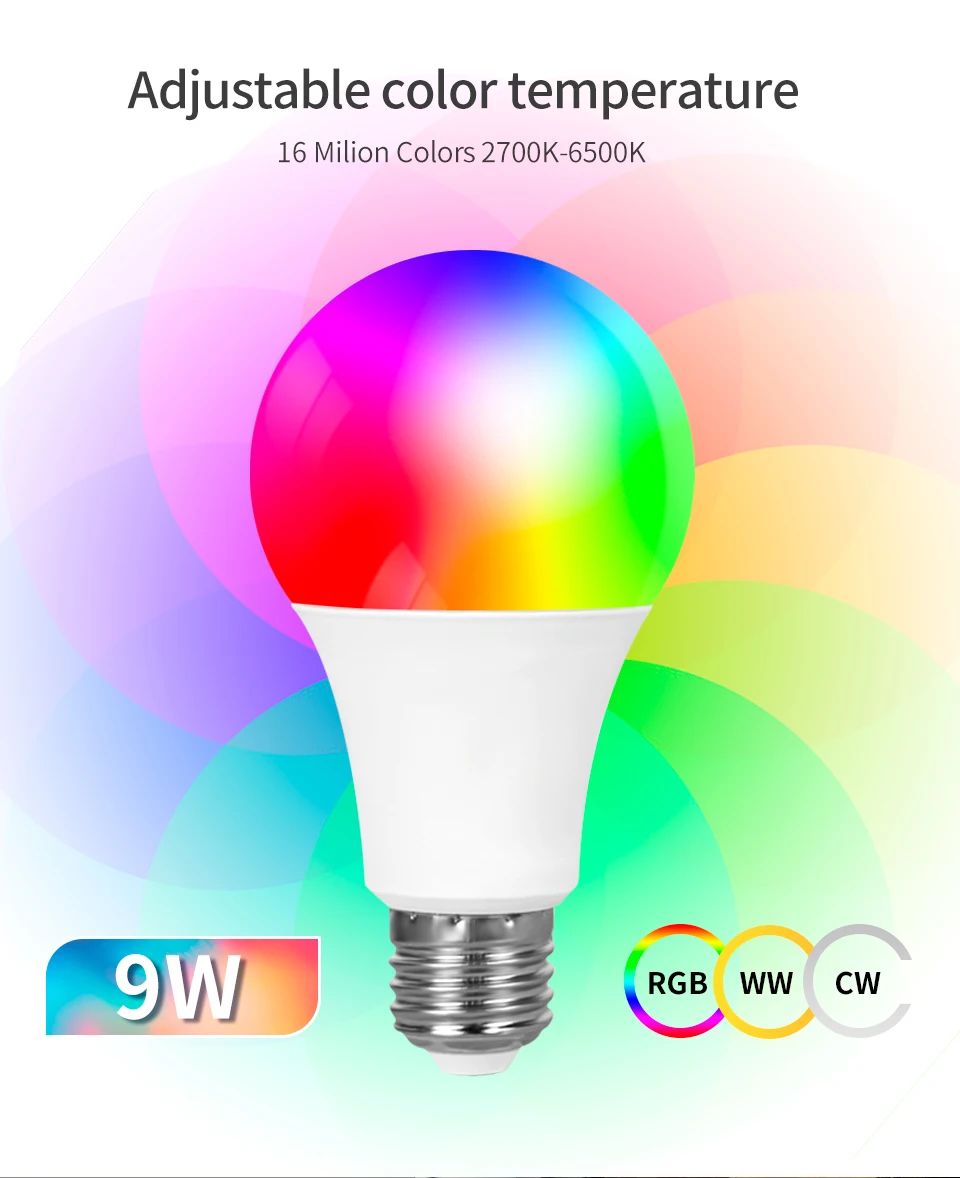
- Color temperature: RGB + Warm White + Cold White
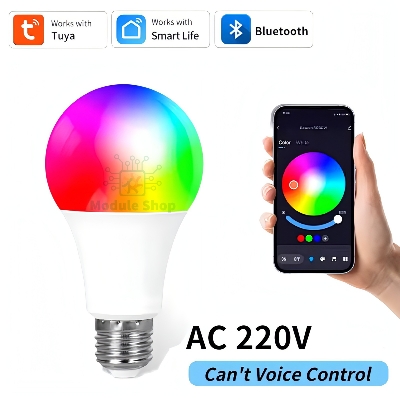
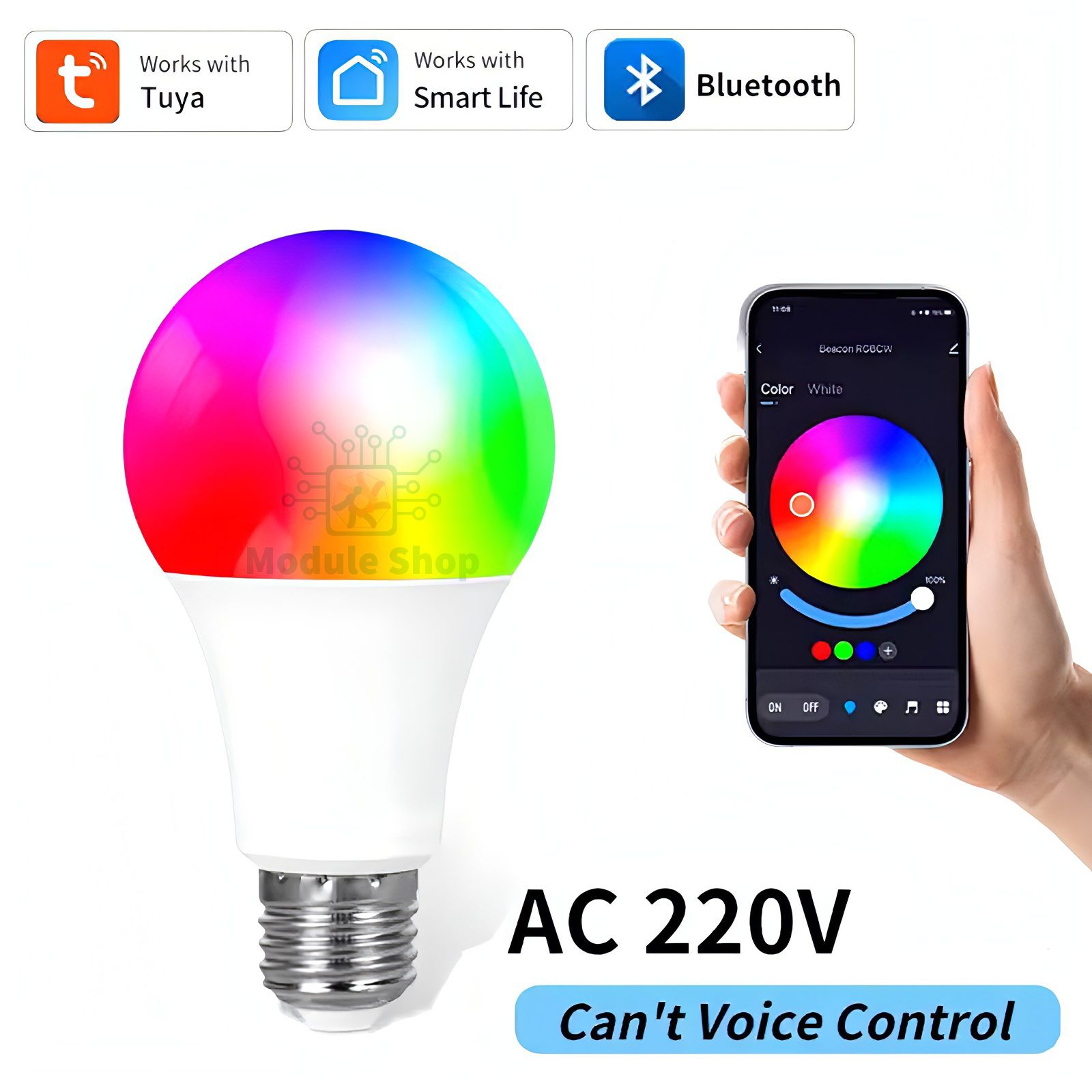
- Voltage: AC220V
- Wattage:9W
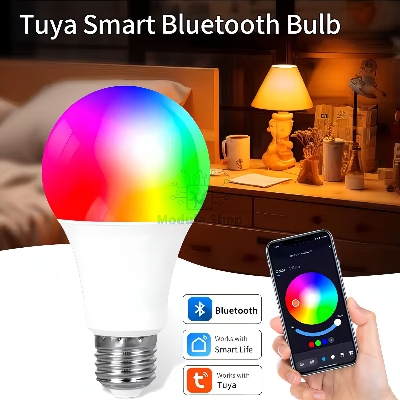
- APP Name: Tuya/Smart Life
- Features:
- 1) APP remote control: Tuya Smart APP/Smart Life APP
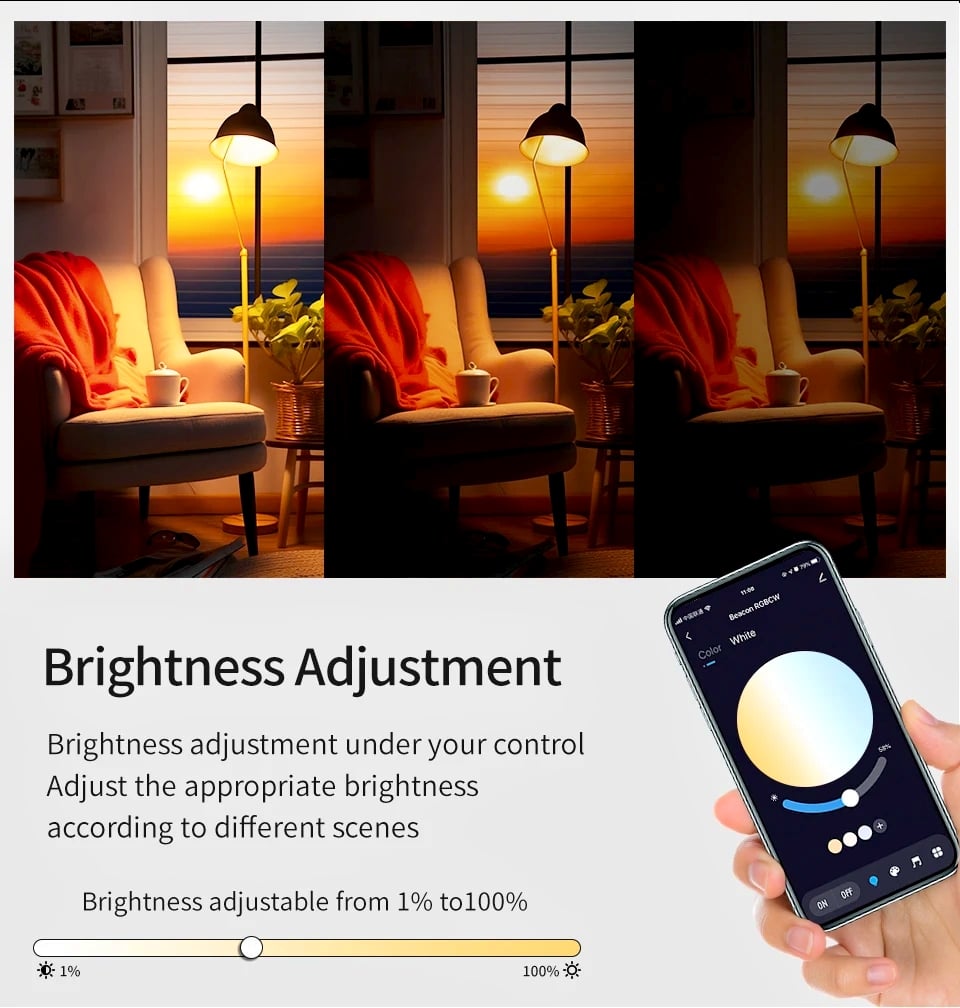
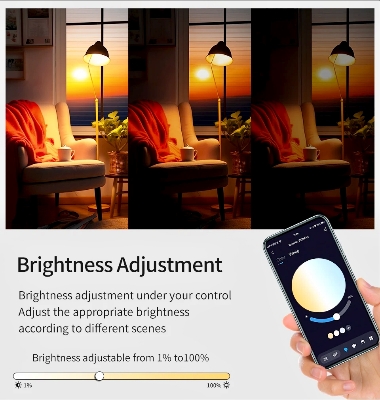
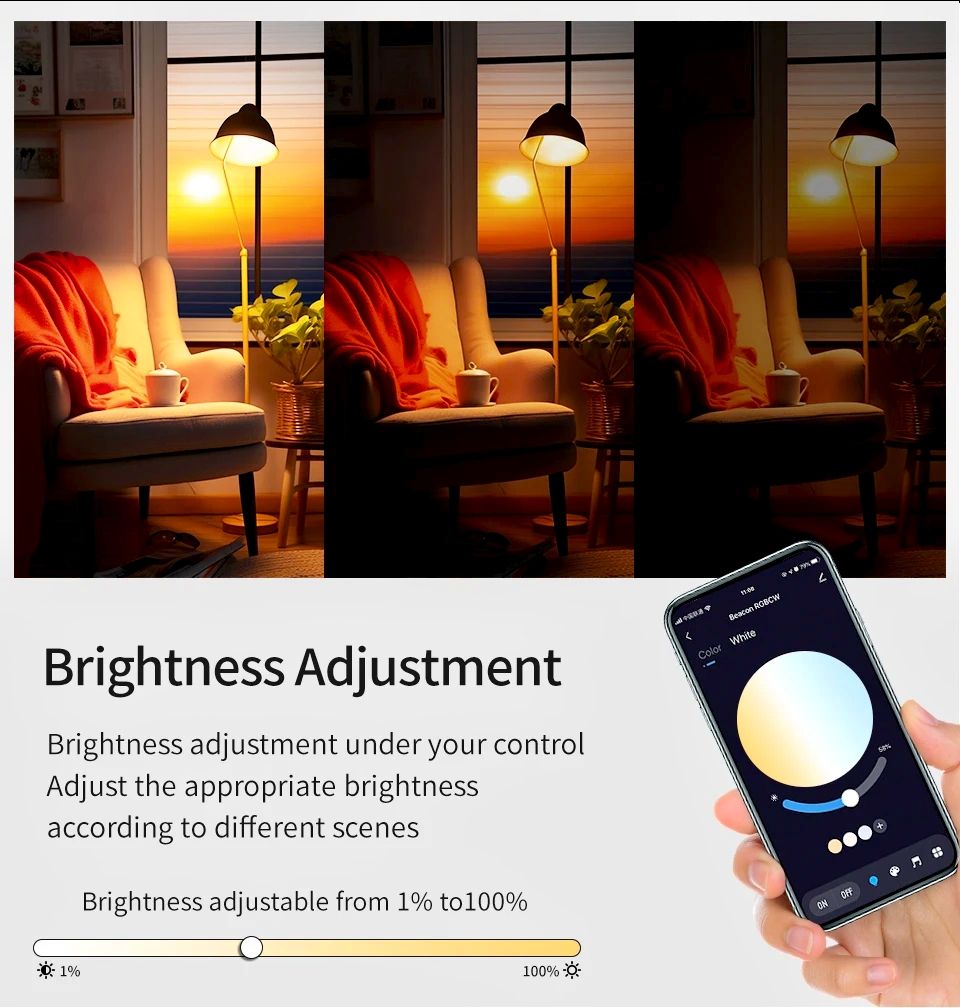
- can be used to remotely control the bulb on and off. change the light color, the brightness.etc
- 2)Timing: The bulb is automatically turned off at a given time through the timer function.
- 3) Share function: Can be shared with family
- 4) Colorful: 16 million colors for you to ch your life colorful. Adjust the color temper 2700-6500K, make the light you want.
- 5) Music Sync: The lighting brightness can be changed in sync with the beat of your favorite music, creating a relaxing and calm atmosphere. Change any room to a dance floor, or create a relaxed and peaceful atmosphere. Such as living room, kitchen, bedroom and so on.
- 6) Group Control: Control all lights simultaneously by creating groups and adding your lights to your group.
- How To Connect this Bulb in APP?
- 1. Use your phone to scan the OR code or search "Tuya" / "smart life" in Application market to download and install the APP.
- 2. Register: If you don't have an APP account, register an account or sign in with verification code by SMS.
- 3. Turn on the phone's Bluetooth.
- 4. in APP, choose "add device", choose "lighting", choose "light source BLE"
- 5. adjust the bulb to blink (turn on/off 5 times, on-off-on-off-on),
- How to reset and clear code of bluetooth light? turn on/ turn off for 9 consecutive times until the light
- flashes.
- Specification:
- Product name: Bluetooth smart Bulb
- Socket Type:E27
- Color temperature: RGB + Warm White + Cold White
- Voltage: AC220V
- Wattage:9W
- APP Name: Tuya/Smart Life
- Features:
- 1) APP remote control: Tuya Smart APP/Smart Life APP
- can be used to remotely control the bulb on and off. change the light color, the brightness.etc
- 2)Timing: The bulb is automatically turned off at a given time through the timer function.
- 3) Share function: Can be shared with family
- 4) Colorful: 16 million colors for you to ch your life colorful. Adjust the color temper 2700-6500K, make the light you want.
- 5) Music Sync: The lighting brightness can be changed in sync with the beat of your favorite music, creating a relaxing and calm atmosphere. Change any room to a dance floor, or create a relaxed and peaceful atmosphere. Such as living room, kitchen, bedroom and so on.
- 6) Group Control: Control all lights simultaneously by creating groups and adding your lights to your group.
- How To Connect this Bulb in APP?
- 1. Use your phone to scan the OR code or search "Tuya" / "smart life" in Application market to download and install the APP.
- 2. Register: If you don't have an APP account, register an account or sign in with verification code by SMS.
- 3. Turn on the phone's Bluetooth.
- 4. in APP, choose "add device", choose "lighting", choose "light source BLE"
- 5. adjust the bulb to blink (turn on/off 5 times, on-off-on-off-on),
- How to reset and clear code of bluetooth light? turn on/ turn off for 9 consecutive times until the light
- flashes.

Customer Questions and answers :
Login to ask a question
